
DIY Websites AI Website Builder
AI website builder with a free domainBuild a site in minutes with AI
Highlights
What you can do with it
- Building a personal or portfolio website
- Launching a small business website
- Creating a landing page for a product
How to use it
- 1 Open diywebsites.ai
- 2 Describe the site you want or start from a template
- 3 Edit pages, text and images in the AI editor
- 4 Adjust the style to match your brand
- 5 Publish with the included domain
Who it is for
Pros
- Fast path from idea to a published page
- Included domain removes a separate purchase step
- Money-back window reduces the risk of signing up
Limitations
- AI-generated layouts still need editing to look right
- The free domain is tied to the offer, so check renewal terms
- Template-based output limits how far you can customise
What DIY Websites AI Website Builder is
DIY Websites AI Website Builder is an AI platform for building websites. The core of it is an AI editor that generates pages for you, bundled with images and content so you are not starting from an empty canvas. Once the structure exists, the interface lets you customise the style and layout so the result reflects a brand rather than a default template. The stated promise is a professional-looking website within minutes, without design or coding work, which is aimed squarely at people who need something online today. The commercial offer includes a free domain and a 15-day money-back guarantee, which lowers the risk of trying it.
What you can do with it
- Generate a website structure with the AI editor
- Edit pages, text and images directly
- Customise style and layout to match a brand
- Publish a site using the included domain
- Build a landing page, a business site or a portfolio
Who it is for
- Small businesses that need a site online quickly
- Individuals building a personal or portfolio site
- Anyone who does not want to write code or hire a designer
What to watch out for
AI-generated layouts are a starting point. Expect to adjust spacing, replace stock imagery and rewrite placeholder text before the site looks like it belongs to you, and a site published without that pass looks generic. The free domain is part of the offer rather than a permanent gift, so read the renewal terms before you build a business around it. Template-based builders have a ceiling: once your design falls outside what the templates support, you will be fighting the tool. Use the 15-day window to test whether the output is genuinely good enough for your purpose before the guarantee expires.
FAQ
Do I need design or coding skills?
No, the platform is positioned as usable without design or coding work.
What is included?
An AI editor, images and content, customisable styling, a free domain and a 15-day money-back guarantee.
How long does it take?
The pitch is a professional website within minutes.
Why it is free
What the official page says: 免费
Free limits, trial length and features are decided by the official site and can change at any time.
Product preview
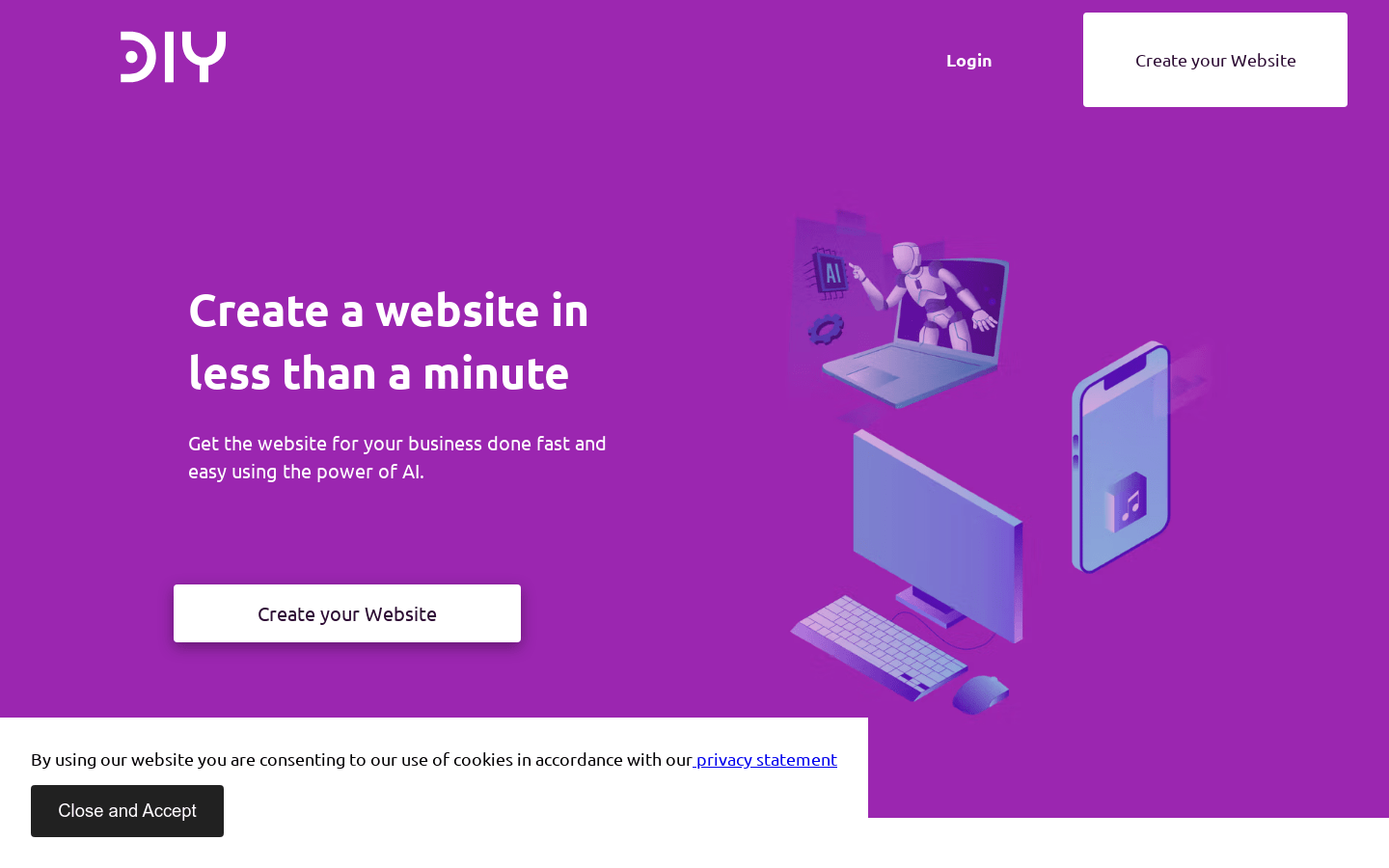
Screenshot archived from the listing page, for preview only.











