
Distributer
Browser extension for multi-platform publishingWrite once, publish everywhere
Highlights
What you can do with it
- Publish one article to several platforms at once
- Translate a post for platforms in other languages
- Check whether a distribution actually succeeded
How to use it
- 1 Install the Distributer extension from the browser store.
- 2 Register with your email and log in.
- 3 Connect the platforms you publish to.
- 4 Set the language for each platform.
- 5 Sync your content in one click and monitor the result.
Who it is for
Pros
- Removes repetitive re-uploading
- Per-platform language control
- Distribution status is visible in real time
Limitations
- Free access is a trial, with pricing on the official site
- Platform APIs change, so connected platforms can break
- Automated publishing still needs a human check before it goes live
What Distributer is
Distributer is a browser extension built for people who publish the same content in several places. You install it, register, connect the platforms you use, and then push an article or an update to all of them in one action instead of re-uploading it manually each time. The listing says it supports major self-media platforms worldwide, including Weibo and WeChat.
Around that core it adds the things that actually break in cross-platform publishing. AI translation adapts content to the language each platform expects, with custom language options per platform rather than one global setting. Real-time monitoring shows whether a distribution succeeded, which is the difference between knowing your post went out and assuming it did. There is also one-click content generation from keywords when you need something to publish and have not written it yet.
What you can do with it
- Distribute an article to several platforms in one click.
- Translate content per platform with AI.
- Monitor distribution status in real time.
- Generate content from keywords when you need to post quickly.
Who it is for
- Creators who post to several platforms every day.
- Teams managing content across regions and languages.
- Anyone who has stopped publishing somewhere because re-uploading was too tedious.
What to watch out for
Free access is a trial, and the listing points to the official site for pricing, so establish the cost before you build a routine around it. The bigger practical risk is upstream: platforms change their APIs and their rules about third-party publishing, and a connection that works this month can stop working next month. Check your connected accounts periodically rather than assuming silence means success.
Automated publishing removes the mechanical work but not the editorial one. A post that goes out with a broken image, a wrong link, or an awkward translation is still your name on it, so review before you sync.
FAQ
What is Distributer?
A browser extension that syncs and distributes articles and updates across multiple self-media platforms in one click.
Which platforms does it support?
The listing says all major self-media platforms worldwide, including Weibo and WeChat.
Does it translate content?
Yes, it offers AI translation with custom language options per platform.
Is it free?
It includes a free trial, with specific pricing details on the official website.
Why it is free
What the official page says: free trial
Free limits, trial length and features are decided by the official site and can change at any time.
Product preview
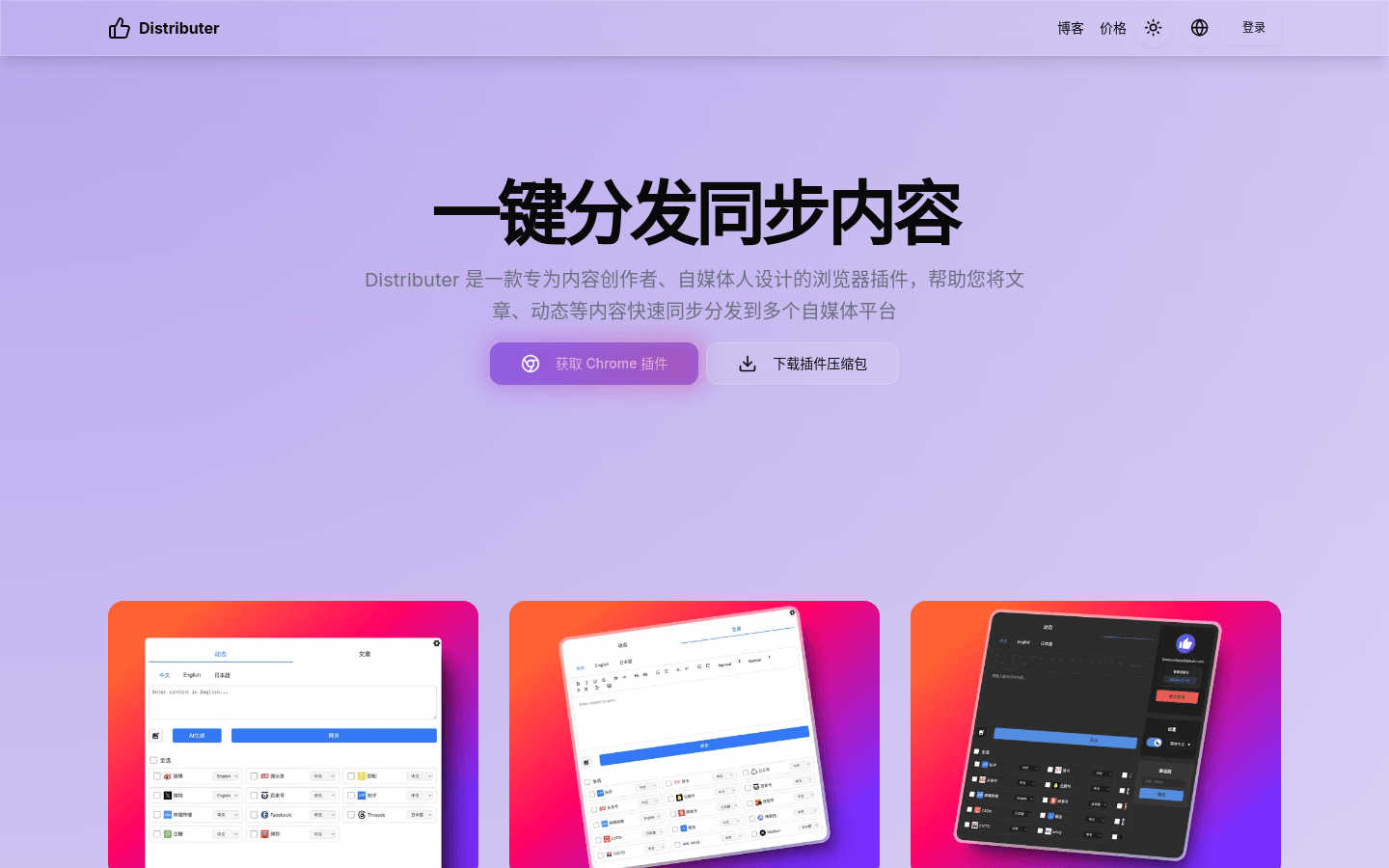
Screenshot archived from the listing page, for preview only.











