
Disney Pixar AI Image Generator
Free Disney and Pixar style AI image generatorTurn your photos into Disney and Pixar style art
Highlights
What you can do with it
- Turning a personal photo into a Disney-style avatar
- Posting animation-style artwork on social media
- Making a custom style gift for friends or family
How to use it
- 1 Open the generator website.
- 2 Upload the photo you want to restyle.
- 3 Choose the style you want applied.
- 4 Adjust details, colors, and background parameters.
- 5 Generate the image and save it.
Who it is for
Pros
- Listed as free to use
- Simple upload, choose, adjust flow
- Style and color controls give some variation
- Output is shareable straight away
Limitations
- Style is inspired by major studios, so terms of use deserve a look
- Results vary and a good output can take several tries
- Uploading photos of other people needs their consent
- Free access and limits can change without notice
What Disney Pixar AI Image Generator is
This is a free tool that restyles uploaded photos to look like Disney and Pixar animation. You upload a picture, pick a style, and adjust details, colors, and background parameters before generating. The listing describes the goal as bringing ordinary photos into the visual world of well-known animated films, and it is presented as free to use. There is no design experience described as necessary, and the output is meant to be saved and shared.
What you can do with it
- Restyle an uploaded photo in a Disney or Pixar look
- Choose between different style presets
- Adjust details, colors, and the background before generating
- Save the result as an avatar, a social post, or a gift
Who it is for
- People who want a stylized avatar from a normal photo
- Social media users posting animation-style artwork
- Anyone making a personalized gift for friends or family
What to watch out for
The style references major animation studios, which raises questions about how the output can be used. Personal avatars and gifts are one thing; anything commercial needs a look at the site's terms first. Quality varies between attempts, so expect to regenerate a few times. If you upload a photo of someone else, get their permission, because you are submitting their face to a third-party service. Free access and generation limits can change without notice, so do not build a workflow that depends on it staying free. Behavior may vary across browsers and devices, so test before production use and consult the help docs if errors appear. Features and interface details may change between versions, so review the latest notes on the page before you start.
FAQ
Is it free?
The listing describes it as a free Disney Pixar AI generator, with no paid tier mentioned.
What can I adjust?
You can choose from different styles and adjust details, colors, and background parameters of the generated image.
Can I use the images commercially?
Check the site's terms first. The style references well-known animation studios, and rights questions are not addressed in the listing.
Why it is free
What the official page says: 免费
Free limits, trial length and features are decided by the official site and can change at any time.
Product preview
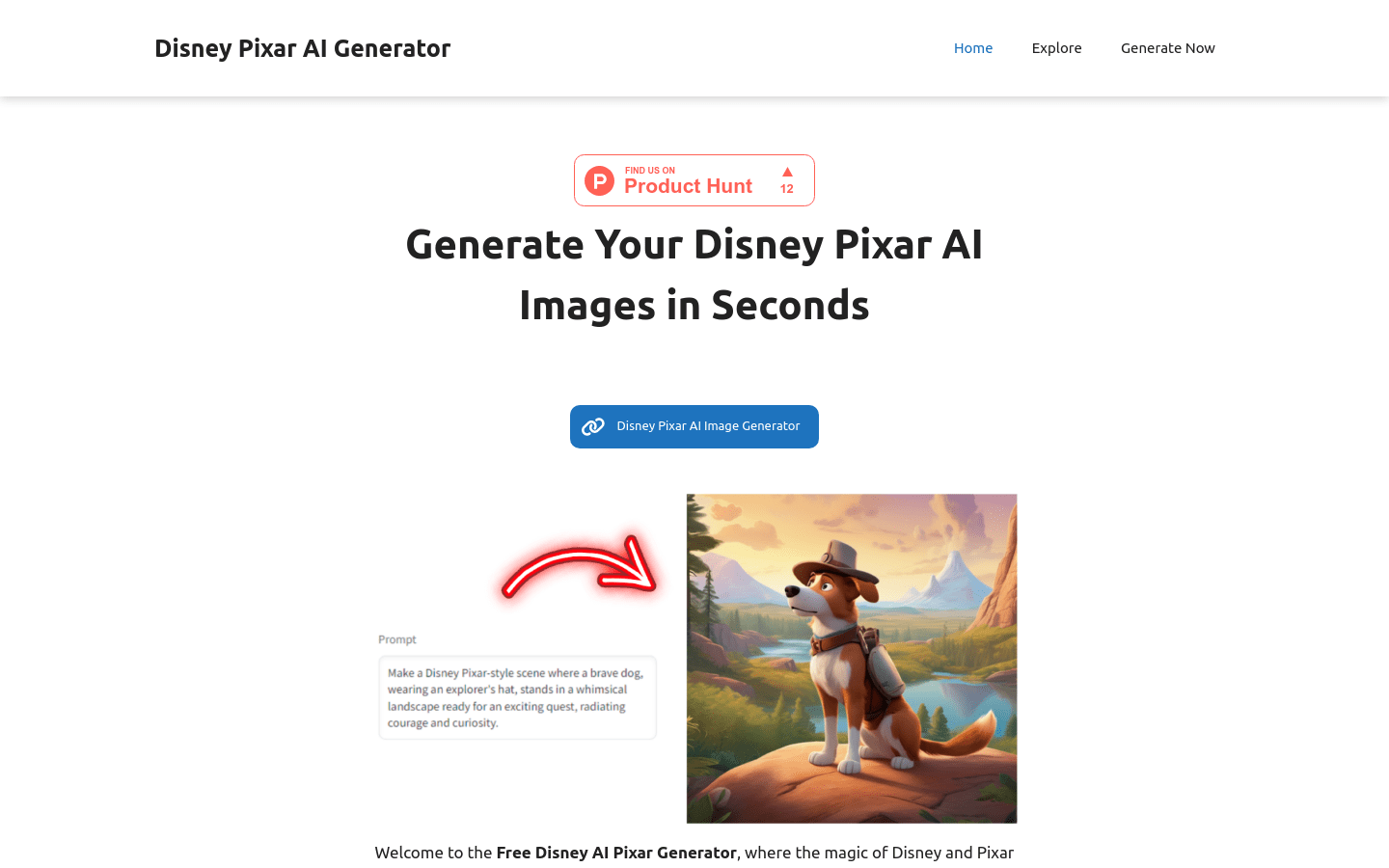
Screenshot archived from the listing page, for preview only.











