Dingdang EasyNote
AI transcription and summary for audio and videoTurn talks and videos into notes and mind maps
Highlights
What you can do with it
- A finance professional transcribes YouTube talks for interview prep
- An international student uses translation to study more efficiently
- A corporate trainer builds training materials from video summaries
- A content creator turns audio mind maps into new content
How to use it
- 1 Register and log in to the Dingdang EasyNote site.
- 2 Open My Space and follow the steps shown on the page.
- 3 Upload a file or paste the audio or video link.
- 4 Choose the transcription language and the output format.
- 5 Wait for processing, then review or download the transcript.
- 6 Use the personalized summary and export options such as Markdown or HTML.
Who it is for
Pros
- No download needed for supported platforms
- Several export formats including Markdown and HTML
- Mind maps and outlines help review
- Translation built into the workflow
Limitations
- Free trial limits, with VIP packages for more
- Accuracy depends on audio quality and accents
- Platform support can change if source sites change
- Language coverage varies by content
What Dingdang EasyNote is
Dingdang EasyNote, also known as ReadLecture, is an AI tool that transcribes and summarizes audio and video. It converts content into written transcripts, captures key moments, and adds translation, summarization, and mind map outlines on top of the raw text. Supported sources include mainstream platforms such as YouTube and BiliBili, parsed from a link so you do not have to download anything. Speakers can be identified automatically, several languages are supported, and personalized prompts let you shape the summary to what you actually need. Results export to Markdown, HTML, and other formats. A free trial and VIP packages are offered.
What you can do with it
- Turn audio and video into written transcripts.
- Parse links from supported platforms without downloading.
- Get chapter summaries, outlines, and mind maps.
- Translate content and export in Markdown or HTML.
Who it is for
- Students taking notes from lectures and online talks.
- Professionals preparing interviews and research.
- Corporate trainers building training materials.
- Content creators repurposing audio and video into notes.
What to watch out for
Free trial limits apply, with VIP packages needed for heavier use, so check the quotas before you commit a long course to it. Accuracy depends on audio quality, background noise, and accents, so a poor recording gives a poor transcript and the mind map inherits those errors. Platform support depends on the source sites, and when a video platform changes its page structure the parsing can break for reasons outside the tool's control. Language coverage also varies by content. Treat the output as a structured first draft that you correct, especially for anything you plan to quote or publish.
FAQ
Do I need to download the video first?
No. Supported platforms such as YouTube and BiliBili are parsed from a link.
What formats can I export?
Markdown, HTML, and other formats are supported.
Is there a free trial?
Yes, a free trial is offered alongside VIP packages.
Can it translate?
Yes, translation services in various languages are listed.
Why it is free
What the official page says: free trial
Free limits, trial length and features are decided by the official site and can change at any time.
Product preview
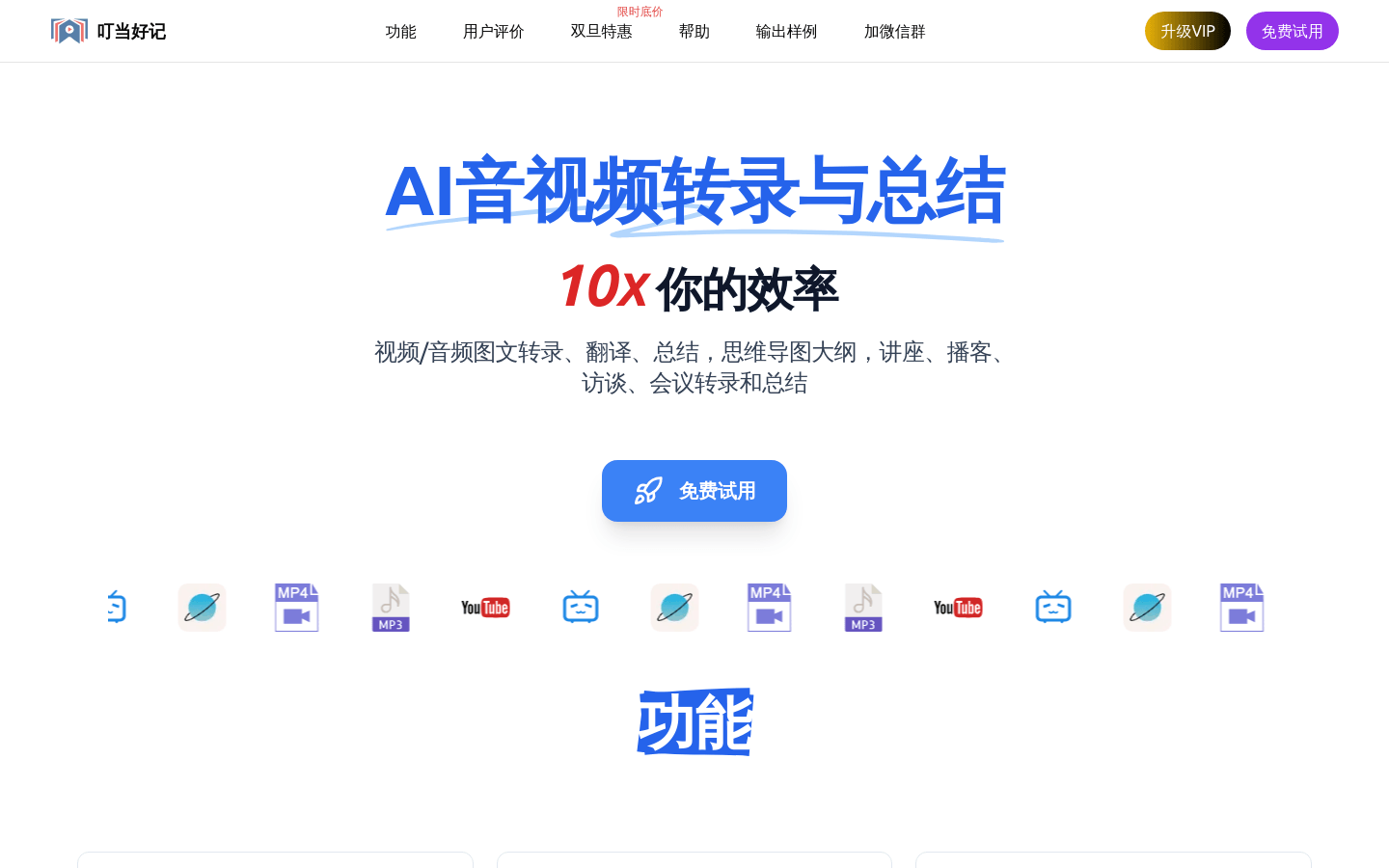
Screenshot archived from the listing page, for preview only.











