
Digma.ai
Runtime linter that spots risky code and bottlenecksCatch problems while you are still coding
Highlights
What you can do with it
- Find performance bottlenecks in a complex codebase
- Spot risky code and regressions while editing
- Add runtime evidence to code review and pull requests
How to use it
- 1 Install the Digma plugin in IntelliJ
- 2 Connect your application's OpenTelemetry runtime data
- 3 Keep the IDE open while you code and watch the highlighted issues
- 4 Review usage errors and performance baselines
- 5 Use the findings in code review and pull requests
Who it is for
Pros
- A free version is available for local experimentation
- Issues surface while you code, not after a build
- Runtime data gives evidence rather than guesswork
- Helps with legacy systems where knowledge is thin
Limitations
- It works inside IntelliJ, so other editors are out of scope
- You need OpenTelemetry data for the best results, which means setup
- Reading runtime data takes some learning for newcomers
- Local experimentation on the free version is limited compared with team use
What Digma.ai is
Digma.ai is a runtime linter for developers working in complex codebases. Instead of waiting for a test run or a production incident, it integrates into the IntelliJ IDE and continuously highlights issues, regressions and problems as you write. It collects runtime data using OpenTelemetry, and that data is what lets it identify risky code, potential errors and performance bottlenecks with real evidence. It also analyses usage errors and performance baselines, which helps when you are trying to understand what normal looks like. The product is positioned as a way to untangle legacy systems and to tighten the GitOps cycle so code review and pull request feedback carry more weight.
What you can do with it
- See risky code and regressions highlighted while editing
- Detect performance bottlenecks from runtime data
- Analyse usage errors and performance baselines
- Bring runtime evidence into code review
- Work through legacy systems with better information
Who it is for
- Developers in large or legacy codebases
- Teams that want data behind code review decisions
- Engineers debugging performance without manual reproduction
- Anyone maintaining code they did not write
What to watch out for
It lives inside IntelliJ, so if your team uses another editor this is not the right tool. The best results depend on OpenTelemetry data, which means instrumentation and setup work before you see value. Reading runtime analysis has a learning curve, so expect time before the signals become useful to you. The free version is aimed at local experimentation, so wider team use and longer data retention belong on paid plans. Run one full task end to end first, then expand once you are comfortable with the workflow and the result quality.
FAQ
What is Digma.ai?
It is a runtime linter that helps developers find risky code, potential errors and bottlenecks in complex codebases.
Where does it run?
It integrates into the IntelliJ IDE and highlights issues as you code.
How does it get runtime data?
It collects code runtime data using OpenTelemetry.
Is there a free version?
Yes, developers can use a free version to experiment in a local environment.
Why it is free
What the official page says: free version
Free limits, trial length and features are decided by the official site and can change at any time.
Product preview
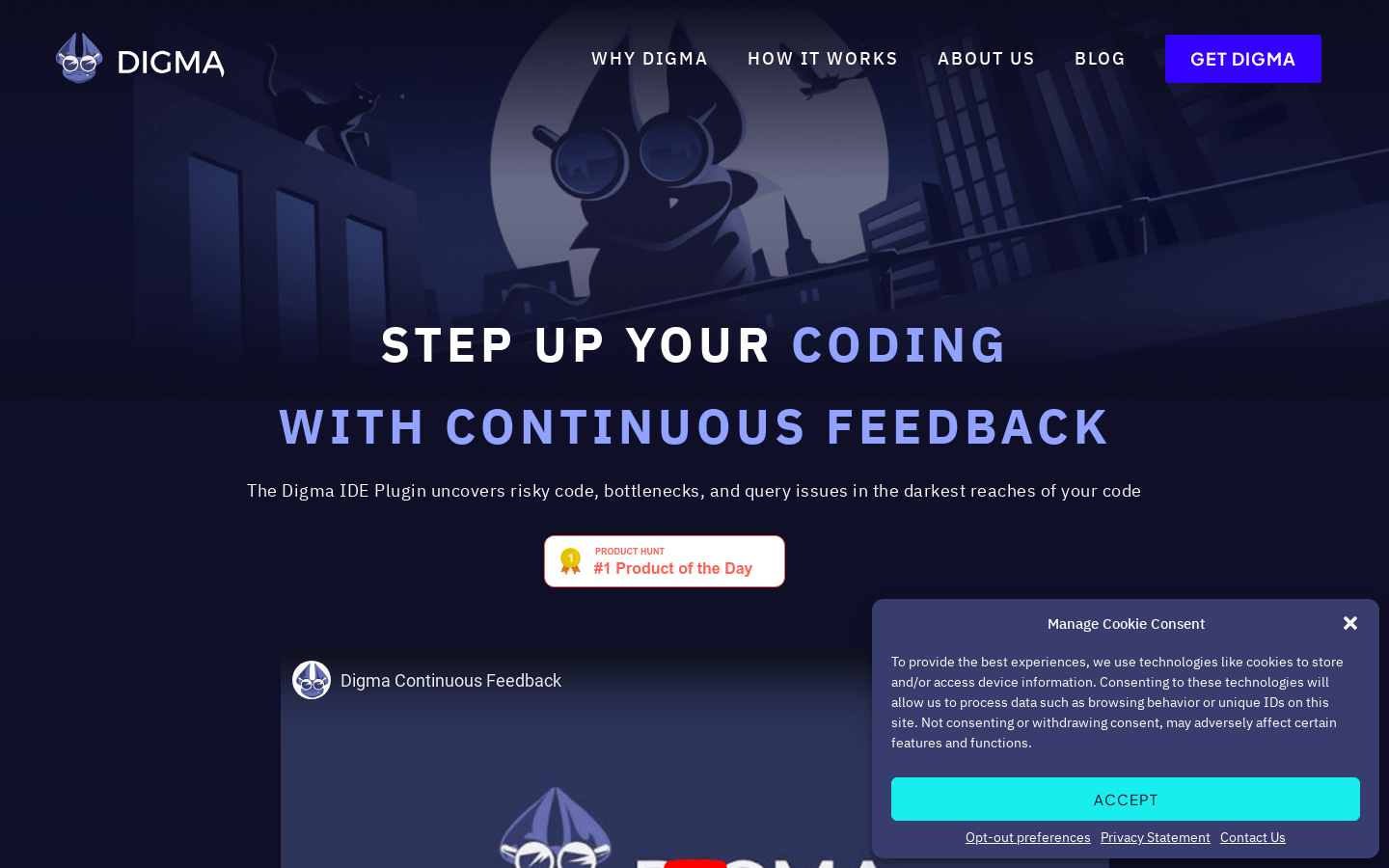
Screenshot archived from the listing page, for preview only.











