
DiffusionBee
Free offline AI art generator for your computerStable Diffusion images, generated locally and free
Highlights
What you can do with it
- Turn a written description into an image with text-to-image
- Rework an existing picture through image-to-image or inpainting
- Upscale or extend a finished image without opening another tool
How to use it
- 1 Download DiffusionBee and install it on your computer
- 2 Open the app and select a model, including a custom model if you have one
- 3 Choose text-to-image or image-to-image, then enter your prompt or upload a file
- 4 Adjust advanced options such as sampling steps if you want more control
- 5 Generate the image, then save it or run an upscale pass
Who it is for
Pros
- Completely free with no stated limits on generation
- Local processing keeps the whole pipeline on your own device
- Wide feature set from inpainting to upscaling inside one app
Limitations
- Free terms can change and the project has not promised otherwise
- Speed depends on your own hardware, so weaker machines will be slower
- Custom models and advanced options take time to learn for newcomers
What DiffusionBee is
DiffusionBee is a free application that generates AI art on a computer using Stable Diffusion. The listing describes it as completely free, able to run offline, and free of usage restrictions. Because generation happens entirely on your own machine, images are produced locally rather than on a remote server, and the vendor presents that local process as a privacy benefit. The feature list covers text-to-image, image-to-image, inpainting, outpainting, upscaling, custom models, and advanced options. An active community is listed as a place for support and interaction.
What you can do with it
- Turn a written description into an image with text-to-image
- Rework an existing picture using image-to-image or inpainting
- Extend a scene past its original edges with outpainting
- Upscale a result and load custom models for more control
Who it is for
- Hobby artists who want image generation without paying a subscription
- Privacy-minded users who would rather not upload photos to a server
- People who already understand Stable Diffusion and want a desktop interface
What to watch out for
Local generation depends entirely on your own hardware. Speed and image size are limited by what your machine can handle, and heavier models can take noticeably longer than a cloud service. Custom models and advanced options carry a learning curve, so first-time users should expect to spend time reading documentation and testing settings. The listing states that the tool is free, but free terms can change, so confirm current conditions on the official site before you build a regular workflow around it. Generated images also remain subject to copyright and platform rules wherever you publish them, and the app itself will not settle those questions for you.
FAQ
Is DiffusionBee really free?
The listing describes it as completely free and the price field says free. Check the official site for current terms before you rely on it.
Does it need an internet connection?
It is described as running offline, so generation works without a connection once installed. Downloading models may still require going online.
Can I load my own models?
Yes. Custom models and advanced options are both listed among the features.
Why it is free
What the official page says: completely free
Free limits, trial length and features are decided by the official site and can change at any time.
Product preview
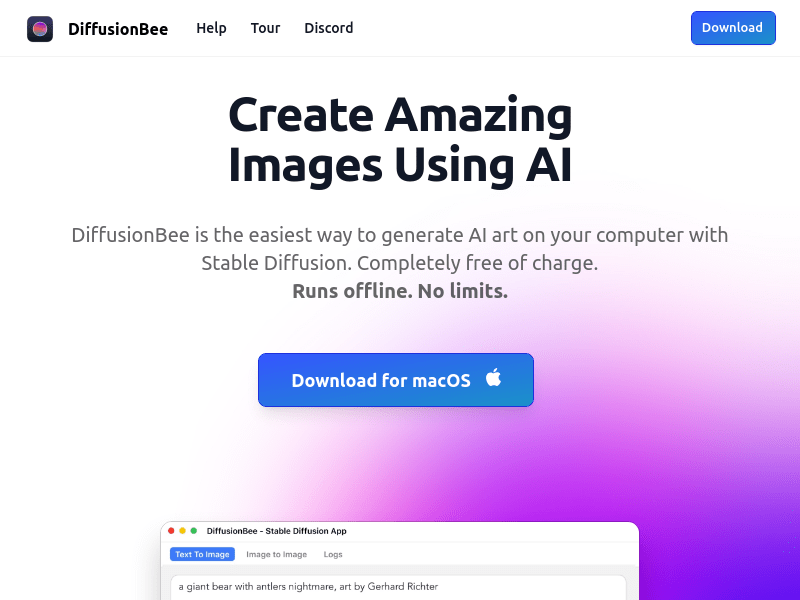
Screenshot archived from the listing page, for preview only.











