DianDian Design
AI drawing tool for text-to-image artOne-click text to image, multiple styles
Highlights
What you can do with it
- Create your own avatar
- Convert text to images
- Create unique patterns
How to use it
- 1 Open the DianDian Design website
- 2 Enter a text description of what you want
- 3 Choose a painting style
- 4 Generate the image with one click
- 5 Download the result
Who it is for
Pros
- Simple interface with one-click creation
- Multiple painting styles
- Free version available
- Suits both individuals and small teams
Limitations
- The free version has limits compared with paid
- Free and paid rules can change
- Output depends on the description and chosen style
- Advanced needs may require the paid version
What DianDian Design is
DianDian Design is an AI drawing tool with advanced algorithms and support for multiple painting styles. It offers a simple and user-friendly interface, enables flexible conversion from text to images, and allows one-click creation so the creative process stays smooth. The product targets individual users and small to medium-sized enterprises, and it provides both free and paid versions to meet different needs. It is built for people who want to turn an idea into a picture quickly without learning a full design program.
What you can do with it
- Convert text descriptions into images
- Choose from multiple painting styles
- Create personal avatars and unique patterns
- Generate images with one click
Who it is for
- Individual users who want custom avatars
- Small and medium-sized businesses needing quick visuals
- Designers exploring AI-generated patterns
- Anyone who wants text-to-image output without complex tools
What to watch out for
The free version has limits compared with the paid version, and the split between free and paid features can change. Output quality depends on your description and the style you pick, so vague prompts tend to give plainer results. Advanced or commercial needs may push you toward the paid version. Because it is an online tool, availability can vary, so confirm the page loads before you plan a batch of images. Generated suggestions are for reference only, so verify anything that affects professional judgment or important data. Start with a small sample to confirm the output meets your expectations before processing the full batch. Save a backup of the original file before large batch jobs, and keep an exported copy of key results in case the page or service becomes temporarily unavailable.
FAQ
Is there a free version?
Yes, it provides both free and paid versions.
What can I create?
Avatars, text-to-image conversions, and unique patterns.
Do I need design skills?
The interface is simple and intuitive, with one-click creation.
Who is it for?
Individuals and small to medium-sized enterprise users.
Why it is free
What the official page says: 免费
Free limits, trial length and features are decided by the official site and can change at any time.
Product preview
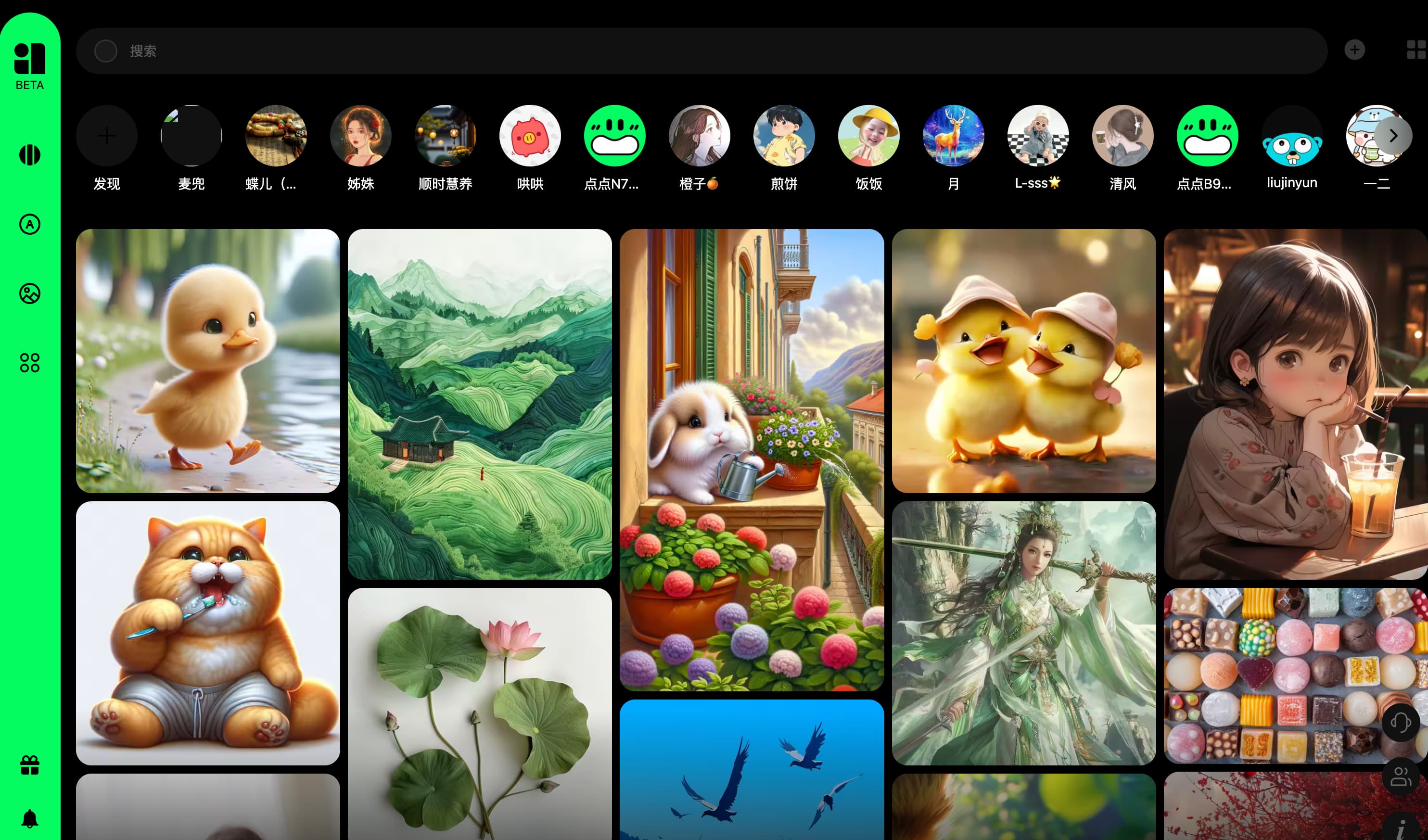
Screenshot archived from the listing page, for preview only.











