
DeskClaw
Run a powerful AI agent on your desktop without a terminalA desktop AI agent you can set up in minutes, no terminal or config
Highlights
What you can do with it
- Ask the agent to summarize the five most important emails of the day.
- Have it search the web for the latest news and return a short brief.
- Send instructions from your phone so the PC downloads a file while you are away.
How to use it
- 1 Download DeskClaw for Windows or macOS and install it.
- 2 Register with an email address to get a free quota, no credit card.
- 3 Chat with the assistant and connect Telegram or WhatsApp for remote control.
- 4 Track your usage on the dashboard and top up when you need more.
Who it is for
Pros
- No terminal or configuration files, so setup takes minutes.
- Several major AI models included without separate API keys.
- Mobile control through Telegram and WhatsApp.
Limitations
- The free quota is limited; heavier use means pay-per-use or a subscription, and those terms can change.
- It depends on the upstream OpenClaw project, so model or feature changes there can affect the app.
- Letting an agent touch your email or files means granting access, so review permissions carefully.
What DeskClaw is
DeskClaw is a desktop application that runs the OpenClaw AI agent without requiring terminal commands or configuration files. It is aimed at people who want the power of an open-source agent but do not want to set one up by hand. The app bundles several leading AI models, including Claude, GPT, Gemini, and Qwen, so you do not need to apply for API keys or manage separate subscriptions. There is a free download that comes with a free quota, and you can top up by paying per use or subscribing. It is built on the open-source OpenClaw project, which has a large following on GitHub, so the underlying agent keeps improving upstream while the desktop app stays simple. A usage dashboard shows how much you have spent so the costs never surprise you.
What you can do with it
- Chat across multiple sessions for work, personal, and project topics.
- Control the agent from Telegram or WhatsApp on your phone.
- Use real-time web search for news, weather, documents, and prices.
- Add 10 pre-installed skills or drag in one of 200 free AI roles.
Who it is for
Non-technical users who want an agent without setup, business people who handle email and research, developers who like the built-in models, and students who need a research helper. If you have been curious about AI agents but put off by the command line, this lowers that barrier and puts the agent behind a normal desktop window, no coding required.
What to watch out for
The free quota is a trial, not an unlimited plan, and pay-per-use or subscription terms can change over time, so confirm current pricing before you depend on it. Because DeskClaw sits on top of the upstream OpenClaw project, changes to that project or to the bundled models can affect what the app can do. Finally, when the agent manages your email or files you are granting it real access, so review what permissions you give and keep sensitive accounts separate from day-to-day tasks to avoid mistakes.
FAQ
Do I need API keys for the AI models?
No, DeskClaw includes several leading models so you do not apply for keys or subscribe separately.
Which systems does it run on?
Windows and macOS.
How do I get started?
Download the app, register with an email, and you get a free quota without a credit card.
Why it is free
What the official page says: 免费额度免费
Free limits, trial length and features are decided by the official site and can change at any time.
Product preview
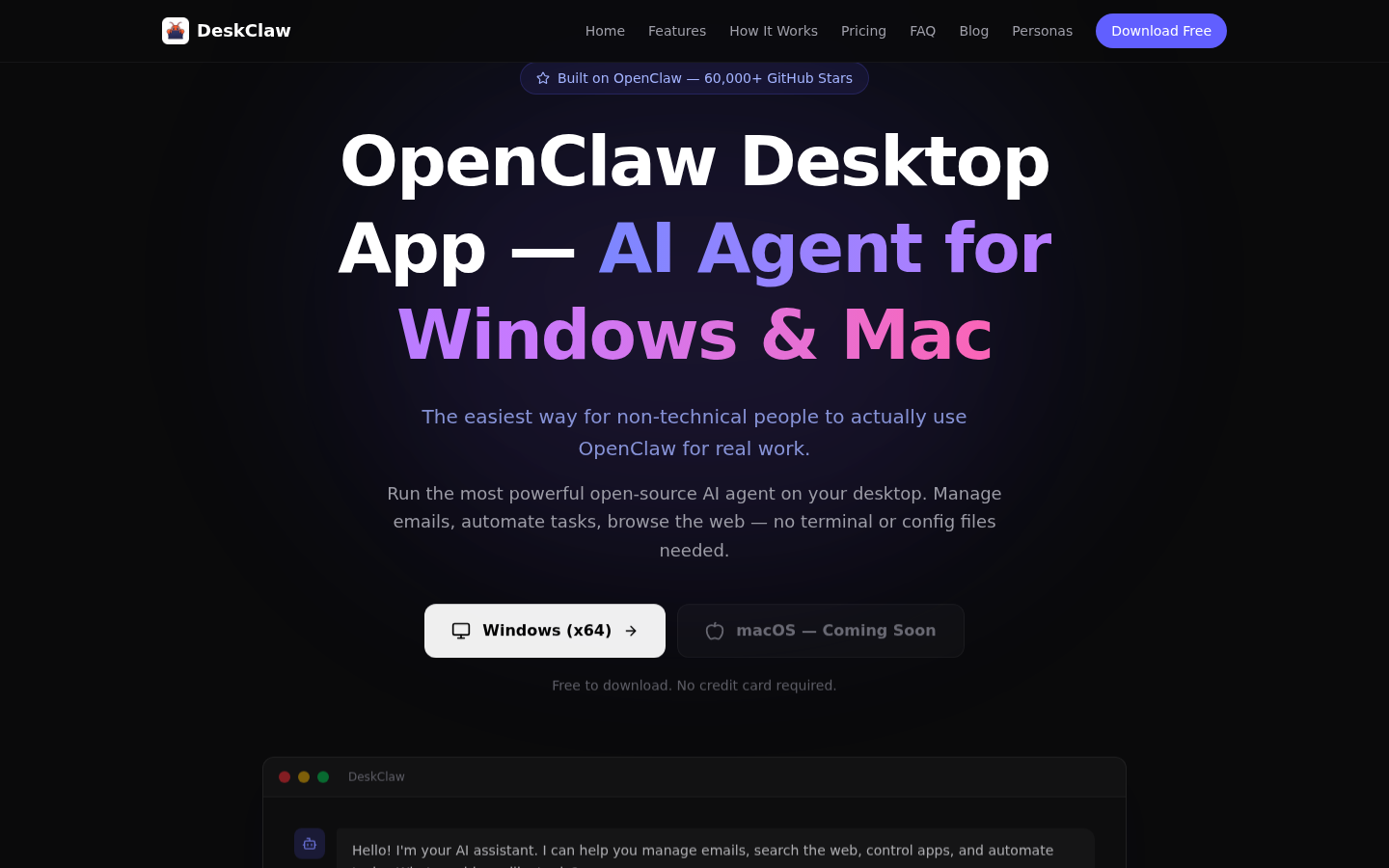
Screenshot archived from the listing page, for preview only.











