
Designify
All-in-one design platform for graphics and layoutDesign, edit, and lay out in one place
Highlights
What you can do with it
- Creative design work that needs several tools in one session
- Graphic editing jobs on existing images and assets
- Layout design for posters, pages, and marketing pieces
How to use it
- 1 Open Designify and choose the function you need, such as graphic design or typesetting.
- 2 Create a new piece or upload the assets you want to work with.
- 3 Edit, arrange, and lay out the content with the built-in tools.
- 4 Use the color matching tools to settle the palette.
- 5 Save or export the finished design, and move to a paid plan if you need more.
Who it is for
Pros
- Many design functions collected in one platform
- A free version is available alongside paid plans
- Works for individual designers and teams
- Covers editing, typesetting, and layout together
Limitations
- The feature list is broad, so depth per tool varies
- The free version has limits that push you toward paid plans
- Pricing and availability are set by the vendor and can change
- New users need time to learn where each function lives
What Designify is
Designify is an all-in-one platform that gathers several design tools into a single site. The listed functions cover graphic design, typesetting, color matching, creative design, graphic editing, and layout design. In practice that means one session can carry a piece from a rough idea through editing and arrangement to a finished layout, without jumping between separate apps. Both free and paid versions are offered, which makes it usable for a solo designer as well as a small team. The idea behind the product is convenience: fewer tabs, fewer subscriptions, and tools that sit next to each other instead of in separate windows.
What you can do with it
- Build graphic design pieces from scratch or from uploaded assets.
- Set type and arrange text heavy pages with the typesetting tools.
- Adjust and settle palettes with the color matching functions.
- Edit existing graphics and assemble final layouts.
Who it is for
- Individual designers handling day to day jobs.
- Small design teams that share assets and layouts.
- People who need occasional layout and editing work.
- Anyone who would rather pay for one site than several subscriptions.
What to watch out for
The function list is broad, which usually means each tool is solid rather than deep. If you need advanced print production or heavy illustration, you may still reach for a dedicated app. The free version has limits, so check what is included before you commit a real project to it. Pricing and availability are set by the vendor and can change without notice. New users should also expect a learning curve while they work out where each function lives and how the pieces fit together, and file compatibility with other design software is worth testing early rather than at delivery time.
FAQ
Does Designify have a free plan?
The listing notes both free and paid versions, so you can start free and upgrade later.
What design tasks can it handle?
Graphic design, typesetting, color matching, graphic editing, creative design, and layout design.
Is it suitable for teams?
It is described as suitable for individual designers and teams.
Why it is free
What the official page says: 免费
Free limits, trial length and features are decided by the official site and can change at any time.
Product preview
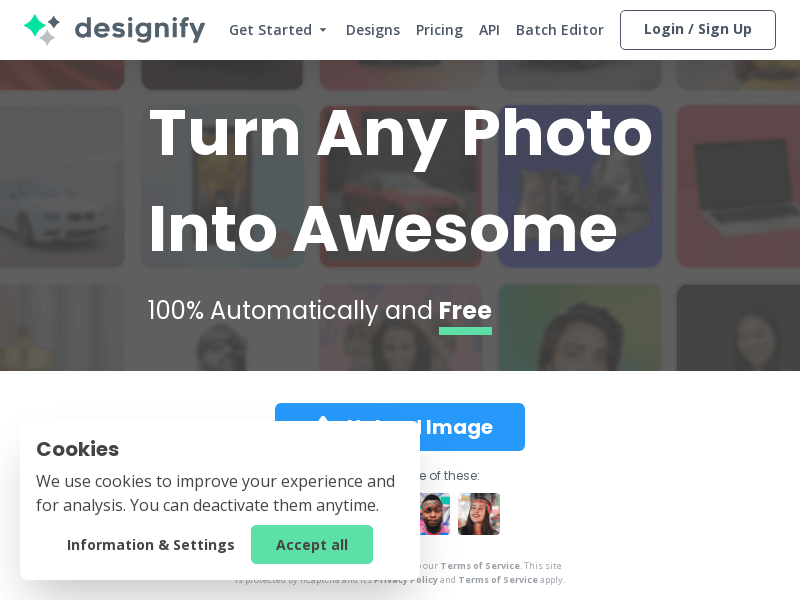
Screenshot archived from the listing page, for preview only.











