
Design0
AI design toolTurn text into images and designs
Highlights
What you can do with it
- Creating promotional posters for products or campaigns.
- Turning floor plans into realistic 3D interior renderings.
- Generating game characters and concept art in various styles.
How to use it
- 1 Register and log in to receive 25 free credit points.
- 2 Pick the function you need, such as text to image or editing.
- 3 Enter prompts or upload sample images as guided.
- 4 Spend credits to generate, then download or save the result.
Who it is for
Pros
- New users get 25 free credits to try the tools.
- Text-to-image and describe-to-edit keep the workflow simple.
- A wide feature set covers posters, styles, 3D, and game art.
Limitations
- Credits run out, and extra credits must be purchased.
- Credit pricing and free allowances can change over time.
- Results still need review before professional or commercial use.
What Design0 is
Design0 is an AI design tool built to make design simple for people without a professional background. The core idea is that you describe what you want and the AI turns your text into matching images. Beyond generation, it offers intelligent image editing, where you describe the change and the AI applies it, and you can upload sample images to guide the result. A built-in element library helps you organize and search design assets, and the platform covers posters, photo style conversion such as oil painting or cartoon, turning floor plans into realistic 3D renderings, and game concept art. Pricing runs on a credit system. New users receive 25 free credit points on registration, 100 credits cost one dollar, and a five-dollar purchase adds 100 extra credits, so the tool is positioned as an easy-to-use AI design platform for a wide audience.
What you can do with it
- Turn text prompts into matching images in a few steps.
- Edit images by describing the changes you want to see.
- Organize and search design elements in the built-in library.
- Make posters, convert photo styles, render 3D interiors, and create game art.
Who it is for
- Non-professional designers who want simple AI help.
- Artists and creators who need to visualize concepts fast.
- Enterprises and individuals who need posters or interior visuals.
What to watch out for
Credits are the limit on how much you can create, and once the free 25 are used you will need to buy more. Credit pricing and free allowances can change over time, so check the current rates before you plan a large batch of work. Generated images still need a human review before professional or commercial use, since small details can be wrong. As with any generative tool, be careful about style and likeness, and make sure your final output respects the rights of others.
FAQ
How does Design0 charge for use?
It uses a credit system. New users get 25 free credits on registration, 100 credits cost one dollar, and a five-dollar purchase adds 100 extra credits.
Can I edit an image by describing changes?
Yes. You describe the edits you want and the AI applies them, and you can also upload sample images.
What kinds of designs can it make?
It can create posters, convert photo styles, turn floor plans into 3D renderings, and generate game concept art.
Why it is free
What the official page says: 免费
Free limits, trial length and features are decided by the official site and can change at any time.
Product preview
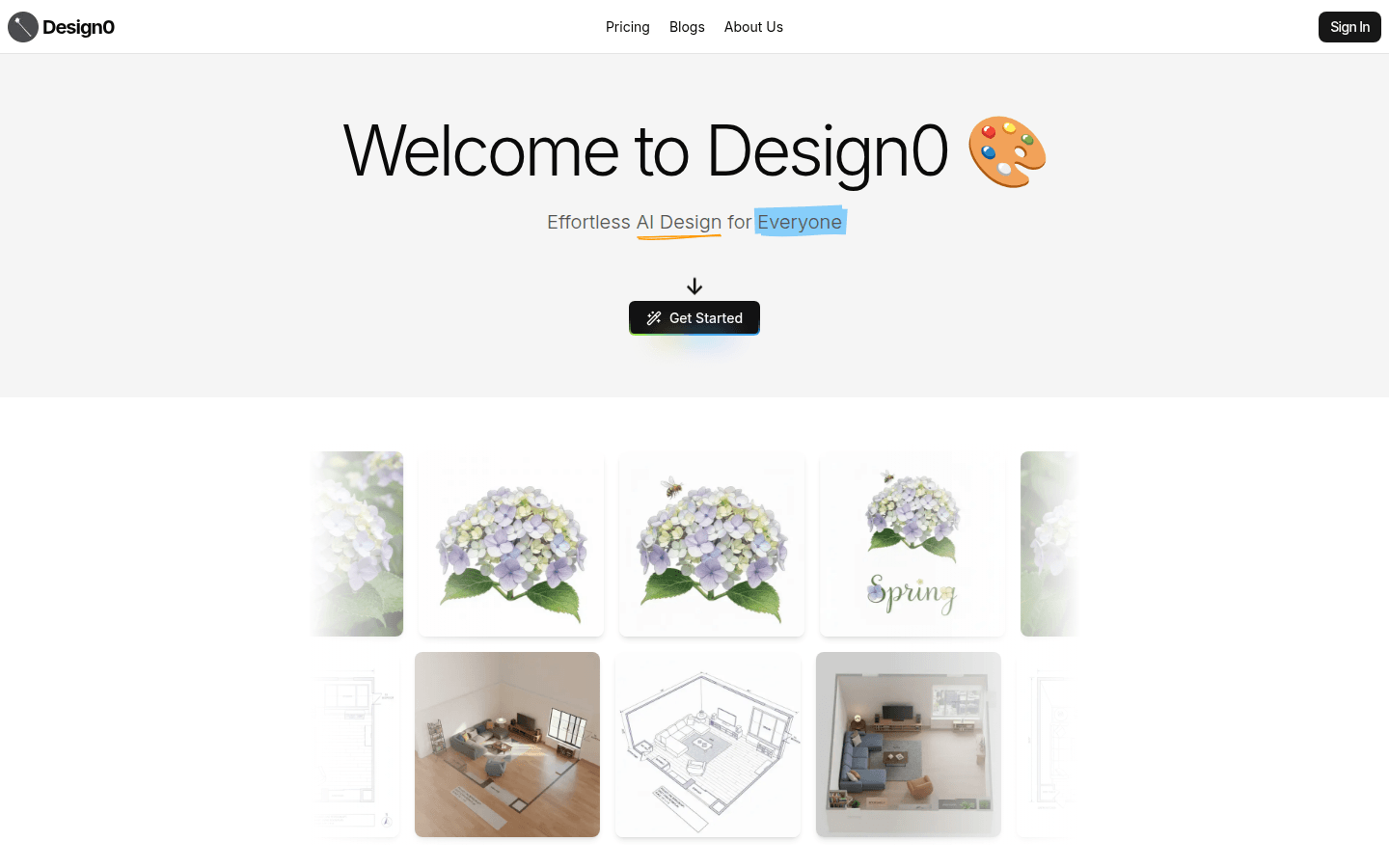
Screenshot archived from the listing page, for preview only.











