Descript
Edit video and podcasts like a documentTranscribe, edit, and publish in one app
Highlights
What you can do with it
- Podcast production from recording to published episode
- Video content editing for social and marketing
- Team collaboration with shared projects and clips
How to use it
- 1 Create a project and record or upload your media.
- 2 Let Descript transcribe the audio into text.
- 3 Edit by cutting, moving, and rewriting the words.
- 4 Fix audio problems with Overdub instead of re-recording.
- 5 Export clips and publish to your channels.
Who it is for
Pros
- Text based editing is easy to learn
- Covers recording through publishing in one tool
- Free to try before paying
- Collaboration and sharing built in
Limitations
- Paid plans start at $12 per month
- Free use has limits on projects and exports
- Transcription accuracy varies with audio quality
- Overdub creates a synthetic voice, so consent and platform rules apply
What Descript is
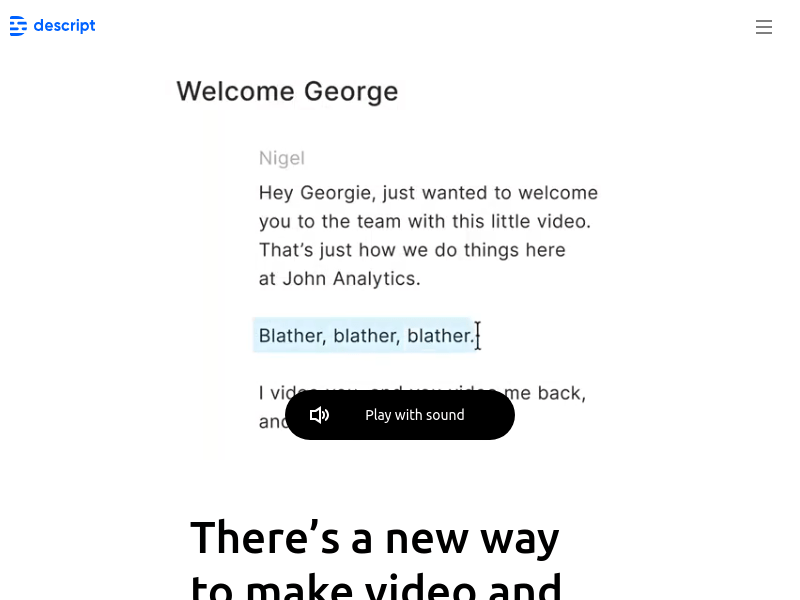
Descript is an editing tool for video and podcasts that works like a document. You write, record, transcribe, edit, collaborate, and share in one place. Multi track audio editing, real time screen recording, transcription, clip creation, and publishing are all part of the package, so a single project can carry an episode from raw recording to published clip. Overdub handles spoken mistakes without a re-record. Security, integrations, and an API are listed for teams that need to fit Descript into a larger setup. You can try it for free, with paid plans starting at $12 per month.
What you can do with it
- Transcribe recordings into editable text.
- Edit video and audio by cutting and rearranging words.
- Record your screen in real time alongside audio.
- Cut clips and publish them to your channels.
Who it is for
- Podcasters recording and publishing episodes.
- Video creators cutting content for social platforms.
- Marketing and content teams sharing projects.
- Anyone who finds a traditional timeline intimidating.
What to watch out for
Paid plans start at $12 per month, so this is a subscription rather than a one off purchase, and free use has limits on projects and exports. Transcription accuracy varies with audio quality, so noisy recordings need more cleanup and names or technical terms are often wrong. Overdub builds a synthetic voice, which raises consent questions: only clone a voice you have the right to use, and check the rules of any platform where you publish, because synthetic voice used to deceive people may break those rules and the consequences sit with you. Large projects also take time to upload and process, and the text based model takes a little getting used to if you already know a timeline editor.
FAQ
Can I try Descript for free?
Yes, you can try it for free, with paid plans starting at $12 per month.
What is Overdub?
It is a feature for fixing spoken audio without re-recording, which means creating a synthetic voice.
Can I edit video by editing text?
Yes. Editing the transcript edits the media, which is the core idea of the tool.
What does it include besides editing?
Screen recording, transcription, multi track audio, clip creation, publishing, integrations, and an API.
Why it is free
What the official page says: for free
Free limits, trial length and features are decided by the official site and can change at any time.
Product preview
Screenshot archived from the listing page, for preview only.