
DescribePic
AI image description generator, 50 free dailyTurn any image into clear text descriptions
Highlights
What you can do with it
- Creators write captions and alt text for social posts
- Writers generate image explanations for articles
- Teams quickly describe product or stock images
How to use it
- 1 Visit the site and register or log in
- 2 Upload the image you want described
- 3 Choose a language and click generate
- 4 Review, edit, and reuse the description
Who it is for
Pros
- Free daily quota of 50 descriptions
- Multiple languages to choose from
- Simple upload, generate, and edit flow
Limitations
- Free daily limit of 50 may not cover heavy use
- AI descriptions can miss context and need editing
- Free quotas and features can change without notice
What DescribePic is
DescribePic is an AI image description generator. You upload an image, and the AI writes a text description of what it shows. It offers up to 50 free descriptions per day and supports description in multiple languages, so you can match the language of your audience. The tool is built for content creators and social media users who need captions, alt text, or quick explanations, and it accepts images up to 5MB. The service says it protects your privacy while you use it, which matters when you are uploading personal or client photos.
What you can do with it
- Upload an image and get an AI written description
- Choose the language for the description
- Edit the result or use it directly as a caption
- Generate many descriptions for a batch of images
Who it is for
- Content creators who need captions and alt text
- Social media users describing images quickly
- Writers and teams adding explanations to images
What to watch out for
The free plan caps you at 50 descriptions a day, which is fine for light use but not for large batches. AI descriptions can miss context or get details wrong, so review and edit before publishing. Also, free quotas and features can change, so check the current limits if you depend on it for regular work, and avoid uploading sensitive images you would not want processed. For best results, start with a small test file and review the output carefully before working on anything important. Free tiers can change over time, so it is worth checking the current limits on the official page before you rely on the tool daily.
FAQ
How many free descriptions do I get?
Up to 50 descriptions per day for free.
What languages are supported?
Multiple languages, and you can pick the description language.
Is my data safe?
The service says it protects user privacy during use.
Why it is free
What the official page says: 免费使用免费
Free limits, trial length and features are decided by the official site and can change at any time.
Product preview
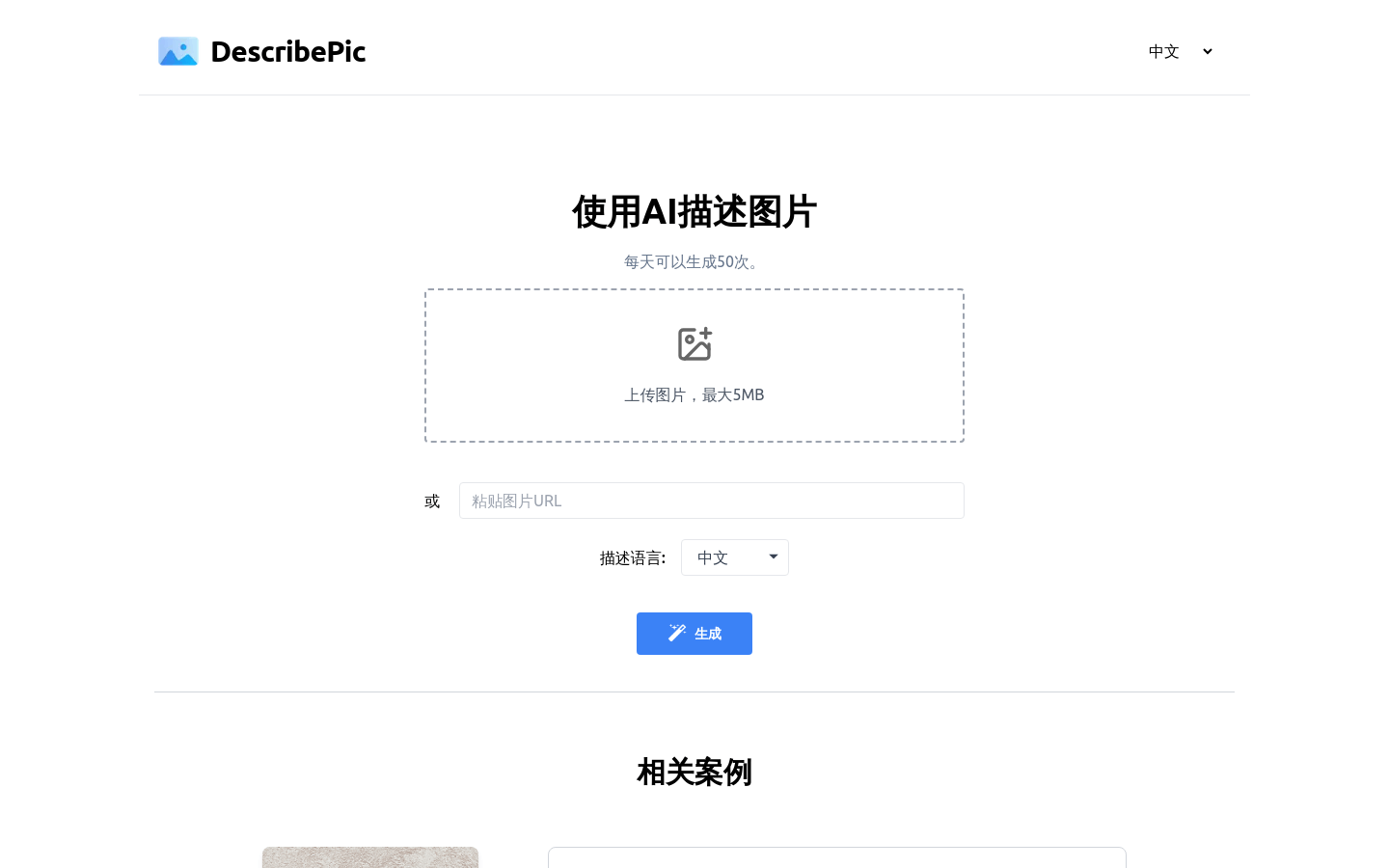
Screenshot archived from the listing page, for preview only.











