DeepTagger
AI document extractionHighlight, train, extract data
Highlights
What you can do with it
- Pulling revenue, profit, and balance figures from financial reports.
- Extracting clauses, obligations, and duties from legal contracts.
- Reading work history, skills, and education from resumes.
How to use it
- 1 Upload your documents to the cloud platform.
- 2 Highlight and annotate the fields you want to extract.
- 3 Let the model learn from your annotations.
- 4 Run predictions, refine the results, and export the data.
Who it is for
Pros
- No code or complex templates are required to train extraction.
- Supports many file types in one automated workflow.
- You can process up to 200 pages for free without a card.
Limitations
- The free page limit is capped, so heavy use needs a paid plan.
- Accuracy depends on clear, consistent document layouts.
- Free allowances and pricing can change over time.
What DeepTagger is
DeepTagger is a cloud-based document processing platform that uses AI to pull structured data out of many file types. Rather than forcing you into fixed templates, it gives you a simple highlighting and annotation interface. You mark the fields you care about, the model learns from your marks, and it then predicts those fields on new documents. It accepts PDF, Word documents, JPG and PNG images, and plain text, so one workflow can cover many inputs. It can also handle nested structures, such as invoices with multiple line items, and it uses a large language model to reason about context beyond plain extraction. You can process up to 200 pages for free without a credit card, which makes it easy to test on real documents before paying.
What you can do with it
- Train custom extraction with a highlight-and-annotate interface, no code needed.
- Read data from PDF, Word, image, and text files in one place.
- Handle complex, nested documents like multi-line invoices.
- Get fast predictions and export the extracted data in seconds.
Who it is for
- Finance teams that process large volumes of reports and statements.
- Legal staff who review contracts, clauses, and obligations.
- HR and recruiting teams that parse many resumes at once.
What to watch out for
The free tier caps processing at 200 pages, so heavy or ongoing use will require a paid plan. Extraction accuracy depends on clear and consistent document layouts, so messy scans or unusual formats may need more training examples. Because it is a cloud service that reads your files, review what you upload and keep sensitive data within your compliance rules. Free allowances and pricing can change over time, so confirm the current limits before you build a workflow that depends on them.
FAQ
Do I need coding skills to use DeepTagger?
No. You train the extraction by highlighting and annotating, without code or complex templates.
What files can it read?
It accepts PDF, Word documents, JPG and PNG images, and text files.
Is there a free tier?
Yes. You can process up to 200 pages of documents for free without providing credit card information.
Why it is free
What the official page says: for free
Free limits, trial length and features are decided by the official site and can change at any time.
Product preview
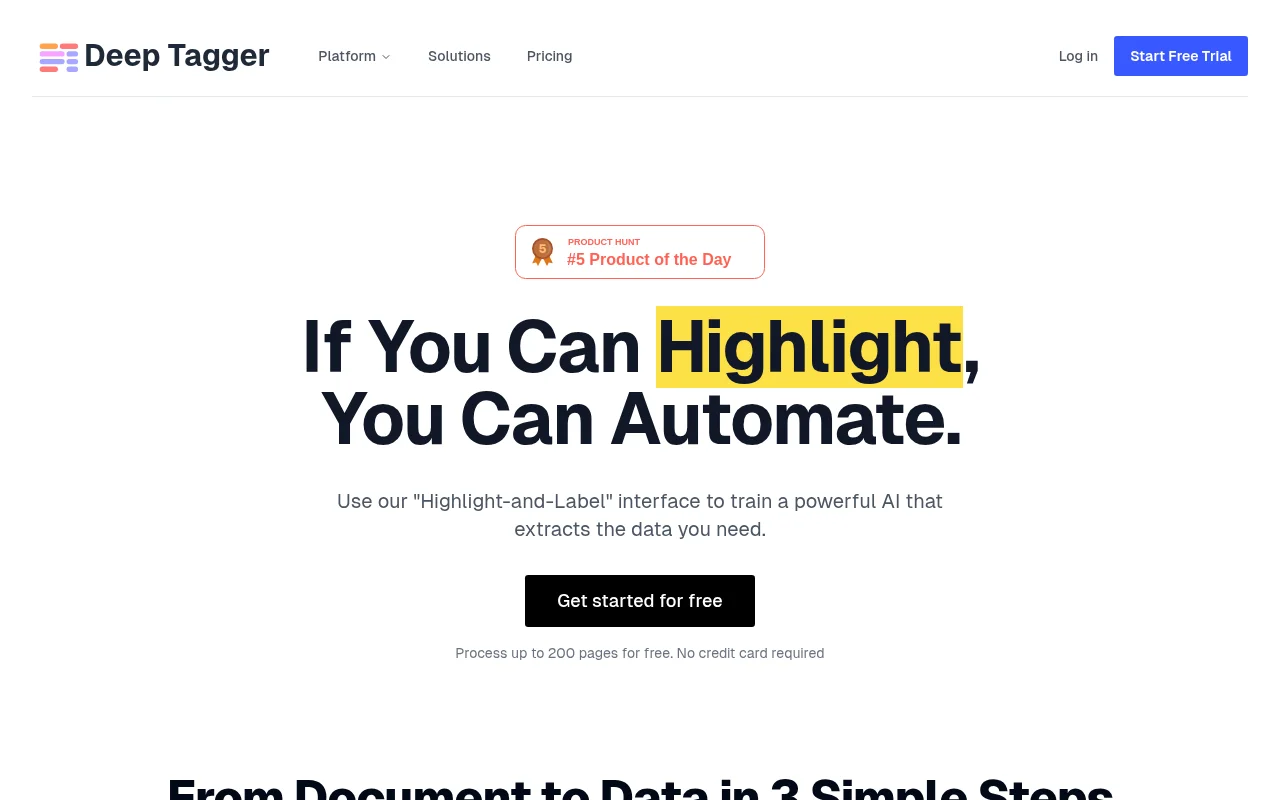
Screenshot archived from the listing page, for preview only.