
Deepseek OCR
Free online OCR for images and PDFsTurn images and PDFs into text, no signup
Highlights
What you can do with it
- Convert a scanned PDF into editable text.
- Extract text from a photo of a document.
- Turn an image of notes into Markdown.
How to use it
- 1 Open the Deepseek OCR website in a browser.
- 2 Upload an image or PDF file.
- 3 Let the tool extract the text automatically.
- 4 Copy the text or download it as Markdown.
Who it is for
Pros
- Free, with no registration or download needed.
- High stated accuracy and fast processing speed.
- Supports multiple languages and Markdown output.
Limitations
- Free access rules and limits may change over time.
- Accuracy can drop on poor-quality or complex scans.
- Very large files may be limited by the online tool.
What Deepseek OCR is
Deepseek OCR is a free online OCR tool that converts images and PDFs into text, with no download or registration required. It uses deep learning models to accurately extract text from images, PDFs, and scanned documents. According to the description, its advantages include being fully free with no hidden fees, recognition accuracy of up to 99.5%, support for multiple languages and various file formats, fast processing of up to 2,500 tokens per second, and the ability to convert documents into Markdown. It is positioned as an efficient, accurate, and secure document processing solution for scenarios that need text extraction and document handling, from students digitizing notes to offices converting scanned files. It runs entirely in the browser, so there is nothing to install or update.
What you can do with it
- Extract text from images, PDFs, and scanned documents.
- Convert documents into Markdown format.
- Process files quickly without installing software.
- Use it in the browser with no signup or account.
- Handle multiple languages and common file formats.
- Copy the extracted text straight into your notes or editor.
Who it is for
- Anyone who needs to extract text from images or PDFs.
- Students and researchers digitizing documents and notes.
- Professionals who want quick OCR without installing software.
- Teams handling mixed file formats across different languages.
What to watch out for
The tool is described as fully free, but online services can change their access rules and limits over time, so confirm current terms on the site. Accuracy is stated at up to 99.5%, but real results can drop on blurry, low-contrast, or complex layouts, so review the extracted text. Very large or long files may be slower or limited by an online tool. For sensitive documents, check the site's privacy and data handling policy before uploading, since you are sending files to a third-party service. Test with a sample file before processing a large batch, and keep the originals in case the extracted text needs corrections.
FAQ
Is Deepseek OCR free?
Yes. The description says it is fully free with no hidden fees, and no registration is required.
What files can it handle?
It extracts text from images, PDFs, and scanned documents, and can output Markdown.
How accurate is it?
The description states recognition accuracy of up to 99.5%.
Why it is free
What the official page says: 免费
Free limits, trial length and features are decided by the official site and can change at any time.
Product preview
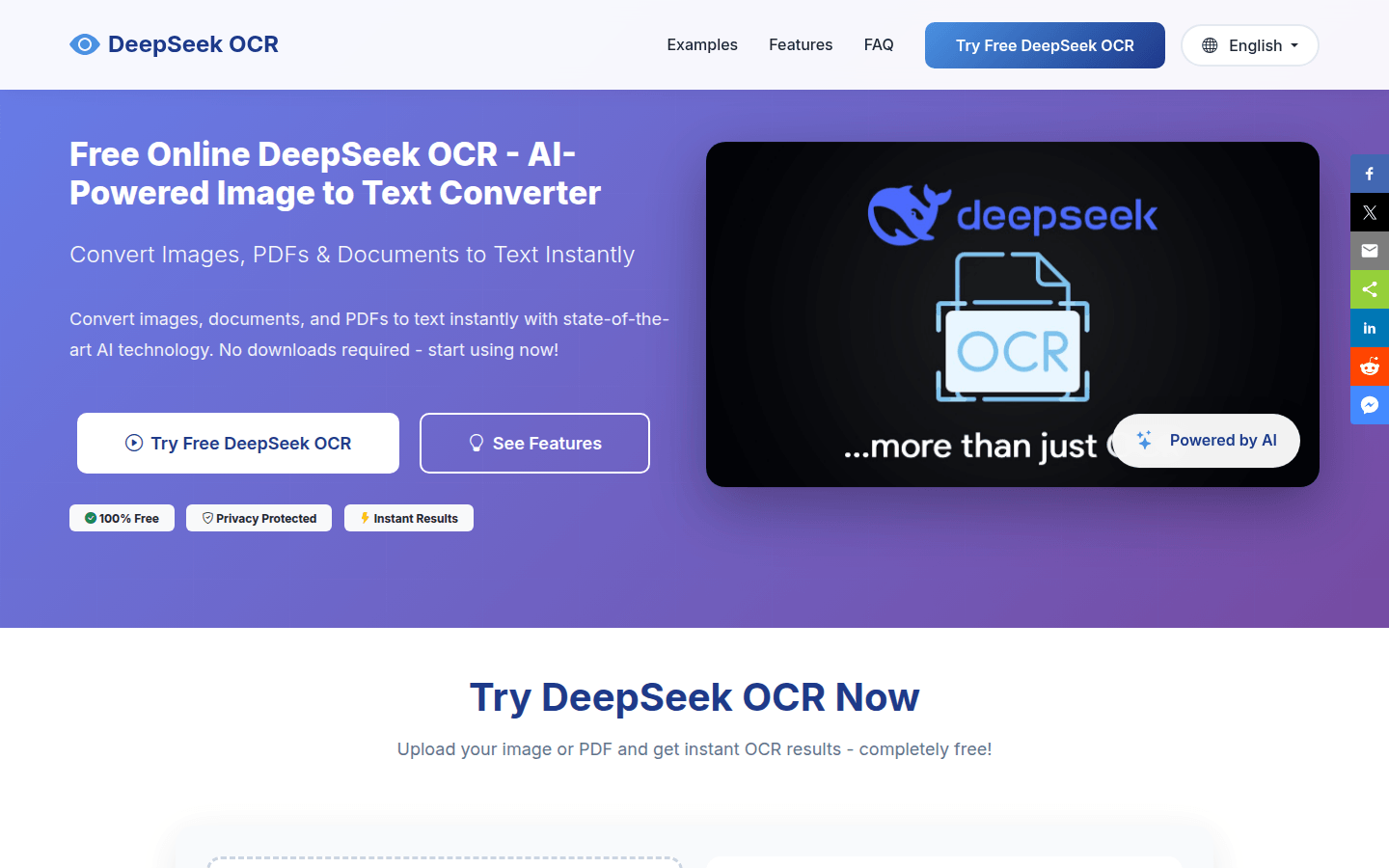
Screenshot archived from the listing page, for preview only.