DeepScholar
Academic search copilotSee journal ranks while you search
Highlights
What you can do with it
- Filtering quality papers before writing a thesis
- Saving and sorting key papers for a literature review
- Comparing journal quality across multiple databases
How to use it
- 1 Install the extension from the Chrome or Edge store
- 2 Log in and let it run on supported academic sites
- 3 Search as usual and see rankings on the page
- 4 Select text and press the shortcut to translate
- 5 Use one-click access to open the full PDF
Who it is for
Pros
- Saves switching between pages to check journals
- Free version covers basic research needs
- Low-cost paid upgrade for heavier bookmarking
Limitations
- Coverage depends on supported academic websites
- Free bookmark limits and pricing can change
- Translation quality varies by model and language
What DeepScholar is
DeepScholar is an AI-powered productivity tool and browser extension made for researchers. It aims to cut the time spent retrieving, screening, and evaluating literature. Instead of opening a separate tab to check where a paper was published, you see the journal ranking and impact factor right on the search engine or database page. That small change removes a lot of back-and-forth during a literature review. The extension also handles translation, bookmarking, and PDF access, so the whole reading workflow stays in one place.
What you can do with it
- See journal rankings and impact factors on result pages
- Translate selected text with a shortcut or translate full text
- Open the full PDF of a paper in one click
- Manage and bookmark literature with quick classification
Who it is for
- Graduate students writing theses and reviews
- Researchers following a field across many databases
- Academics who need fast quality judgments on papers
What to watch out for
The extension only works where its coverage reaches, so some niche databases may not display rankings. The site was returning a redirect status when reviewed, so confirm the current install page before you begin. Translation quality depends on the model and language pair, so check important passages against the original. Free bookmark capacity and paid pricing may change, so review the current plans if you rely on large libraries. Name and archive exported files consistently so you can find and reuse them, and keep a backup copy of key data. When quality matters, export a small draft first to confirm the result before producing the final file. Free tiers and usage limits can change, so check the current rules on the official page before relying on it long term.
FAQ
What does DeepScholar show?
It highlights journal rankings and impact factors directly on academic search result and database pages.
Is there a free version?
Yes, basic use is free with 500 bookmarks, and paid upgrades start around 2.0 yuan per month with up to 5,000 bookmarks.
Which browsers are supported?
Chrome and Edge are supported, with quick installation and multi-device synchronization.
Why it is free
What the official page says: 免费
Free limits, trial length and features are decided by the official site and can change at any time.
Product preview
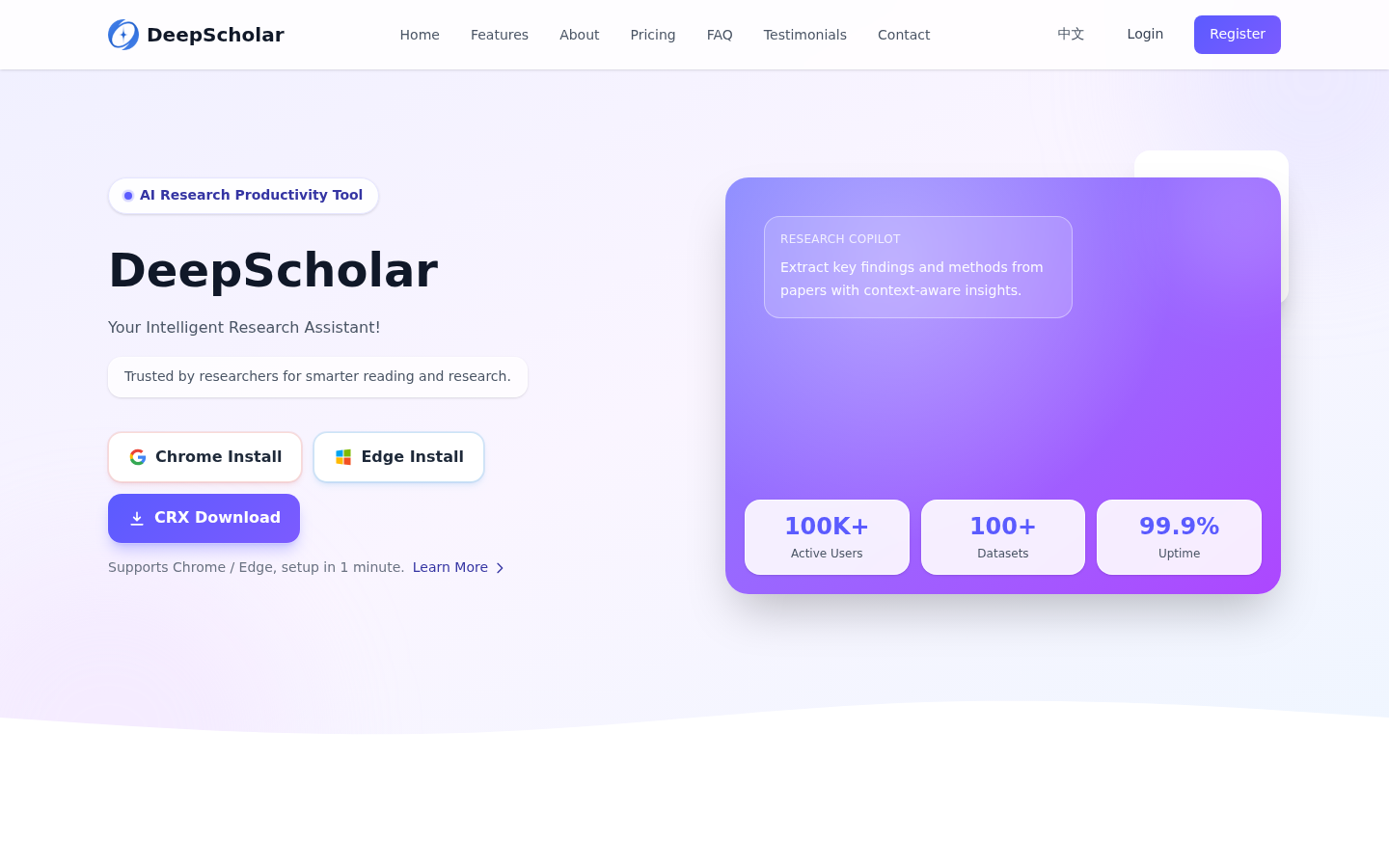
Screenshot archived from the listing page, for preview only.