DaVinciFace
Da Vinci portraits from photosTurn a selfie into a Renaissance portrait
Highlights
What you can do with it
- Make a Renaissance-style portrait from a selfie
- Create a stylized profile picture or gift
- Experiment with classical art styles on your own photos
How to use it
- 1 Open the DaVinciFace website
- 2 Upload a face photo
- 3 Wait for the model to generate the portrait
- 4 Download the free version, or buy the clean high-resolution file
Who it is for
Pros
- One clear function, very simple to use
- Fast generation claimed at under two minutes
- Free option to try the style
Limitations
- Free images carry a logo
- Commercial use requires the paid high-resolution version
- Single-purpose, so novelty wears off quickly
What DaVinciFace is
DaVinciFace is a single-purpose AI art tool. You give it a face photo and it returns a portrait painted in the style of Leonardo da Vinci. Under the hood it uses a generative adversarial network with more than 500 million training parameters, and the site says the whole process takes less than two minutes. The intended uses are art and entertainment: a stylized profile picture, a printed gift, or simply the fun of seeing yourself as a Renaissance subject. Free outputs include a logo on the image. If you want the high-resolution file without the logo, including for commercial use, the site presents that as a paid option.
What you can do with it
- Convert any face photo into a Da Vinci-style portrait
- Get a result in under two minutes, per the site
- Use the image for personal art, gifts, or profile pictures
- Upgrade for a clean, high-resolution, logo-free file
Who it is for
- People who want a classical portrait of themselves
- Gift shoppers looking for something personal
- Anyone experimenting with AI art styles
What to watch out for
The free version stamps a logo on the image, and removing it, or using the result commercially, requires the paid version. It is a novelty tool with one trick, so it will not replace a broader art generator. Output quality depends on the source photo: clear, well-lit, front-facing faces give the best results. Since you upload a face, check the privacy terms before sharing sensitive images. Free tiers and usage limits can change, so check the current rules on the official page before relying on it long term.
FAQ
What does DaVinciFace do?
It converts a face photo into a Da Vinci-style portrait using a GAN.
Is it free?
Free portraits include a logo; the clean high-resolution version is paid.
Can I use it commercially?
The site says commercial use requires the paid version without a logo.
Why it is free
What the official page says: 免费
Free limits, trial length and features are decided by the official site and can change at any time.
Product preview
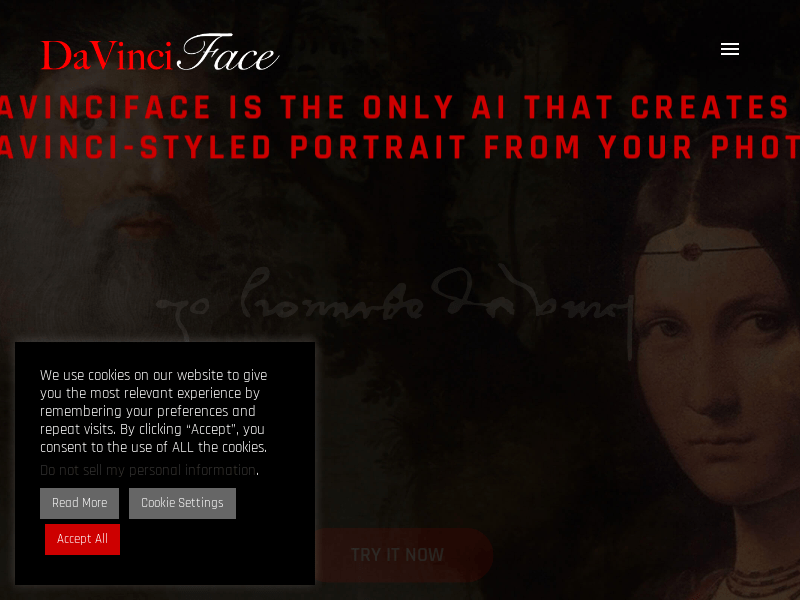
Screenshot archived from the listing page, for preview only.











