
David One
Free beta AI assistant for work tasksOne assistant across video, audio, files, and tasks
Highlights
What you can do with it
- Find the exact moment something happens in a video
- Get a sourced summary of a news topic
- Turn a meeting recording into action items with timestamps
How to use it
- 1 Go to the David One website.
- 2 Click Join Beta For Free.
- 3 Log in and open Chat with David.
- 4 Ask for what you need, such as video analysis or a search.
- 5 Keep the conversation going until the task is done.
Who it is for
Pros
- Handles video, audio, files, and text in one place
- Web answers come with reference sources
- Task and calendar tools are built in
- Free beta access while the product is being tested
Limitations
- It is a beta, so features and availability can change without notice
- No published pricing means the cost after beta is unknown
- AI summaries and answers still need verification
- Connecting third-party tools means sharing access with the service
What David One is
David One is an AI companion from Demografy Inc. that pulls several AI providers together with everyday productivity tools. It can watch a video and answer questions about it, including locating a specific moment and summarizing what happens. It handles audio the same way, preparing meeting action items and memos. For text it offers web search with reference sources attached, and it works with images, video, audio, and text files. On the productivity side there are built-in to-do lists, calendars, and notes, plus scheduled tasks it can run on your behalf. Real-time two-way voice interaction is included, and third-party tools you already use can be connected on one platform. Beta access is described as free, and no official pricing has been published.
What you can do with it
- Ask questions about a video and get the exact moment located.
- Turn a meeting recording into action items with timestamps.
- Search the web and receive answers with sources attached.
- Manage tasks, calendars, and notes in the same interface.
- Talk to it by voice instead of typing.
Who it is for
- Professionals working across video, documents, and meetings.
- Students processing lecture recordings and assigned reading.
- Managers tracking industry news and team follow-ups.
What to watch out for
This is a beta. Features, limits, and even availability can change without notice, and there is no published pricing, so you cannot judge what it will cost later. Every answer and summary still needs verification, because the model can be confidently wrong. Connecting your third-party tools means granting access to a service handling a lot of context, so review the permissions carefully. Treat it as an assistant that drafts, not one that decides.
FAQ
How do I join?
The steps describe clicking Join Beta For Free on the David One website.
What can it understand?
Video, audio, images, and text files, plus web content.
Is it free?
Beta access is described as free. No official pricing plan has been announced.
Why it is free
What the official page says: 免费
Free limits, trial length and features are decided by the official site and can change at any time.
Product preview
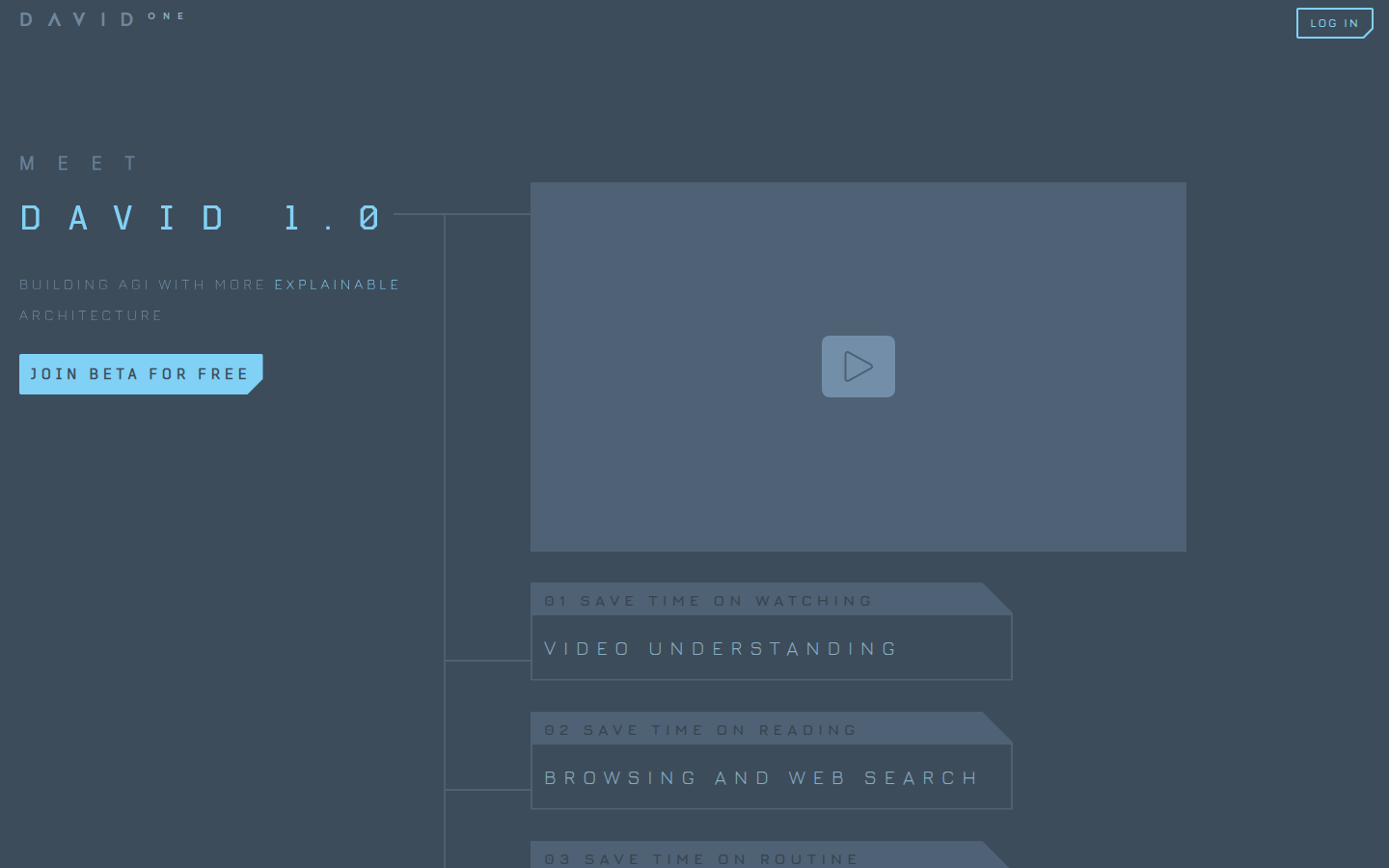
Screenshot archived from the listing page, for preview only.











