DataGems
Marketing data storytelling and analytics toolTurn marketing numbers into clear stories
Highlights
What you can do with it
- An app marketing team combines App Store and Google Play performance data
- A content creator tracks social influence and ad spend
- A business monitors app performance and reacts to issues quickly
How to use it
- 1 Register an account on DataGems
- 2 Select the data connectors that match your business
- 3 Set AI data agents to track the metrics you care about
- 4 Build a report from templates and choose your metrics
- 5 Turn on automated updates and share insights with the team
Who it is for
Pros
- Turns raw platform data into readable stories
- Multiple connectors reduce manual export work
- Alerts help teams notice changes early
Limitations
- The free tier has limits and advanced plans cost money
- Report quality still depends on how well you choose metrics
- Connector coverage may not include every platform you use
- The page returned an error during the last check, so verify availability
What DataGems is
DataGems is a marketing analytics platform whose pitch is storytelling rather than dashboards. You connect your platforms, and it assembles the numbers into reports people can actually read and share. It lists connectors such as Instagram, Mixpanel, and App Store sources, and it uses AI data agents to watch marketing data for changes and flag them. Plans range from free to customized, so small teams can test the workflow before committing budget to a paid tier.
What you can do with it
- Pull data from several marketing platforms into one view
- Track chosen metrics with AI data agents that notice changes
- Build reports from templates and a metric library
- Receive automated updates and real time alerts for the marketing team
Who it is for
- Mobile app marketing teams that juggle store and social data
- Content creators who want to see influence and ad spend clearly
- Businesses that need a regular report for stakeholders
- Managers who prefer alerts to manual dashboard checks
What to watch out for
Free plans come with limits, and larger setups move to paid tiers, so check pricing against how many connectors and viewers you need. The tool only reports what your connectors supply, so gaps in data show up as gaps in the story, and stale connections produce stale reports. Choosing the wrong metrics produces pretty but useless output, so spend real time on definitions and goals. The page returned an error during the last check, so confirm the service is reachable and the connector list is current before you build a workflow around it. Features and interface details may change between versions, so review the latest notes on the page before you start.
FAQ
Which built-in informations can DataGems read?
The page mentions Instagram, Mixpanel, and App Store style connectors among others. Check the current list before signing up.
Is there a free plan?
Yes, the site describes plans ranging from free up to customized options for larger teams.
Who is it for?
App marketers, content creators, and businesses that need simple, repeatable marketing reports rather than raw dashboards.
Why it is free
What the official page says: 免费
Free limits, trial length and features are decided by the official site and can change at any time.
Product preview
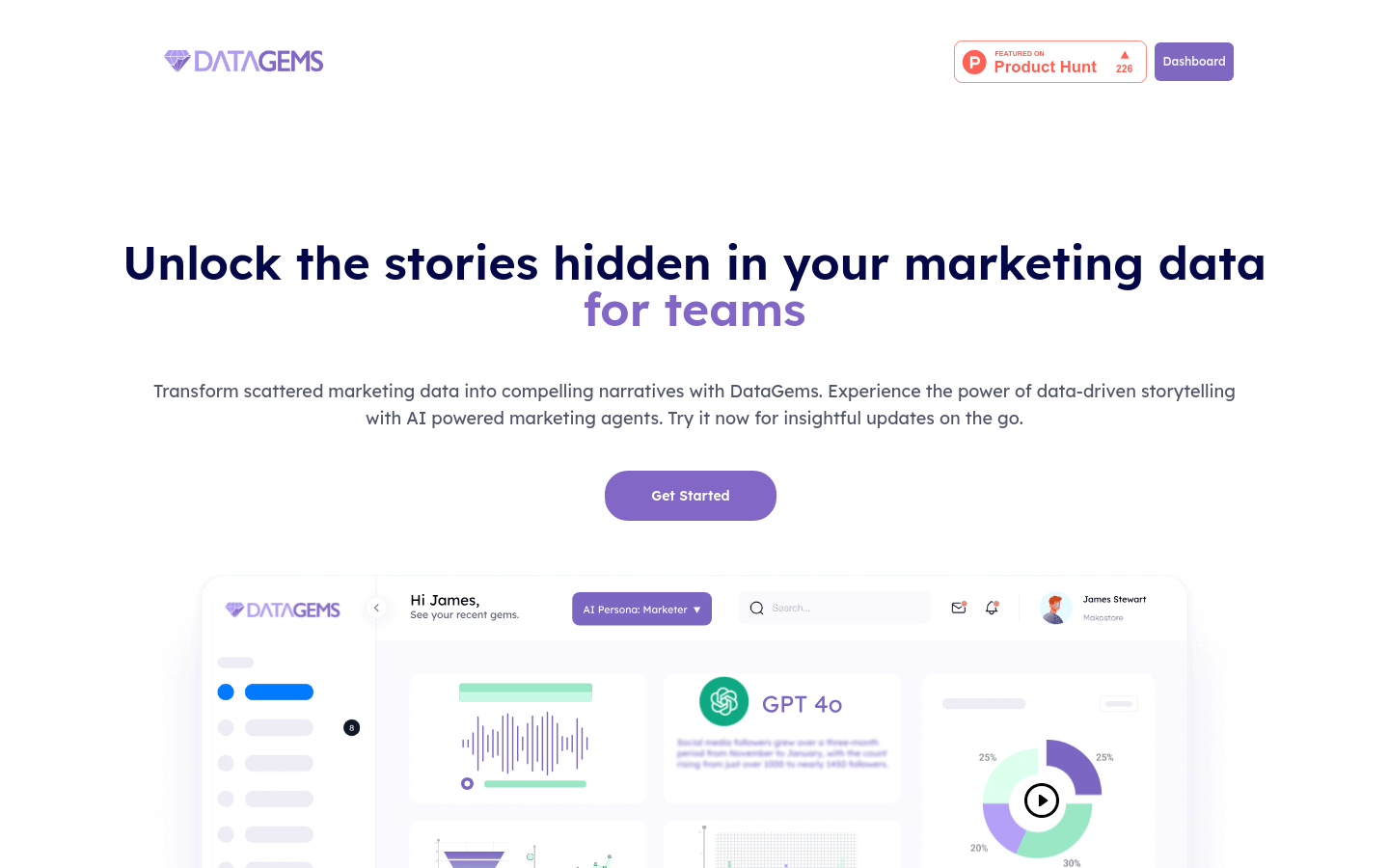
Screenshot archived from the listing page, for preview only.