
DanceBetter
AI dance coach with instant feedbackUpload a dance video, get scored feedback
Highlights
What you can do with it
- Checking posture on a recorded practice run
- Fixing rhythm and timing issues
- Tracking improvement across several sessions
- Synchronizing details across a group routine
How to use it
- 1 Create an account with Google, Facebook, or email
- 2 Record a dance video in good lighting with your whole body in frame
- 3 Upload the video to the platform
- 4 Read the feedback on posture, rhythm, and technique
- 5 Follow the generated practice plan and re-record to compare
Who it is for
Pros
- Feedback arrives right after upload
- A practice plan comes out of the analysis
- Group videos get per-dancer feedback
Limitations
- Monthly packages run from a free level up to a paid tier, so the free plan is limited
- Needs a well-lit video with the whole body in frame
- AI feedback is not a substitute for a human coach
- Progress tracking only works if you film regularly
What DanceBetter is
DanceBetter is an AI-driven dance coaching web app. You record a dance video, upload it, and the platform returns instant feedback on posture, rhythm, and technique. Alongside the feedback it produces a score, a progress dashboard that shows improvement across sessions, and a practice plan generated from your goals and current level. It also handles group videos by giving individual feedback to each dancer, which is aimed at teams polishing a routine. The site positions it as a judgment-free place to practise at any time, which is the real draw for beginners who would rather not film themselves in a studio full of people. Monthly packages range from a free level up to a paid tier, so the free plan is a starting point rather than the full product.
What you can do with it
- Get instant feedback on posture, rhythm, and technique
- Receive a score to compare against reference dancers
- Track improvement across sessions on a dashboard
- Get per-dancer feedback on a group routine
- Follow a generated practice plan between sessions
Who it is for
- Beginners who want feedback without attending a class
- Professional dancers refining technique between rehearsals
- Dance groups synchronizing details across a routine
- Self-taught dancers who already film their own practice
- Anyone who wants to practise without booking studio time
What to watch out for
Monthly packages run from a free level up to a paid tier, which means the free plan is limited, so check what it covers before you commit to a training block. Input quality drives everything: you need good lighting, the whole body in frame, and a reasonably sized file, or the analysis will be unreliable and the feedback will be wrong rather than useful. AI feedback is also not a substitute for a human coach, because nuanced correction about weight, intent, and musicality is hard to automate and posture advice without context can even reinforce a bad habit. Finally, the progress dashboard only helps if you film regularly, so it rewards a consistent habit rather than a one-off upload.
FAQ
Is DanceBetter free?
Monthly packages range from a free level up to a paid tier. Check the site for what the free plan includes.
What kind of video do I need?
Record in good lighting with the camera capturing your whole body, and keep the file size optimized for a quick analysis.
Does it work for group dances?
Yes. It can process group videos and give individual feedback to each dancer.
Can it replace a dance teacher?
No. It gives instant analysis and a practice plan, but nuanced correction still needs a human coach.
Why it is free
What the official page says: 免费
Free limits, trial length and features are decided by the official site and can change at any time.
Product preview
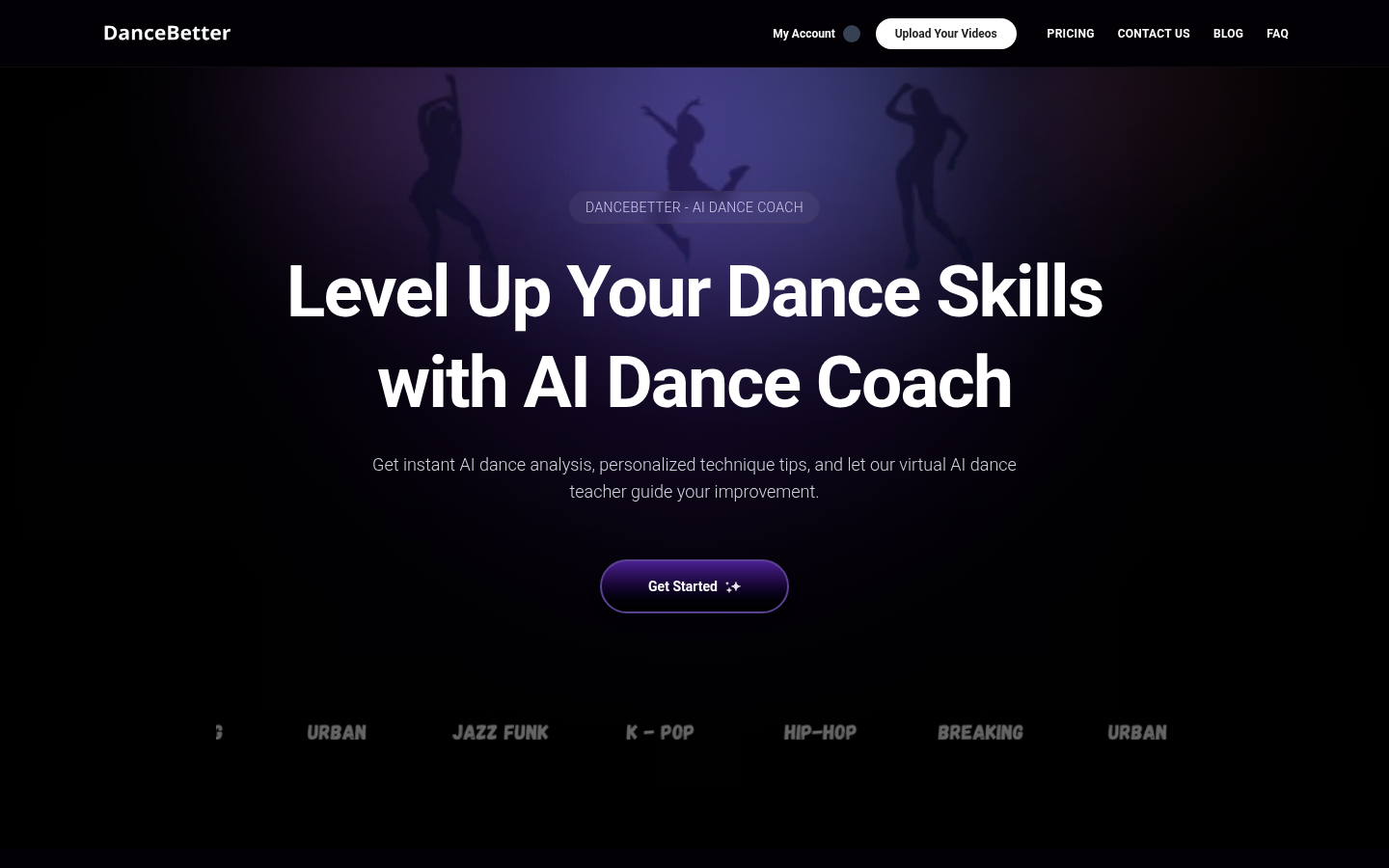
Screenshot archived from the listing page, for preview only.











