
DALL-E Cli
CLI for DALL-E 2 imagesGenerate images from your terminal
Highlights
What you can do with it
- Generating images from a script or terminal session
- Batch adjusting and filtering generated images
- Building an image step into an automated pipeline
How to use it
- 1 Install the command-line application.
- 2 Put your OpenAI token into the configuration file it reads.
- 3 Run a generate command with the prompt you want.
- 4 Apply edits such as brightness, contrast, or sharpness.
- 5 Add filters or effects and save the final image.
Who it is for
Pros
- Free and open source
- Fits naturally into scripts and automated workflows
- Covers generation plus basic editing in one tool
Limitations
- You need your own OpenAI API access and a valid token
- Command-line only, so it is not friendly for non-technical users
- The underlying API, its models, and its pricing are outside this tool's control
What DalleCli is
DalleCli is a command-line application that gives you image generation and editing without a graphical interface. It talks to the OpenAI DALL-E API to create images from your prompts, then lets you adjust brightness, contrast, and sharpness or apply filters and effects to the result. Credentials are handled through a configuration file rather than being typed on every command, which keeps things tidy when the tool is used inside scripts or run repeatedly. The project is free and open source, so you can read the code, change it, or fold it into a larger workflow if the default behaviour does not fit what you need.
What you can do with it
- Generate images from a prompt using the DALL-E API
- Adjust brightness, contrast, and sharpness on what comes back
- Apply filters and effects without opening an image editor
- Store your token once in a config file and reuse it across runs
- Call the tool from a script as part of an automated pipeline
Who it is for
- Developers who would rather stay in the terminal than switch apps
- Anyone automating image creation as part of a larger script
- Users comfortable with command-line tools who want a lightweight option
- People who like open-source tools they can inspect and modify
What to watch out for
You need your own OpenAI API access for this to work, which means an account, a token, and whatever usage costs that account carries. The tool itself is free, but the API behind it is billed by OpenAI, and model availability and pricing are set by that provider and can change without notice. It is also command-line only, so if you want a visual preview and drag-and-drop editing, a desktop or web editor will be more comfortable. Finally, generated images still carry the usage rules of the model provider, so check those terms before using output commercially.
FAQ
Is DalleCli free?
Yes, the project is free and open source, but you need your own OpenAI token to call the API.
Do I need an OpenAI account?
Yes, it uses the DALL-E API, and your token is stored in a configuration file.
Can it edit images as well as generate them?
Yes, it can adjust brightness, contrast, and sharpness and apply filters and effects.
Why it is free
What the official page says: 免费
Free limits, trial length and features are decided by the official site and can change at any time.
Product preview
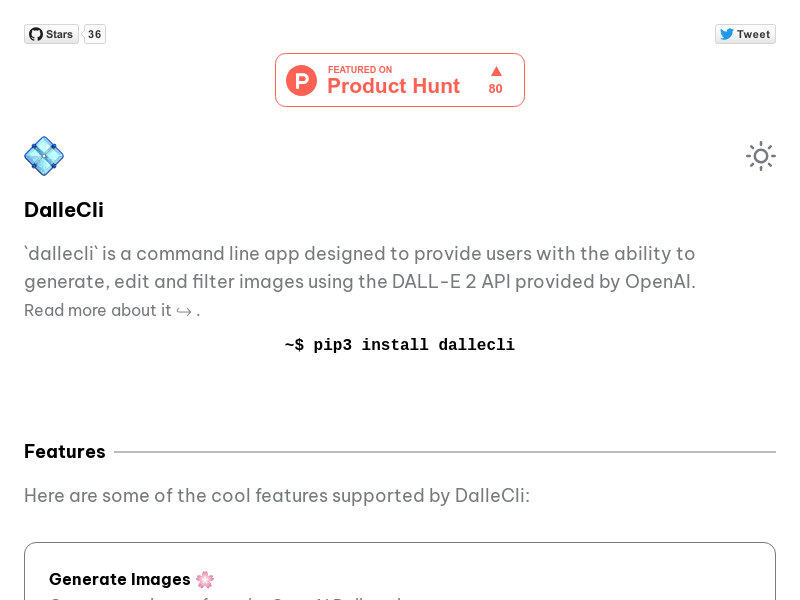
Screenshot archived from the listing page, for preview only.











