
CtrlOps
Desktop Linux server manager with AIManage servers without deep DevOps skills
Highlights
What you can do with it
- A small-team engineer fixes an Nginx config error with AI help.
- A sysadmin deploys apps to several servers in one click.
- A startup backs up server data on a schedule to avoid loss.
How to use it
- 1 Download the CtrlOps app for your OS from the official site.
- 2 Install and open it on your local machine.
- 3 Connect your Linux servers using SSH keys.
- 4 Use the AI terminal to describe tasks and generate bash commands.
- 5 Manage files, deploy apps, and run backups on a schedule.
Who it is for
Pros
- Local-first design keeps data off the cloud
- AI terminal lowers the command-line barrier
- No agents to install for SSH and monitoring
- One-click deploy and scheduled backups
Limitations
- Paid plans are $7 per month or $70 per year, subject to change
- It focuses on Linux servers, so Windows server management is out of scope
- AI-generated commands still need review before running in production
- A desktop app means you manage from an installed client, not the web
What CtrlOps is
CtrlOps is a desktop application for managing Linux servers, designed for people without deep DevOps skills. It is local-first, meaning your data stays on your machine and is not pushed to the cloud. The standout feature is an AI-assisted terminal: you describe what you want in everyday language and it turns that into bash commands, which lowers the barrier for anyone unsure of exact syntax. Around that it offers real-time monitoring of CPU and memory, SSH access without installing agents, a visual file manager, one-click deployment, scheduled backups, and multi-server management. For production it adds an approval step so important changes are authorized.
What you can do with it
- Describe a task in plain language and get bash commands from the AI terminal.
- Monitor server health in real time and connect over SSH with no agents.
- Upload, download, and rename files through a visual file manager.
- Deploy apps in one click and back up server data on a schedule.
Who it is for
- Engineers who want AI help writing and running server commands.
- System administrators who watch many servers at once.
- DevOps teams that want agent-free, unified server management.
What to watch out for
Paid plans are listed at $7 per month or $70 per year, subject to change, so confirm current pricing. It focuses on Linux servers, so Windows server management is out of scope. AI-generated commands still need review before you run them in production, since a wrong command can cause real damage. Because it is a desktop app, you manage from an installed client rather than a browser. Behavior may vary across browsers and devices, so test before production use and consult the help docs if errors appear.
FAQ
What is CtrlOps?
It is a local-first desktop app for managing Linux servers without deep DevOps skills.
Does it use the cloud?
The vendor says all data is stored locally and not shared with the cloud.
How much does it cost?
Paid plans are listed at $7 per month or $70 per year, with a free trial.
Do I need to install agents?
No. It uses SSH access without installing agents on servers.
Why it is free
What the official page says: free trial
Free limits, trial length and features are decided by the official site and can change at any time.
Product preview
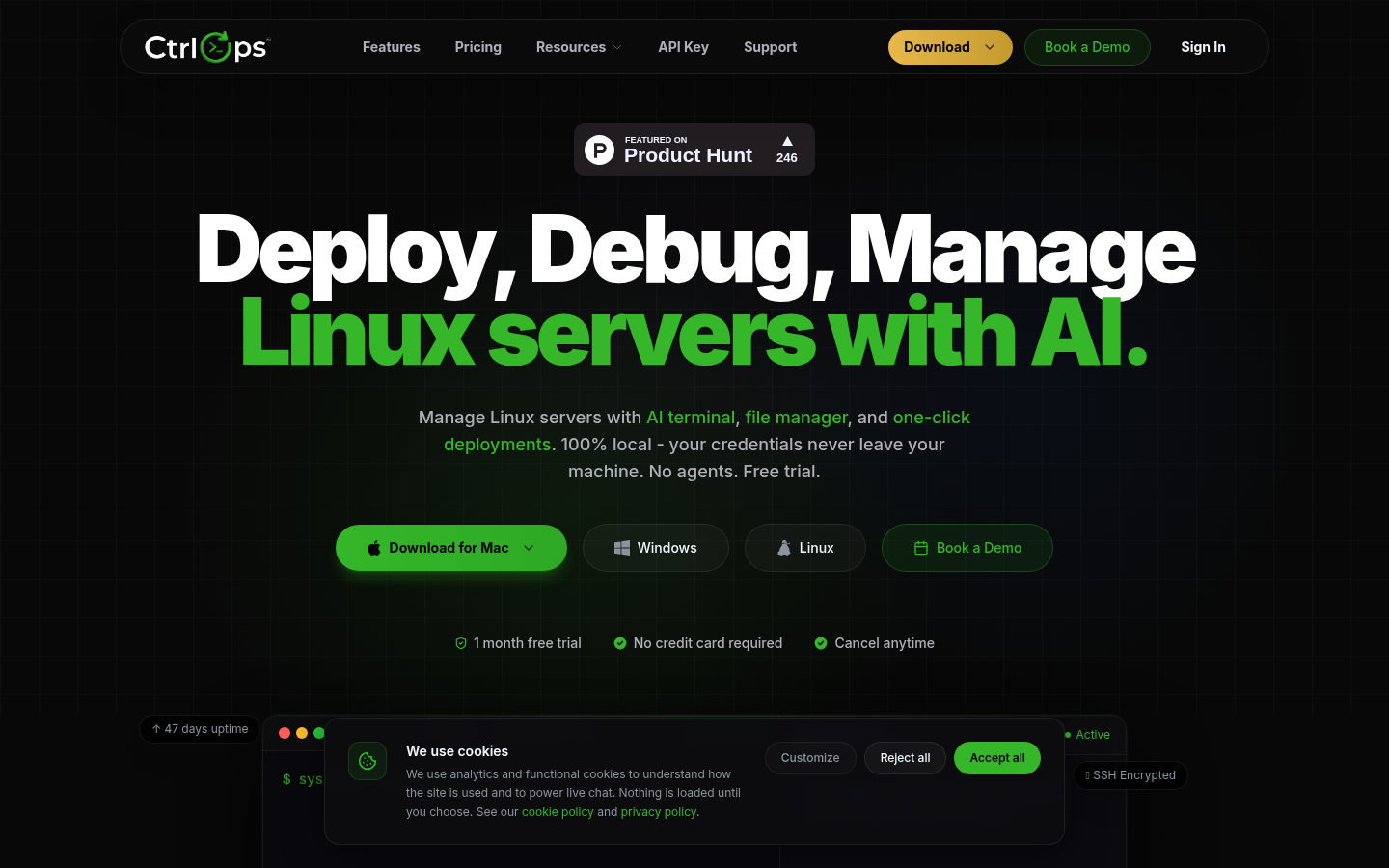
Screenshot archived from the listing page, for preview only.











