
Crow
Add an AI co-pilot to your productShip an AI co-pilot without rewriting the backend
Highlights
What you can do with it
- Adding an assistant to a SaaS product
- Connecting a co-pilot to existing backend endpoints
- Replacing in-house co-pilot scaffolding that never ships
How to use it
- 1 Start the free trial or book a demo at usecrow.org
- 2 Connect your backend endpoints to the co-pilot
- 3 Configure the tools and context it can use
- 4 Embed the chat interface in your product
- 5 Test the flows you care about, then ship
Who it is for
Pros
- Integration is stated to take about 10 minutes
- No backend rewrite is required
- The tedious parts are handled for you
- A free trial and a demo are both available
Limitations
- Integration effort still varies with how complex your product is
- The trial terms and pricing are not detailed in our source
- Answer quality depends on your endpoints and the tools you expose
- Interface customization may be more limited than a custom build
What Crow is
Crow is a tool for adding an AI co-pilot to a modern software product. Every team wants an assistant inside their app, and almost none of them want to build the plumbing that makes it work: endpoint connections, chat interface integration, state management, tool call debugging, streaming, context handling, and knowledge setup. Crow takes that work on. It connects directly to your existing backend endpoints and handles the tedious layers, so the assistant in your product can actually do something rather than only chat. The site states that integration can take about 10 minutes and that no backend rewrite is needed. A free trial is available, and demos can be scheduled if you want to see it against your own product first.
What you can do with it
- Add an AI co-pilot to an existing product
- Connect the co-pilot to your backend endpoints
- Handle chat interface, streaming, context, and tool connections in one place
- Skip building co-pilot scaffolding in-house
Who it is for
- Product teams that want an assistant inside their app
- Developers who do not want to build co-pilot plumbing from scratch
- SaaS companies that need the feature working this quarter
What to watch out for
Integration effort still varies with how complex your product is, so treat the 10 minute figure as a starting point rather than a promise for every codebase. The trial terms and pricing are not detailed in the material we have, so check the site before you plan a launch. Answer quality depends on the endpoints and tools you expose, which means a co-pilot connected to weak data will give weak answers. Interface customization may also be more limited than a fully custom build, so if the assistant is a central part of your user experience, weigh that against the speed you gain.
FAQ
What does Crow do?
It adds an AI co-pilot to modern software products.
How long does integration take?
The site states it can take about 10 minutes, depending on the product.
Do I need to rewrite my backend?
No. Crow connects to existing backend endpoints.
Is there a free trial?
Yes, a free trial is available and demos can be scheduled.
Why it is free
What the official page says: 免费试用免费
Free limits, trial length and features are decided by the official site and can change at any time.
Product preview
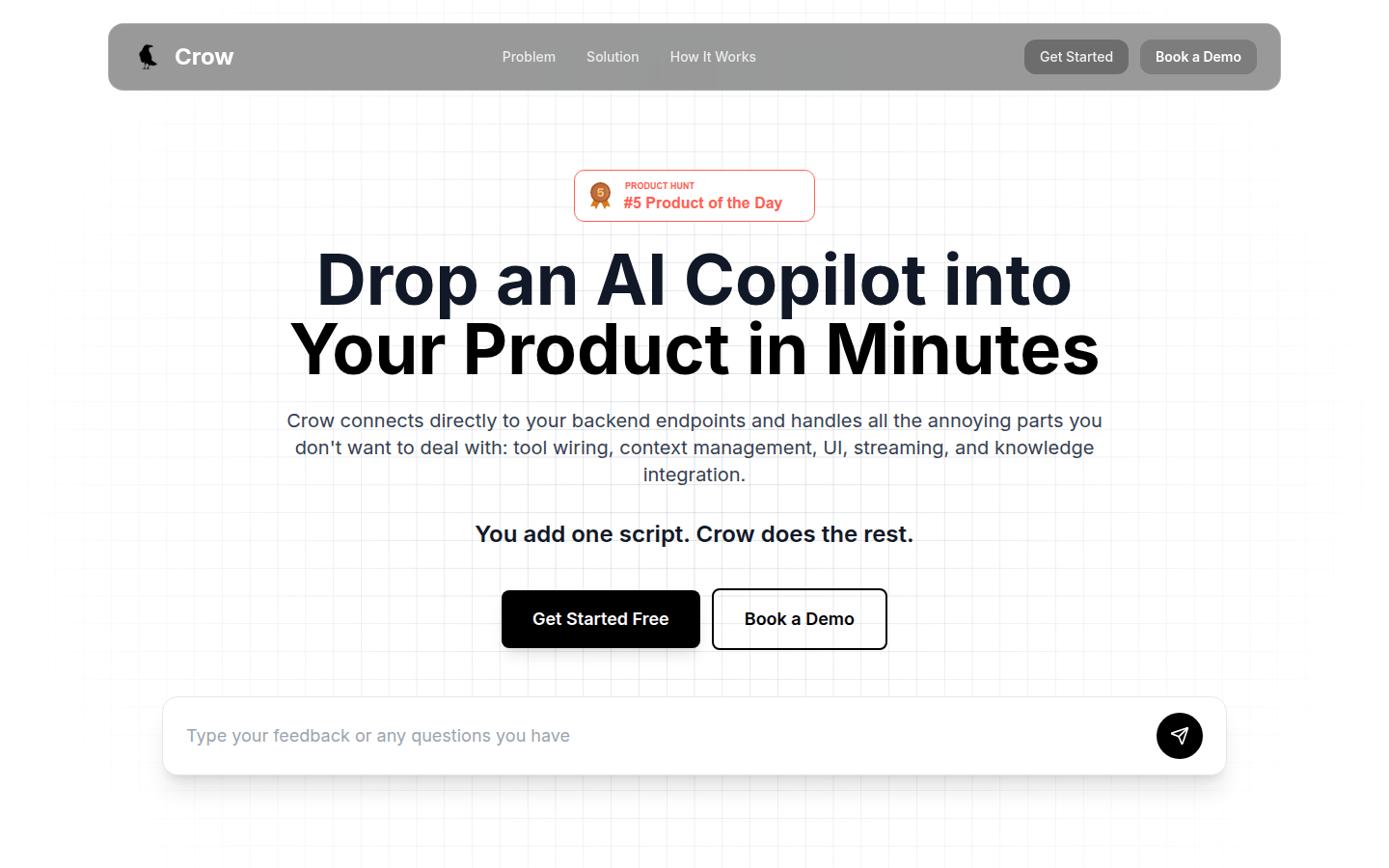
Screenshot archived from the listing page, for preview only.