
CrewArgo
Desktop workspace where one main agent manages a whole AI team.One conversation, a team of agents, tasks done end to end.
Highlights
What you can do with it
- Design teams completing product page design with cooperating agents
- Programming teams splitting code writing and review across specialists
- Writing teams running research, drafting, and review through assigned agents
How to use it
- 1 Join the waiting list for an invitation code and download link
- 2 Install the desktop client for Windows or macOS
- 3 Connect model providers your team already uses, such as Claude or GPT
- 4 Converse with Argo to assign tasks and let agents collaborate
Who it is for
Pros
- Free to use if you supply your own model keys
- Local execution protects your files and data
- One thread replaces scattered AI tabs
Limitations
- Early preview means a waiting list and rough edges
- Model costs land on your own Claude or GPT subscriptions
- Multi-agent output still needs human review before shipping
What CrewArgo is
CrewArgo is a desktop workspace application that tackles a real frustration with modern AI use: managing many agents across many windows is messy. Its answer is a main agent named Argo that manages a team of professional agents for you. You talk to Argo in one thread, and it decomposes your request and assigns pieces to appropriate specialists, such as design, data, report, or coding agents. Those agents transfer information to each other automatically in a group-chat space and collaborate to finish the work. The interface is a single thread, so you never switch between tabs or windows. CrewArgo supports multiple models including Claude and Codex, giving each agent a suitable model. Importantly, Argo runs on your own machine, so files and workflows stay local. You can bring your own Claude or GPT keys and use the app for free, or choose paid plans. It is currently in early preview through a waiting list.
What you can do with it
- Run design projects where design and data agents cooperate automatically
- Split programming work across code-writing and code-review agents under one coordinator
- Produce articles by delegating research, writing, and review to different specialists
- Keep all agent conversations and outputs in one local, searchable thread
Who it is for
- Design teams that want faster, more organized management of design projects
- Programming teams looking to simplify code writing and review coordination
- Writing teams that handle research, drafting, and review as one workflow
- Small teams already paying for Claude or GPT who want more structure from those subscriptions
What to watch out for
CrewArgo is in early preview, which means joining a waiting list, tolerating incomplete features, and expecting the workflow to evolve. The free path requires you to bring your own Claude or GPT keys, so model usage costs land on your existing subscriptions, and heavy agent collaboration can burn tokens quickly; monitor usage or consider the paid plans. Multi-agent systems are impressive but not autonomous quality control: agents can pass mistakes to each other, so review outputs before anything reaches production. Because the product is young, its pricing, plans, and feature set may change, and long-term availability of the free self-key mode is not guaranteed. Start with one contained project to learn how delegation behaves before trusting it with critical work.
FAQ
Is CrewArgo free?
Yes, you can bring your own Claude or GPT keys and use it free. Paid plans exist for teams that prefer managed keys.
How do I get access?
It is in early preview, so join a waiting list to receive an invitation code plus a download link.
Where does my data live?
Argo runs on your machine. Files and workflows stay local; only prompts and context you choose to send leave your device.
Why it is free
What the official page says: for free
Free limits, trial length and features are decided by the official site and can change at any time.
Product preview
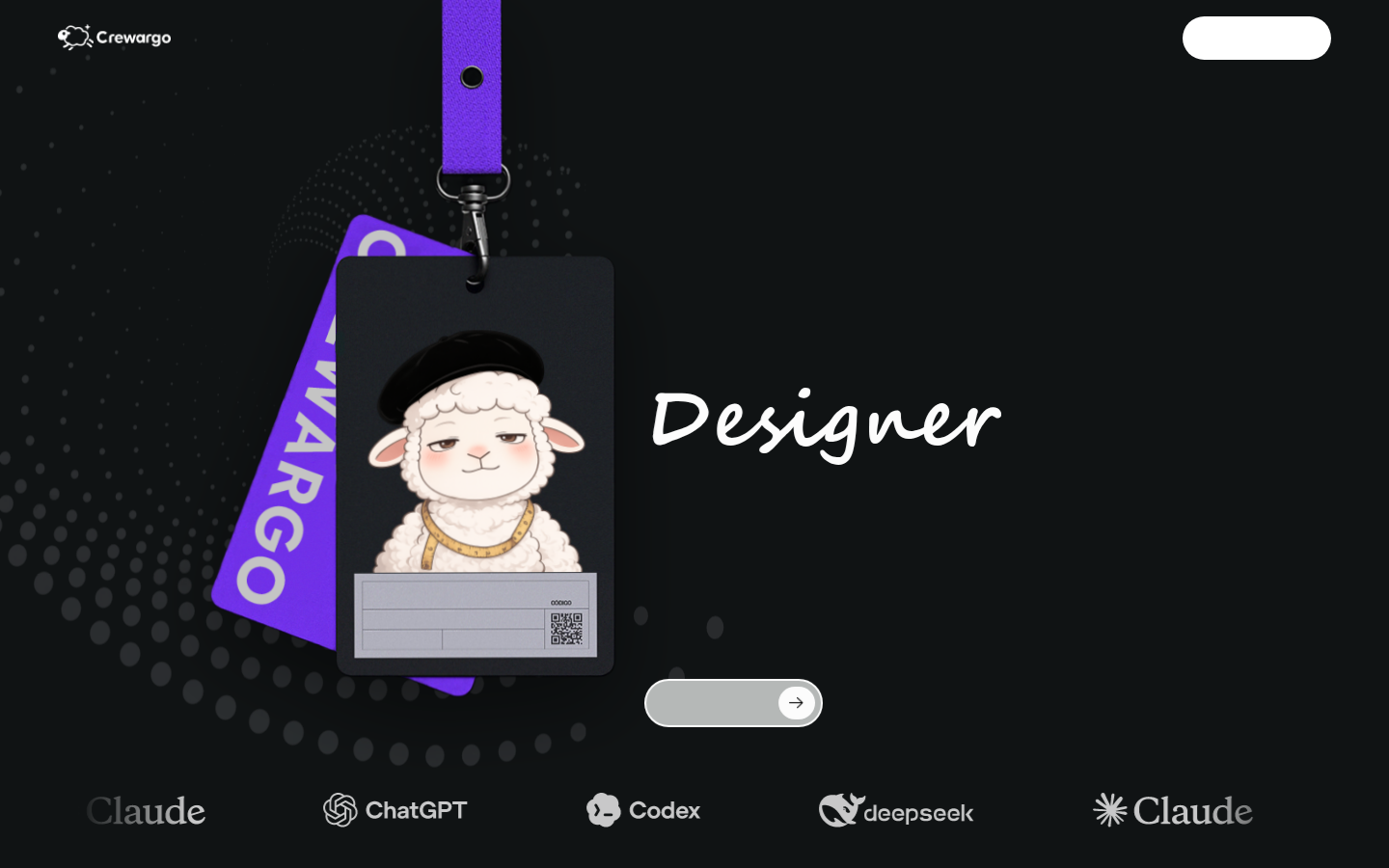
Screenshot archived from the listing page, for preview only.











