
CrePal
AI video creation platform with model routingTurn ideas into video with the right model for each step
Highlights
What you can do with it
- Turn a written idea into a short video
- Preview a scene before rendering the final cut
- Export a video in high definition
How to use it
- 1 Open crepal.ai and start a project
- 2 Describe the video you want
- 3 Let the platform choose and run the models
- 4 Preview the result and adjust
- 5 Export in HD, or add credits if you run out
Who it is for
Pros
- Free plan gives 200 credits a month
- Model selection is handled for you
- Real-time preview cuts down on wasted renders
Limitations
- Credit limits apply on the free plan
- Paid tiers exist, and pricing can change
- You depend on upstream models for quality and availability
What CrePal is
CrePal is an AI video creation platform that brings several image and video models together in one place. Rather than choosing a model for each step yourself, the platform selects a combination suited to the job, then turns your idea into a visual story. It supports real-time preview, voice operation, and high-definition export, so you can check a scene before committing to a full render. The free plan includes 200 credits each month, which is enough to try the workflow end to end. Paid packages are offered as Standard, Professional, and Team options for heavier use.
What you can do with it
- Turn a written idea into a short video
- Preview a scene before rendering the final cut
- Export a finished video in high definition
- Try the workflow with 200 monthly credits
Who it is for
- Creators who produce video content regularly
- Marketers who need promo clips quickly
- Teams that output video at volume
What to watch out for
Credits are consumed as you generate, so the 200 monthly free credits go fast if you iterate often, and paid packages exist for that reason. The platform relies on upstream models it does not own, so quality and availability can change without notice. Pricing for the paid tiers was not listed, so check the site for current rates. Expect to review and adjust results; automated video output rarely matches a brief exactly on the first attempt, and voice operation still needs clear instructions to work well. For best results, start with a small test file and review the output carefully before working on anything important. Free tiers can change over time, so it is worth checking the current limits on the official page before you rely on the tool daily.
FAQ
What does the free plan include?
200 free credits per month.
How does it choose models?
The platform selects a combination of image and video models suited to the creative task.
Can I export in high definition?
Yes, high-definition video export is listed among the features.
Why it is free
What the official page says: 免费计划免费
Free limits, trial length and features are decided by the official site and can change at any time.
Product preview
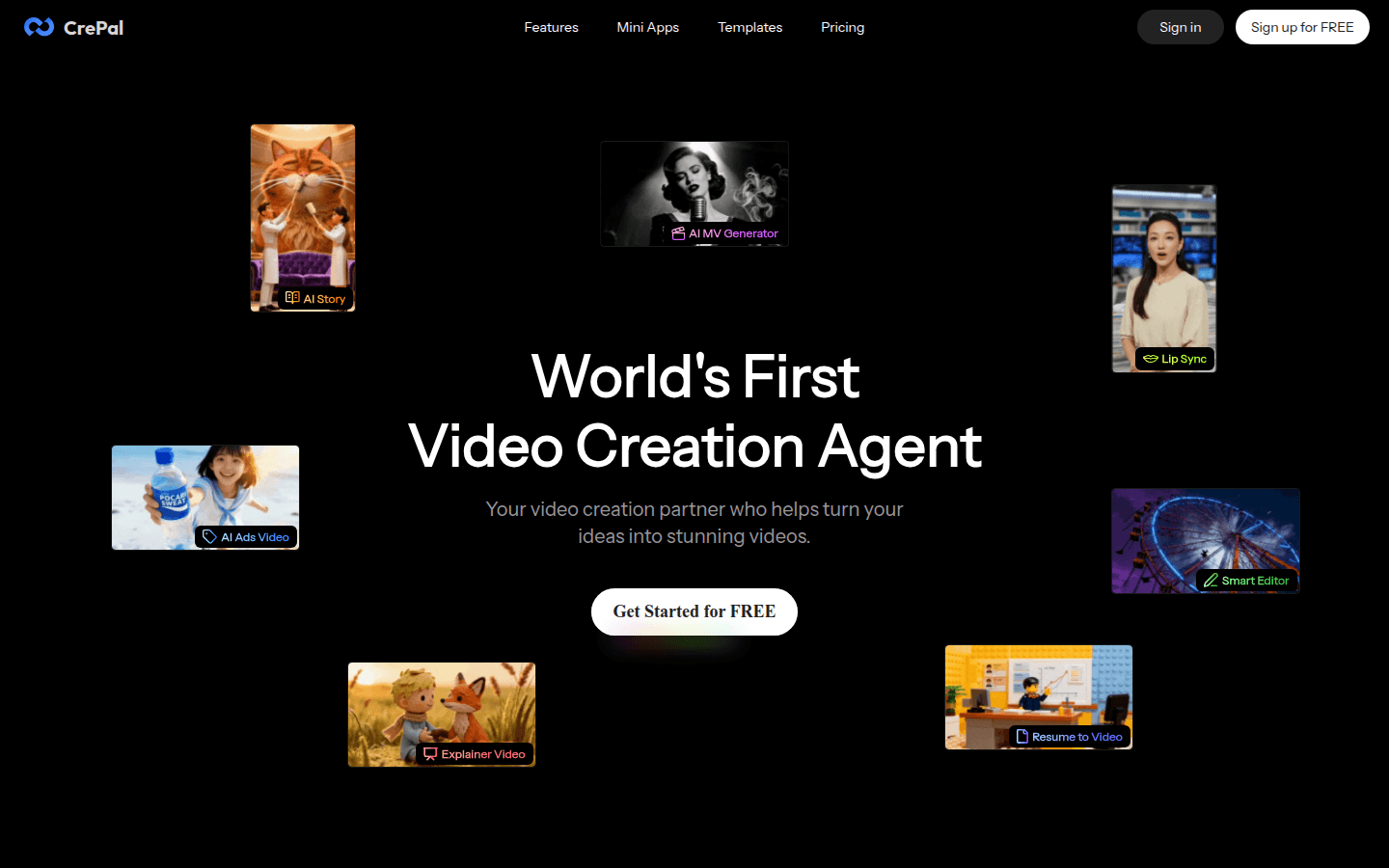
Screenshot archived from the listing page, for preview only.