
Creen AI
Free AI image and video makerText to image and video, no sign-up
Highlights
What you can do with it
- Generate unique digital artwork for personal projects or social posts.
- Create professional headshots without a photo shoot.
- Restore old family photos and recover clarity and color.
How to use it
- 1 Enter a detailed description of the image you want in the prompt box.
- 2 Choose the art style and AI model, and customize the settings.
- 3 Click generate and wait for the AI to create the image or video.
- 4 Download the finished work without a watermark.
- 5 Keep generating other works if you need more options.
Who it is for
Pros
- The site says no registration is required.
- Generation is described as unlimited.
- Downloads are watermark-free for commercial and personal use.
Limitations
- Free terms may change, and the site does not describe paid tiers.
- Results still depend on how precisely you write the prompt.
- Video specifications are not spelled out beyond high-definition output.
What Creen AI is
Creen AI is a platform for AI image and video generation that you can open and use without registering. You type a description of the picture you want, pick an art style and an AI model, and the platform builds it. Beyond text-to-image, it converts still pictures into videos, restyles existing photos with high-fidelity image-to-image conversion at up to 4K, and turns text into video for social media and marketing work. The site describes generation as unlimited and downloads as watermark-free, usable for both commercial and personal projects, and the layout is responsive so it works across phones and desktops.
What you can do with it
- Generate images from text in a range of art styles.
- Turn a static image into a short video with custom settings.
- Restyle and reshape existing photos at up to 4K.
- Create video from text for social posts and marketing campaigns.
Who it is for
- Designers and creators who need quick visual drafts.
- Social media users who want unusual images and clips for posts.
- People restoring or restyling old family photos.
What to watch out for
Prompt quality matters: vague descriptions produce vague results, so detail helps. The published information is clearer about images than about video, where the site mentions high-definition output without listing exact specifications. Unlimited generation and free access are points that can change, so check the site before relying on them for client work, and keep a backup plan for anything on a deadline. Review outputs before you publish, since generated content can carry small errors you would not want in a final piece. For best results, start with a small test file and review the output carefully before working on anything important.
FAQ
Does Creen AI require registration?
No. The site states that it needs no registration.
Are downloads watermark-free?
Yes, the site says generated works can be downloaded without watermarks for commercial and personal use.
Is there a generation limit?
The site advertises unlimited generation, though free services can change their terms.
Why it is free
What the official page says: no registrationcompletely free
Free limits, trial length and features are decided by the official site and can change at any time.
Product preview
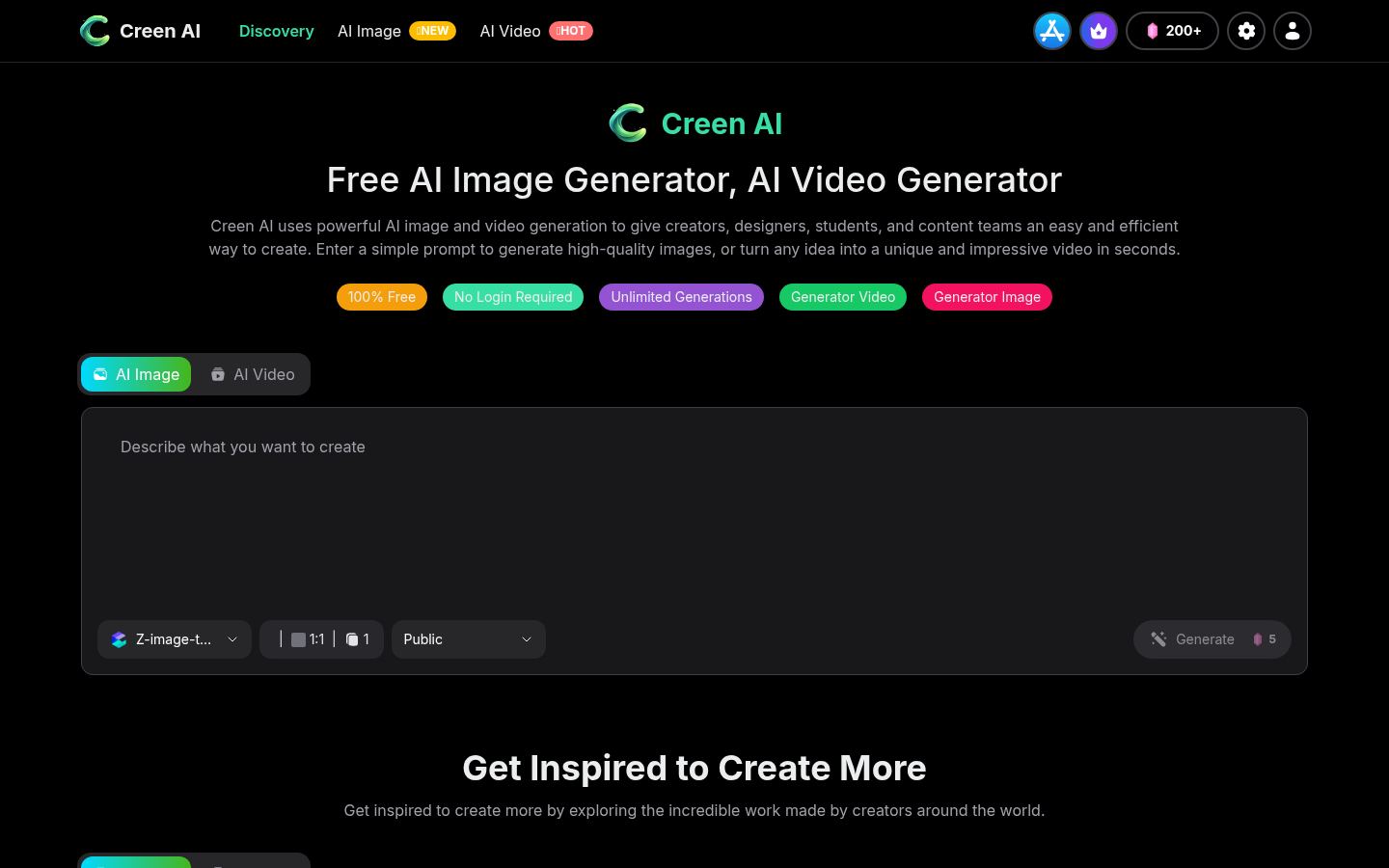
Screenshot archived from the listing page, for preview only.











