Creatorry
AI music generator with full rightsCustom AI music with royalty-free use
Highlights
What you can do with it
- Create background music for videos
- Get inspiration and drafts for new songs
- Make custom music for events and parties
How to use it
- 1 Visit the Creatorry website and click Get Started
- 2 Enter your idea such as style, theme, and mood
- 3 Generate a draft and listen to it
- 4 Edit and customize the track as needed
- 5 Use the finished music in your project
Who it is for
Pros
- Free first song to try the tool
- Royalty-free use with full rights kept
- No professional music skills needed
Limitations
- Free first song is limited and plans can change
- Generated music may need editing to fit well
- Check terms before heavy commercial use
What Creatorry is
Creatorry Music is a music generator driven by advanced AI, and there is a free first song to try. It quickly turns your creative ideas into professional music with lyrics and vocals, lowering the barrier to music creation. You can generate unlimited royalty-free music for videos, content, and commercial use, and creators keep full rights on what they make. You can also edit and customize the generated music to fit any project, adjusting rhythm, timbre, and effects.
What you can do with it
- Turn ideas into songs with lyrics and vocals
- Generate royalty-free music for any use
- Edit and customize tracks to fit a project
- Keep full rights on the music you create
Who it is for
- Content creators needing background music
- Musicians seeking inspiration and drafts
- Event planners and business users
What to watch out for
There is a free first song, but it is limited and paid plan terms can change over time. Generated music may need editing to fit your project exactly. Read the license terms before heavy commercial use. Because it is AI-generated, the style may not match every specific request. For team use, agree on naming and editing conventions in advance to avoid version conflicts or duplicated work. Name and archive exported files consistently so you can find and reuse them, and keep a backup copy of key data. Run one full task end to end first, then expand once you are comfortable with the workflow and the result quality. Behavior may vary across browsers and devices, so test before production use and consult the help docs if errors appear. Features and interface details may change between versions, so review the latest notes on the page before you start.
FAQ
Is there a free option?
There is a free first song to try before any paid plan.
Do I keep the rights?
Yes. Creators keep full rights, and the license stays even after canceling.
What can I make?
You can make custom music with lyrics and vocals, and edit it for any project.
Why it is free
What the official page says: 免费
Free limits, trial length and features are decided by the official site and can change at any time.
Product preview
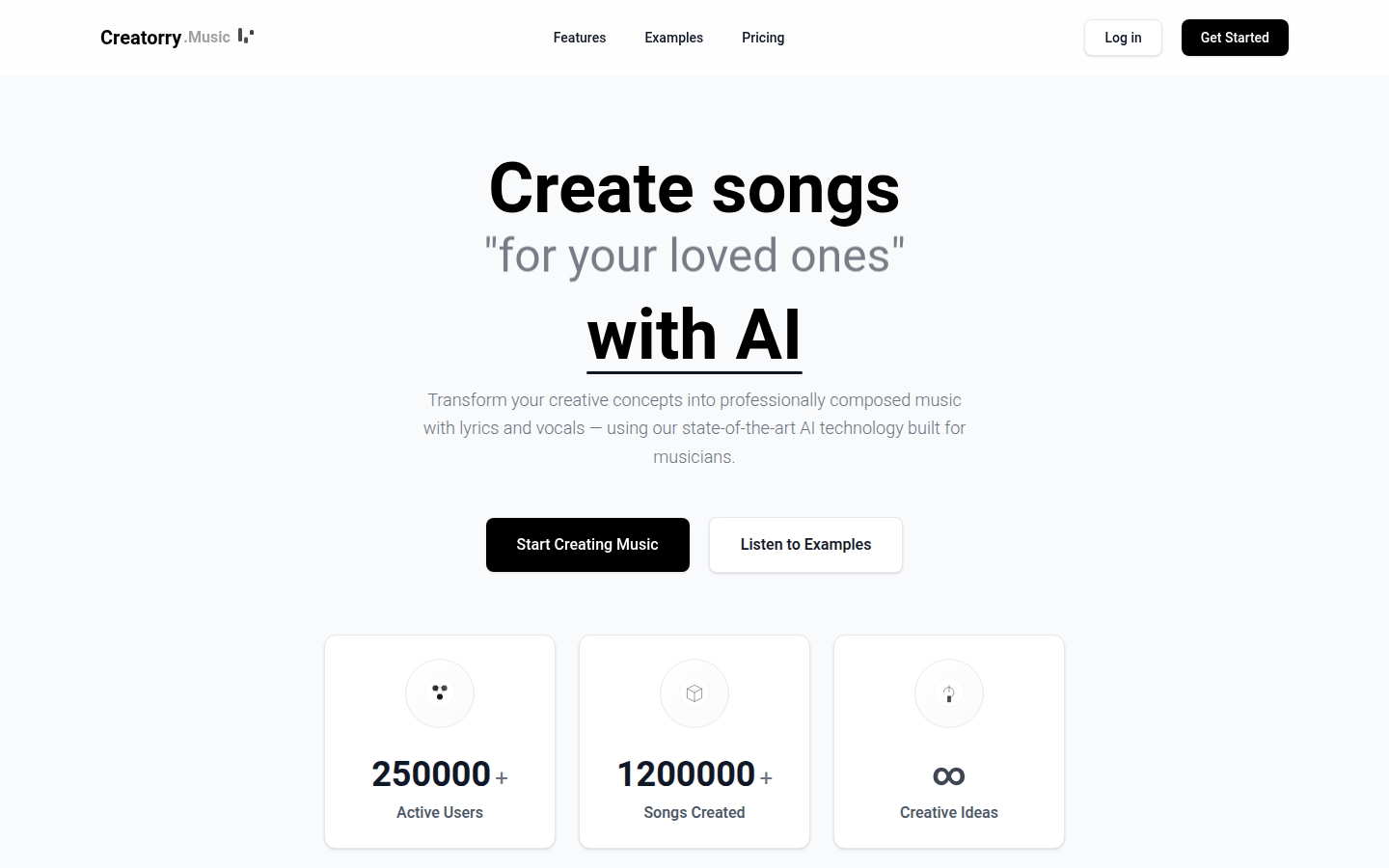
Screenshot archived from the listing page, for preview only.