
Creatorfield AI
AI video and publishingOne idea, many platforms, one click
Highlights
What you can do with it
- An individual blogger produces shorts and posts them across platforms
- A small business marketing team ships a product promo quickly
- An operation agency builds a client content strategy with competitor data
How to use it
- 1 Register an account and start the free trial
- 2 Choose video generation or editing in the workspace
- 3 Generate or edit the video, then use one-click publishing
- 4 Select target platforms and set the publishing time
- 5 Review performance in the analytics view and adjust
- 6 Use competitor analysis to refine the next round of content
Who it is for
Pros
- A free version is available to test the workflow
- Collapses generation, editing, and publishing into one tool
- Scheduling and analytics sit beside the editor
- Competitor analysis and UGC image creation included
Limitations
- The free version is limited compared with paid packages
- Cross-platform publishing depends on each platform's permissions
- AI-generated video and copy still need review before posting
- Paid packages run from $9 to $99 per month, so cost scales with need
What Creatorfield AI is
Creatorfield AI is a platform for video content creation and publishing. Its argument is that the creative part is only half the job; the other half is reformatting, scheduling, and posting the same idea to a dozen places. The platform generates video from a creative idea, edits it automatically with cropping and subtitles, and cuts long videos into clips sized for short-video platforms. Publishing is one click across more than 10 social networks, with scheduling and analytics alongside, so a creator can see what performed. It adds AI competitor analysis for context and UGC image creation for extra visual material. A free version is available, and paid packages run from $9 to $99 per month.
What you can do with it
- Generate a video from a written idea without shooting anything
- Auto-edit with cropping, trimming, and subtitle generation
- Turn a long video into clips for short-video platforms
- Publish to more than 10 social networks in one click
- Schedule posts and read performance analytics
- Run AI competitor analysis and generate UGC-style images
Who it is for
Individual bloggers and professional creators use it to keep a publishing cadence without a production team. Social media operation teams managing multiple accounts use the scheduling and cross-platform publishing to avoid repeating the same upload ten times. Enterprise marketing departments use it for product promotion video that has to appear everywhere at once. Any creator who spends more time reformatting and posting than creating is the target user.
What to watch out for
The free version is a trial, and the paid range from $9 to $99 per month means cost scales with how much publishing volume you need. Cross-platform posting depends on each network's permissions and API rules, which change often, so a channel can stop working through no fault of the tool. AI-generated video and copy still need a human pass before posting, both for accuracy and for tone. Analytics tell you what happened, not what to make next, so the strategy work remains yours.
FAQ
Is there a free version?
Yes. There is a free version, with paid packages priced from $9 to $99 per month.
How many platforms can I publish to?
The platform states one-click publishing to more than 10 social network platforms.
Does it schedule posts?
Yes. Content scheduling is included so publishing times can be arranged in advance.
What else is included besides editing?
AI competitor analysis, content analytics, and UGC image creation are listed alongside the video tools.
Why it is free
What the official page says: free version
Free limits, trial length and features are decided by the official site and can change at any time.
Product preview
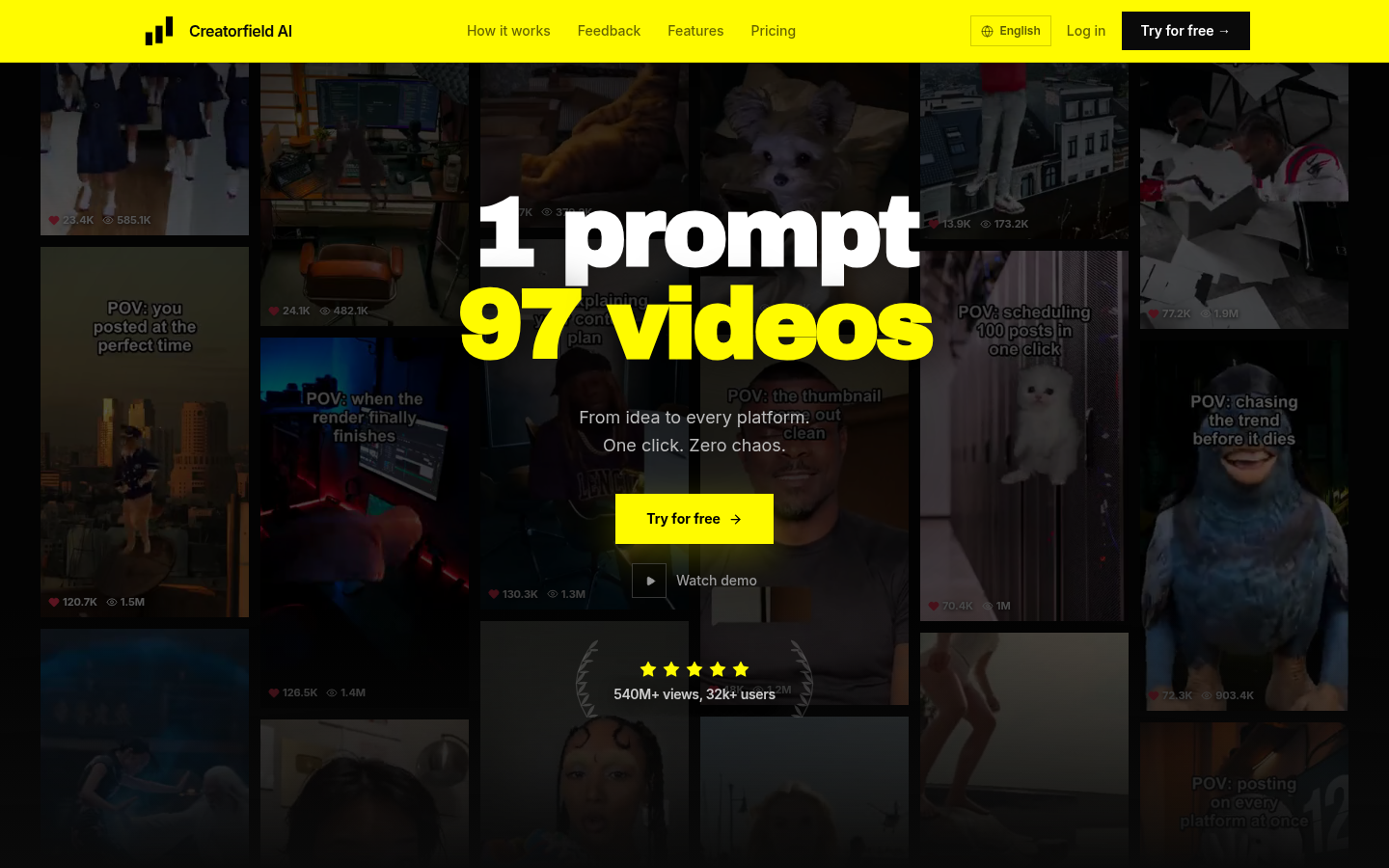
Screenshot archived from the listing page, for preview only.











