
Creato
AI copywriting platformTemplates plus AI for social copy
Highlights
What you can do with it
- Marketers draft product promotion copy quickly
- Bloggers build structured long-form articles from templates
- Social media managers generate image posts in seconds
How to use it
- 1 Pick the content type you need, such as a post, slogan, or article
- 2 Choose a matching template
- 3 Enter the small amount of information the template asks for
- 4 Let the AI generate the draft, then edit it
- 5 Set your brand voice once so later drafts stay consistent
Who it is for
Pros
- Free plan available alongside paid subscriptions
- Templates cover both short posts and long articles
- Brand voice and 50-language support suit multi-market work
Limitations
- Generated copy still needs a human pass for accuracy and tone
- SEO features are helpers, not a guarantee of ranking or traffic
- Free plan limits and current pricing are not spelled out in the listing
What Creato is
Creato is an AI content creation platform aimed at people who need copy on a schedule. The workflow is template-first: you choose the kind of content you want, fill in a small amount of information, and the AI produces a draft. The feature list covers a social media post designer, article and blog templates, SEO optimization, brand voice settings, and support for 50 languages. Pricing is described as reasonable, with a free plan sitting alongside monthly subscriptions. The stated goal is letting anyone use AI to lift their content output, which in practice means marketers and social teams who are publishing constantly rather than writers working on a single long piece.
What you can do with it
- Design social media posts, including image posts
- Draft articles and blog posts from structured templates
- Apply SEO optimization while drafting
- Set a brand voice so output stays consistent
- Work in any of 50 supported languages
Who it is for
The examples point at three groups. Marketers use it for product promotion copy, bloggers use the article templates to get a structured long-form draft, and social media managers generate image posts in seconds. If you publish on a calendar and the bottleneck is writing rather than strategy, this is the kind of tool that shortens the loop. Teams working across markets get extra value from the language coverage, since the same brief can be produced in several languages.
What to watch out for
AI drafts are drafts. Claims, numbers, and product details still need a human check before anything goes out, and tone rarely lands perfectly on the first pass. The SEO features help with structure and keywords, but they do not guarantee rankings or traffic. The free plan exists, yet its limits and the current subscription prices are not itemized in the listing, so check the site for what you actually get. As with any template-driven generator, output can drift toward generic phrasing, so the brand voice setting is worth configuring properly rather than leaving it at the default.
FAQ
Does Creato have a free plan?
Yes. The listing says it offers both free and monthly subscription plans.
What can it generate?
Social media posts, slogans, and articles, using templates plus a short brief.
How many languages does it support?
The feature list states 50 languages.
Can it keep my brand tone?
There is a brand voice setting so output can follow a style you define.
Why it is free
What the official page says: 免费
Free limits, trial length and features are decided by the official site and can change at any time.
Product preview
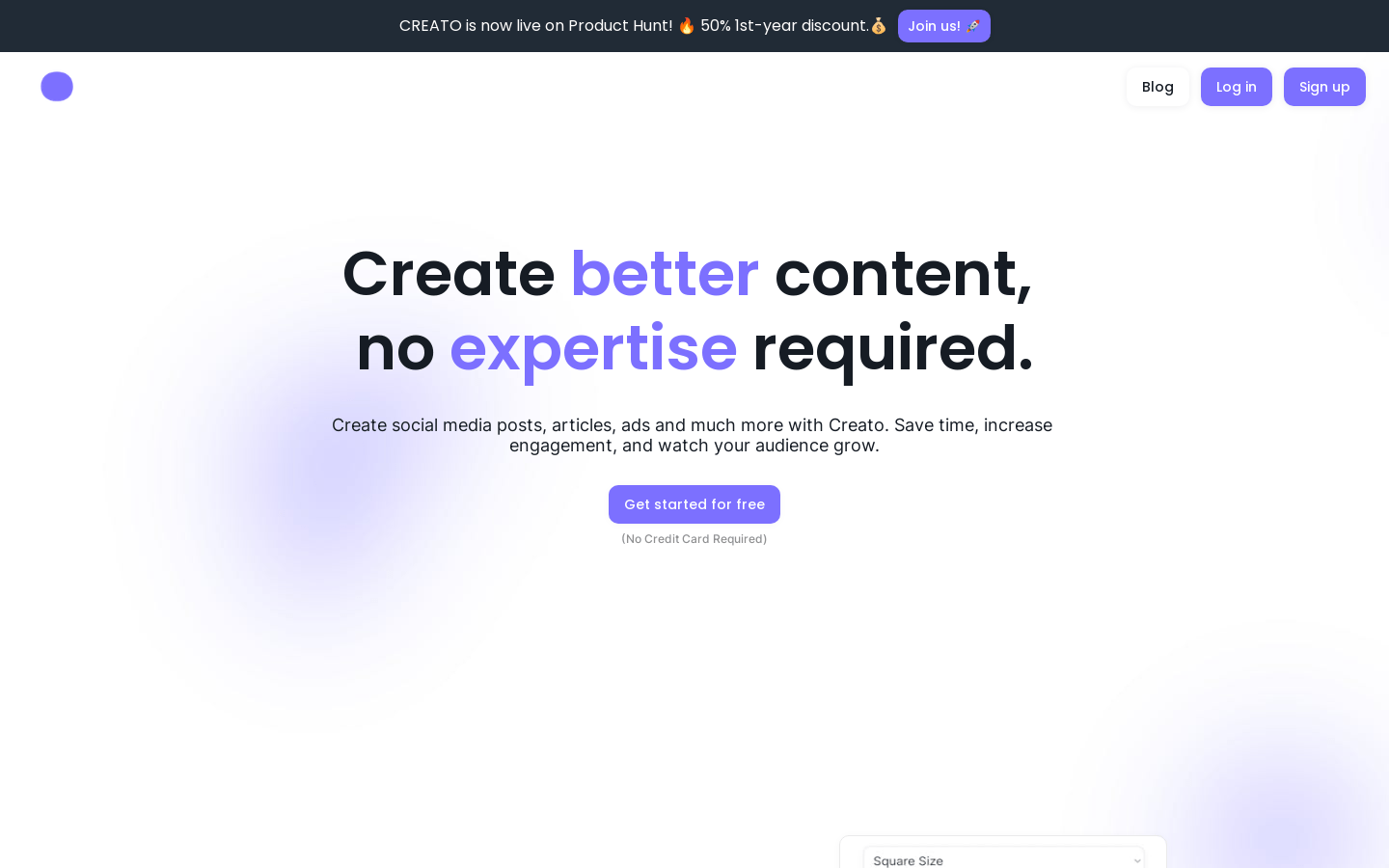
Screenshot archived from the listing page, for preview only.











