CreateVision AI
Free multi-model AI image generatorDescribe it, pick a tutor, get the image
Highlights
What you can do with it
- A designer generating style options with tutor help
- A marketing team building event visuals without a designer
- An e-commerce manager cleaning up product photos
How to use it
- 1 Visit the CreateVision AI site and log in if needed
- 2 Choose a function such as text-to-image or image editing
- 3 Enter a description or upload the image to work on
- 4 Optionally pick an AI tutor and describe your vision
- 5 Wait for the result, then review and save it
Who it is for
Pros
- Free to use at the moment
- Several models behind one interface
- Tutor personas lower the prompt writing barrier
- Common edits such as background removal included
Limitations
- Free status is current and can change at any time
- Face swapping and similar edits carry consent and platform risks
- Depends on third party models, so output shifts over time
- Site returned an error when checked, so availability is uncertain
What CreateVision AI is
CreateVision AI is a free AI image generation and creative design tool with multi-model routing. Rather than making you choose a model, it selects from more than seven of them based on your description, and the listing states image quality up to 4K. Beyond generation it offers multi-image fusion, one-click editing such as background removal, watermark removal and high definition upgrades, style conversion and a template library. There is also an AI tutor feature where you pick a persona and it turns your idea into a workable prompt.
What you can do with it
- Describe an image in plain words and get a result back.
- Fuse several photos into one composition such as a couple or family portrait.
- Remove a background or a watermark in one click.
- Convert a photo into a different artistic style.
- Use a template as a starting point and adjust it.
- Pick an AI tutor persona when you are unsure how to phrase a prompt.
Who it is for
- Freelance designers exploring several styles quickly.
- Marketers producing event and campaign visuals without design support.
- E-commerce sellers cleaning up product photography.
- Game developers and social media managers making content assets.
What to watch out for
Free use is the current state, not a guarantee, and a service that is free today can introduce limits or paid tiers later. The face swapping and similar editing tools are the sensitive part: putting a real person's face into an image without their consent can violate platform rules and local law, and the consequences fall on you, so only use images you have the rights to and keep edits clearly fictional. Output depends on third party models that change over time, so results are not reproducible. The site returned an error when it was checked, so verify current availability. As always, review generated images for accuracy and rights before you publish them.
FAQ
Is CreateVision AI free?
The listing says it can be used for free starting from now.
Which models does it use?
The listing names more than seven models, including Nano Banana 2 and Seedream 5.
What resolution can I get?
The listing states image quality up to 4K.
What is the AI tutor for?
You pick a persona such as Leonardo da Vinci, Vincent van Gogh or Hayao Miyazaki and it converts your idea into a usable prompt.
Can I edit faces in images?
Face swapping is listed as an editing function, but using it on people without consent can break platform rules and local law.
Why it is free
What the official page says: for free
Free limits, trial length and features are decided by the official site and can change at any time.
Product preview
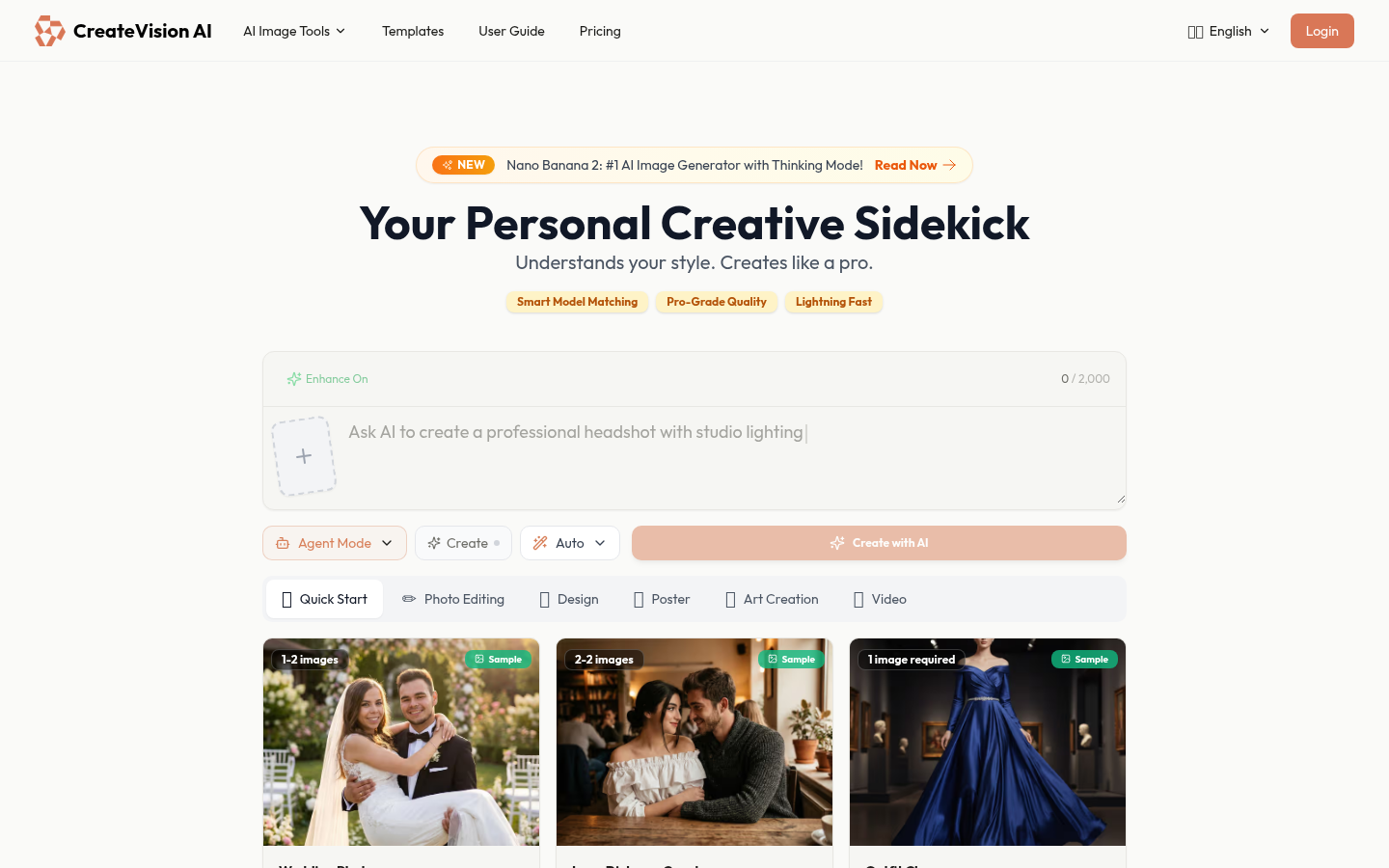
Screenshot archived from the listing page, for preview only.











