
CreateMyBanner
AI banner generator for social platformsType an idea, get a banner image
Highlights
What you can do with it
- Generate a YouTube thumbnail banner for a new video
- Create link preview images for social posts
- Design a LinkedIn company banner for a brand page
How to use it
- 1 Open CreateMyBanner and pick the banner type you need.
- 2 Enter your theme, color preferences, and text.
- 3 Choose a design style or template and let the AI generate.
- 4 Adjust colors, fonts, and elements.
- 5 Download the finished banner.
Who it is for
Pros
- No design skills needed to get a usable first draft
- Free starter plan lets you test output quality
- Output is sized for specific platforms
- API and documentation for developers
Limitations
- Free plan limits are not spelled out on the page
- AI layouts can look generic without manual adjustment
- Text rendering in generated images often needs checking
- The site is new, so platform presets may lag platform changes
What CreateMyBanner is
CreateMyBanner is an AI banner generator. You describe what the banner is for, and it produces a design sized for the platform you picked. The supported types cover YouTube, LinkedIn, and social media link previews, with styles that run from minimal to bold impact. The workflow is short: enter the theme, color preferences, and text, choose a style or template, let the AI generate, then adjust and download. Colors, fonts, and images are all customizable, so a generated draft is a starting point rather than a finished asset. Pricing runs from a free starter package up to paid packages for professional studios, and documentation plus an API are offered for developers.
What you can do with it
- Generate a banner sized for a specific platform.
- Pick a style direction from minimal to high impact.
- Adjust colors, fonts, and image elements after generation.
- Download the finished banner for immediate use.
Who it is for
- Content creators who need thumbnails and channel art regularly.
- Marketers producing link preview images for social posts.
- Small businesses with no designer on staff.
What to watch out for
Free plan limits are not spelled out, so check what the starter package includes before you plan a batch of banners. AI layouts lean generic unless you adjust them, and text rendering inside generated images is the part most likely to need a fix. Platform sizes change, and a young product may lag behind those changes, so verify dimensions against the current platform requirements before you publish. Community feedback on the page is useful for setting expectations, but your own output will depend on how specific your brief is.
FAQ
Which banners can it make?
The page lists YouTube, LinkedIn, and social media link previews.
Is there a free option?
Yes, pricing runs from a free starter package to paid packages for professional studios.
Can developers integrate it?
The page mentions detailed documentation and API support.
Why it is free
What the official page says: 免费
Free limits, trial length and features are decided by the official site and can change at any time.
Product preview
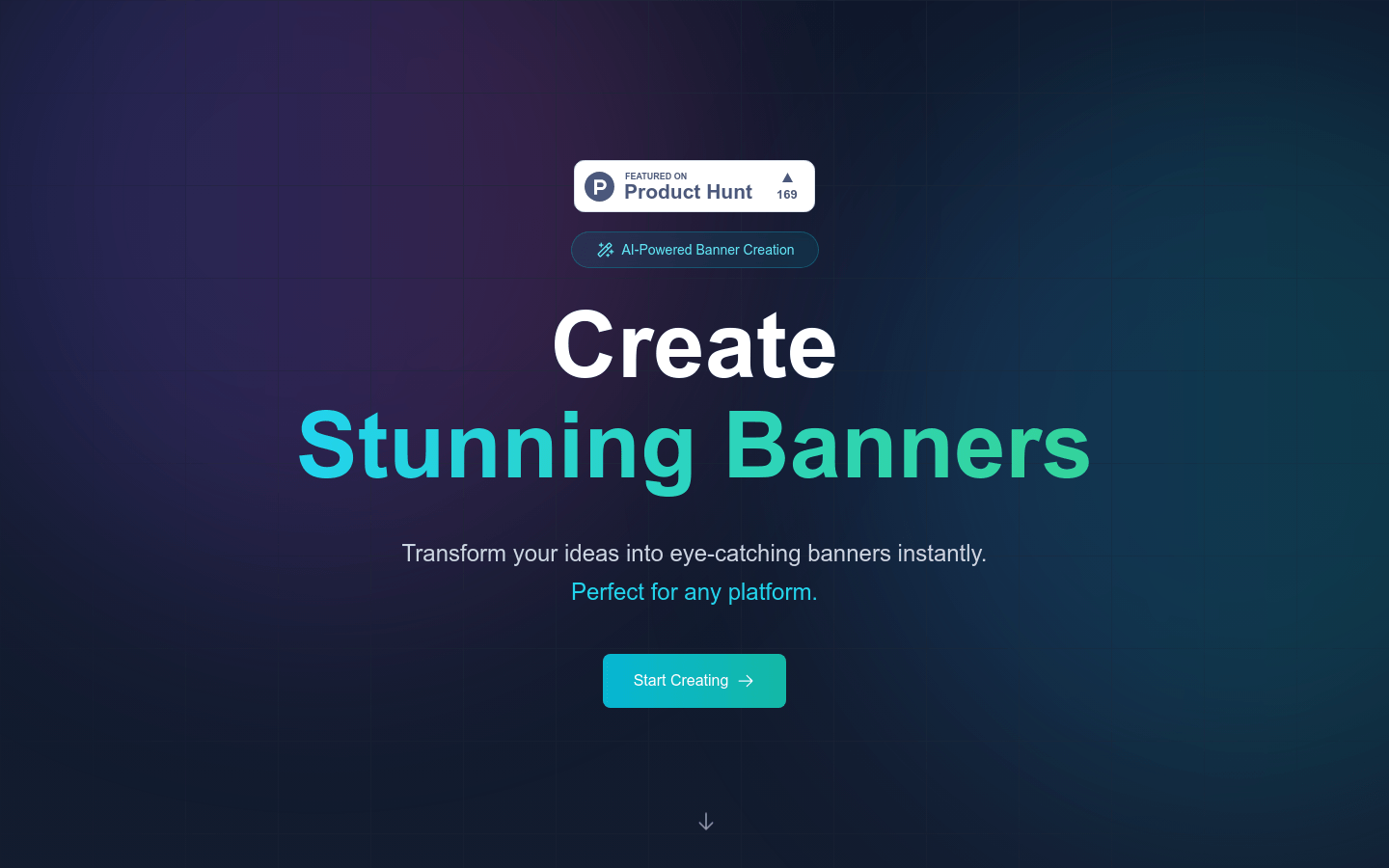
Screenshot archived from the listing page, for preview only.











