CreateImage Online
Create, edit, and animate images in one placeText to image, editing, and image animation online
Highlights
What you can do with it
- Create an image from a written idea
- Clean up or change part of an existing photo
- Animate a still image into a short clip
How to use it
- 1 Open createimage.online
- 2 Pick the model you need: Seedream, Nano Banana, or Seedance
- 3 Enter a prompt or upload a reference image
- 4 Generate, then download the result
- 5 Move to a paid plan if you need higher volume
Who it is for
Pros
- Free version is available to start with
- Covers generation, editing, and animation in one site
- Accepts text prompts and reference images
Limitations
- Higher output needs the Creator or Studio plan at $19 or $49 a month
- Free plan limits and pricing can change
- Different models behave differently, so results vary by task
What CreateImage Online is
CreateImage Online is a browser-based AI image tool. It generates images from text prompts, edits existing pictures, and turns stills into animated video, so one site covers several steps of a creative job. Different models handle different jobs: Seedream for text to image, Nano Banana for precise image editing, and Seedance for animation and video generation. You can start from a written prompt or upload a reference image to guide the result. There is no software to install. A free version is available for exploring the tools, with a Creator plan at $19 a month and a Studio plan at $49 a month for higher output.
What you can do with it
- Generate an image from a written idea
- Edit or clean up an existing picture
- Turn a still image into a short animated clip
- Work from text prompts or reference images
Who it is for
- Creators who need images without installing an editor
- Marketers producing visuals for campaigns
- Anyone who wants image and video output from one tool
What to watch out for
Higher output needs the Creator or Studio plan, and those prices can change. The free version is for exploring rather than volume work, so check what it includes before you plan a project around it. Different models behave differently, so results vary by task and you may need to switch models to get the look you want. As with any generative tool, review the output before you use it publicly, especially when text or logos appear in the image. For best results, start with a small test file and review the output carefully before working on anything important.
FAQ
Which models does it use?
Seedream for text to image, Nano Banana for editing, and Seedance for animation and video.
Is there a free version?
Yes, a free version is offered alongside the paid plans.
Can I upload a reference image?
Yes, the tool accepts both text prompts and reference image input.
Why it is free
What the official page says: 免费版免费
Free limits, trial length and features are decided by the official site and can change at any time.
Product preview
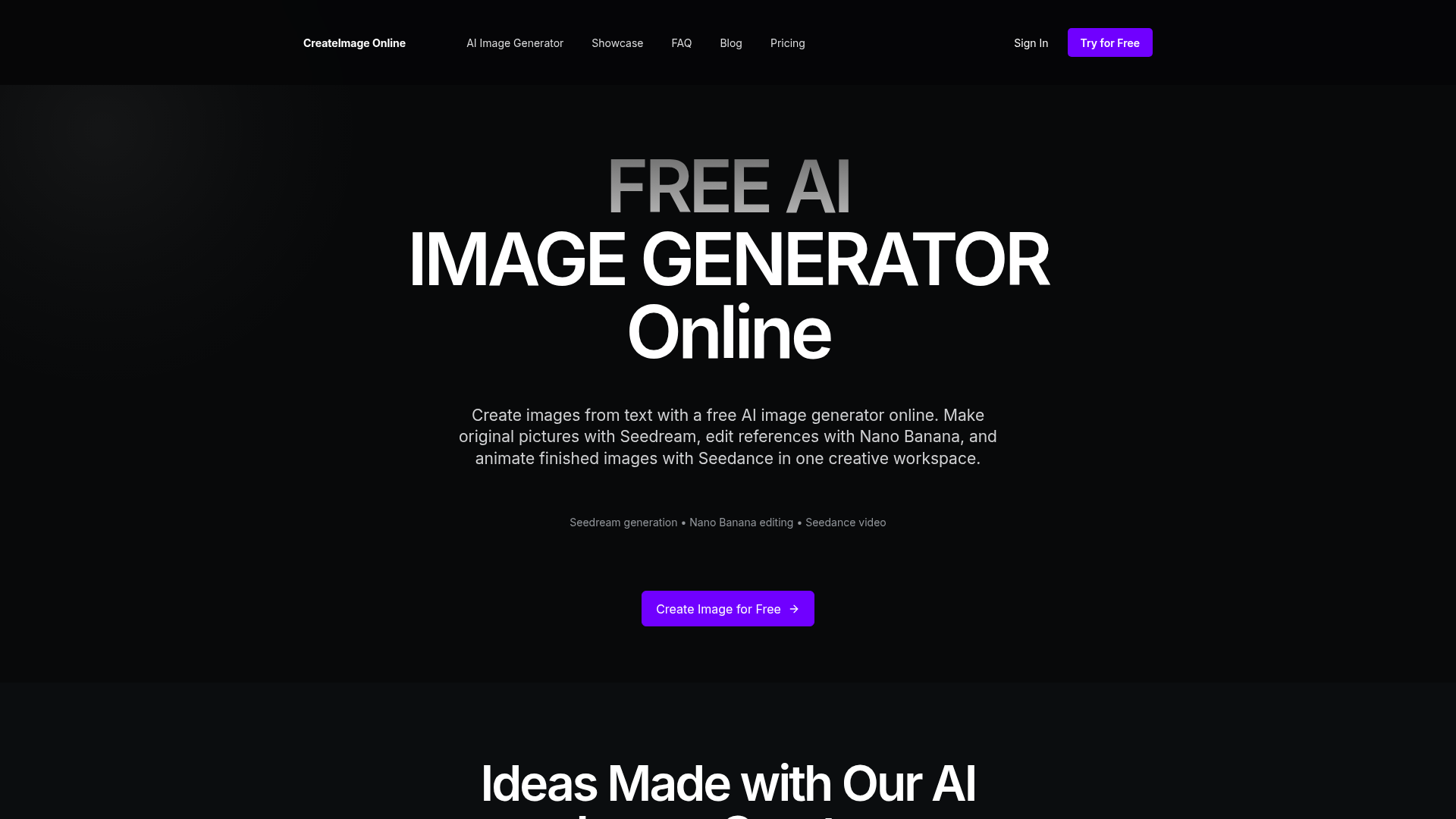
Screenshot archived from the listing page, for preview only.