
CreArt
One-stop AI creative platform with about ninety image, editing, and video tools.Ninety AI tools, one workspace, daily free credits to start.
Highlights
What you can do with it
- E-commerce sellers cleaning up product photos and replacing backgrounds
- Creators producing thumbnails, banners, avatars, and posters
- Real estate agents improving property photos with virtual staging
- Musicians generating album covers and release visuals
How to use it
- 1 Open the site and browse categories or search for the tool you need
- 2 Register or log in; daily free credits let you try basics first
- 3 Enter prompts or upload photos to process
- 4 Choose model, style, and size, generate, then download or keep editing
Who it is for
Pros
- Wide tool coverage reduces the need for multiple subscriptions
- Low barrier to entry with daily free credits
- Consistent prompt handling in both Chinese and English
Limitations
- Daily free credits run out quickly under production workloads
- Video animation and advanced features require paid plans
- Individual tools may be shallower than specialized apps
What CreArt is
CreArt AI is an online creative platform centered on AI image generation while also covering photo editing and video animation, aggregating about ninety tools into a single workspace. The tools are organized into categories including image generation, video, editing, portrait, enhancement, interior design, and design material generation, so most everyday visual content tasks are covered without switching services. You can generate images from text prompts in Chinese or English, remove backgrounds and unwanted objects, upscale and restore old or blurry photos, adjust relighting, create portraits and avatars, design album covers, logos, and posters, virtually stage rooms, and convert static images into short videos through integrated third-party video generation. The platform starts free with daily credits, typically without requiring a credit card, while advanced capabilities such as video animation sit behind paid plans. Its positioning is a one-stop, low-cost visual production workstation for creators, sellers, photographers, teachers, musicians, and small businesses.
What you can do with it
- Generate concept art, illustrations, posters, and social media images from text prompts
- Clean up product photos with background removal, object removal, and scene replacement
- Restore and enhance old or low-quality photos with upscaling, colorization, and relighting
- Produce design materials such as album covers, logos, apparel mockups, and book covers
Who it is for
- Content creators and social media operators who need covers, thumbnails, and posters constantly
- E-commerce sellers and small businesses lacking a photo studio or design team
- Photographers and portrait studios using enhancement and short clip animation
- Real estate professionals staging vacant rooms, plus musicians, authors, and teachers
What to watch out for
Daily free credits are enough for occasional experiments but disappear fast under production workloads, and the capabilities that matter commercially, especially video animation, require paid plans whose credit pricing you should study before committing. Because the platform aggregates many third-party video generation capabilities, model availability and output style can vary between tools and over time. Quality per individual tool may not equal a specialized single-purpose app, so set expectations accordingly and test on representative work. As with any credit-based service, plan details and free allowances can change, so check current terms periodically. Finally, review generated content for accuracy and likeness issues before publishing, particularly portraits and product representations used in commercial contexts.
FAQ
Is CreArt free to use?
You can start free with daily credits, usually without binding a credit card. Video animation and other advanced capabilities require paid plans.
How many tools does it include?
Approximately ninety AI tools across image, video, editing, portrait, enhancement, interior design, and design generation categories.
Can I use it for e-commerce images?
Yes. Sellers commonly remove backgrounds, replace scenes, and upscale product photos for listings and advertising.
Why it is free
What the official page says: free trial
Free limits, trial length and features are decided by the official site and can change at any time.
Product preview
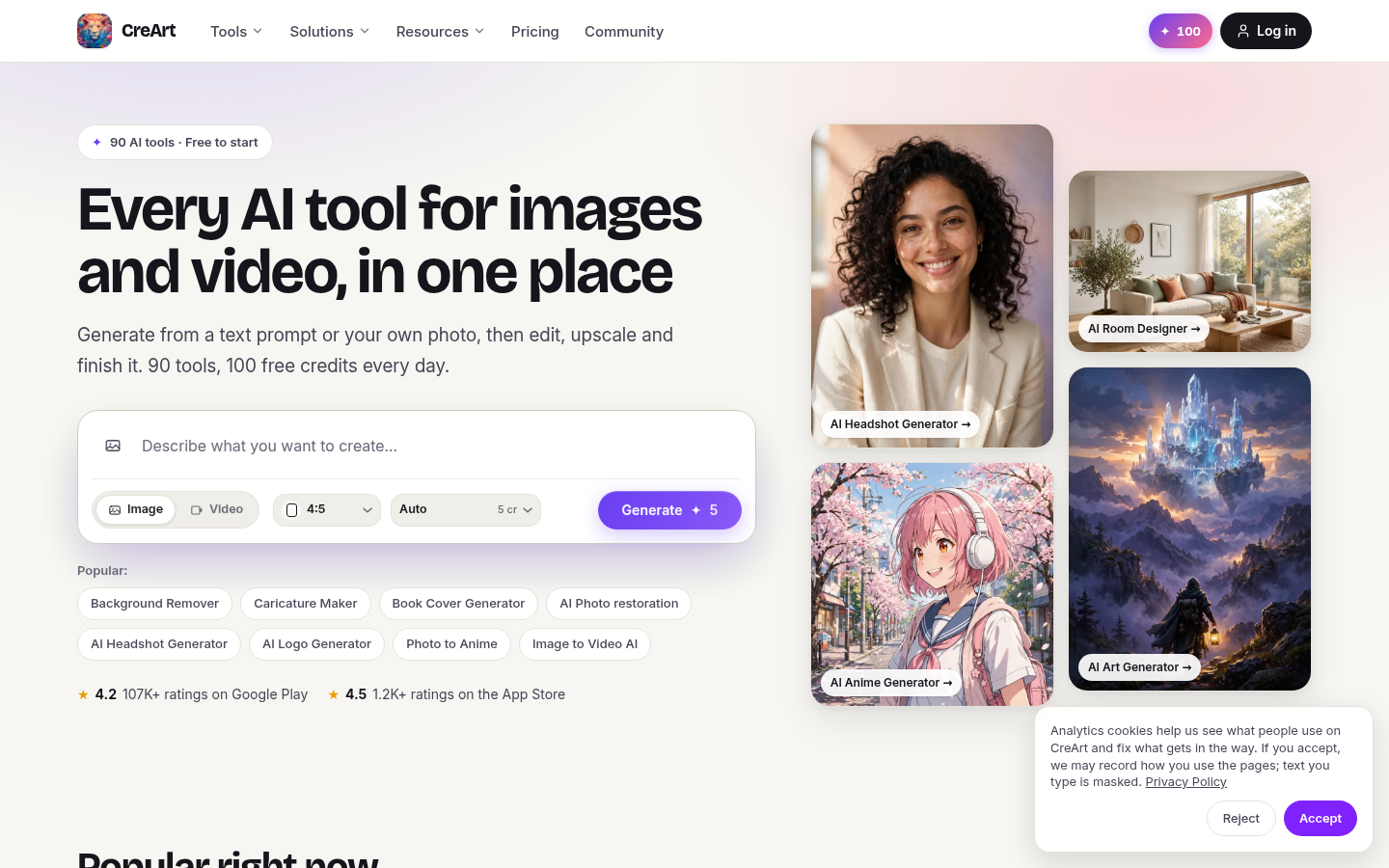
Screenshot archived from the listing page, for preview only.











