
Coworker AI
Enterprise AI agent platform for teamsAI agents that learn your workflow and run it
Highlights
What you can do with it
- Finance teams connect Stripe and QuickBooks and let the agent assemble income statements and balance sheets
- Sales teams sync opportunity records in Salesforce and review Gong call notes to understand buyer needs
- Technology teams use the coding support to write and test code
How to use it
- 1 Go to coworker.ai and click Get started free to create an account
- 2 Connect the enterprise tools you rely on, such as Salesforce, Slack, and Jira
- 3 Configure a workflow from a template or build a custom one in the agent builder
- 4 Launch the agent and watch progress and results from the dashboard
- 5 Refine the workflow as business needs change
Who it is for
Pros
- One platform reaches roughly 50 tools the business already uses
- Organizational memory reduces the need to reprogram the agent by hand
- Security credentials and permission-aware processing
- Free trial available before committing budget
Limitations
- Full production use requires payment beyond the trial
- Connecting many tools takes setup time and administrator access
- The enterprise focus and breadth can feel heavy for a very small team
- Free trial rules and scope can change, so confirm current terms on the site
What Coworker AI is
Coworker AI is an enterprise AI agent platform that handles chat, collaboration, and coding work in one place. It natively connects roughly 50 business tools such as Salesforce, Slack, and Jira, then learns how your organization actually works through organizational memory. Because of that memory, the agent adapts to the existing process over time instead of being reprogrammed by hand for every change. It then runs multi-step workflows across those systems on its own, covering the repetitive parts of the go-to-market stack. Security rests on SOC 2 Type II, GDPR, and CASA Tier 2 credentials, and data processing follows the permission structure already configured inside the tools you connect. A free trial is available for evaluation, while full production use sits on a paid plan.
What you can do with it
- Connect the tools your company already uses and let agents move work between them without manual copying
- Build custom workflows in the agent builder, or start from templates the platform provides
- Run repetitive tasks automatically around the clock through the 24/7 cloud agent service
- Use the coding support to write and test code inside the same platform
Who it is for
- Enterprise managers who want repetitive work handled without adding headcount
- Sales teams that spend most of their day inside CRM and call recording tools
- Technology teams that want coding and testing help next to their business workflows
What to watch out for
The platform is built for enterprise scope, so real value comes from connecting live tools and configuring workflows rather than trying a demo once. Full production use requires payment after the trial, and the trial terms and included features can change over time, so check the current offer on the official site before you plan around it. Integration work needs administrator access to each connected system, which can take longer in a large organization with strict security review. Teams should also review agent output during the first weeks, since an agent that learns your workflow still needs confirmation that it learned the right one.
FAQ
Does Coworker AI really run work on its own?
Yes. Unlike a chat assistant that waits for each instruction, its agents carry out multi-step workflows across connected tools. You still configure the workflow first and can review progress and results at any time.
How does it learn our workflow?
Through organizational memory. As the agent works with your team and connected systems, it adapts to the existing process, so you spend less time reprogramming it manually.
Is there a free option?
There is a free trial you can start from the website. Full production use is a paid plan, and the trial terms can change, so check the current offer.
How is company data protected?
The platform holds SOC 2 Type II, GDPR, and CASA Tier 2 credentials, and processing follows the permission structure already set inside the tools you connect.
Why it is free
What the official page says: free trial
Free limits, trial length and features are decided by the official site and can change at any time.
Product preview
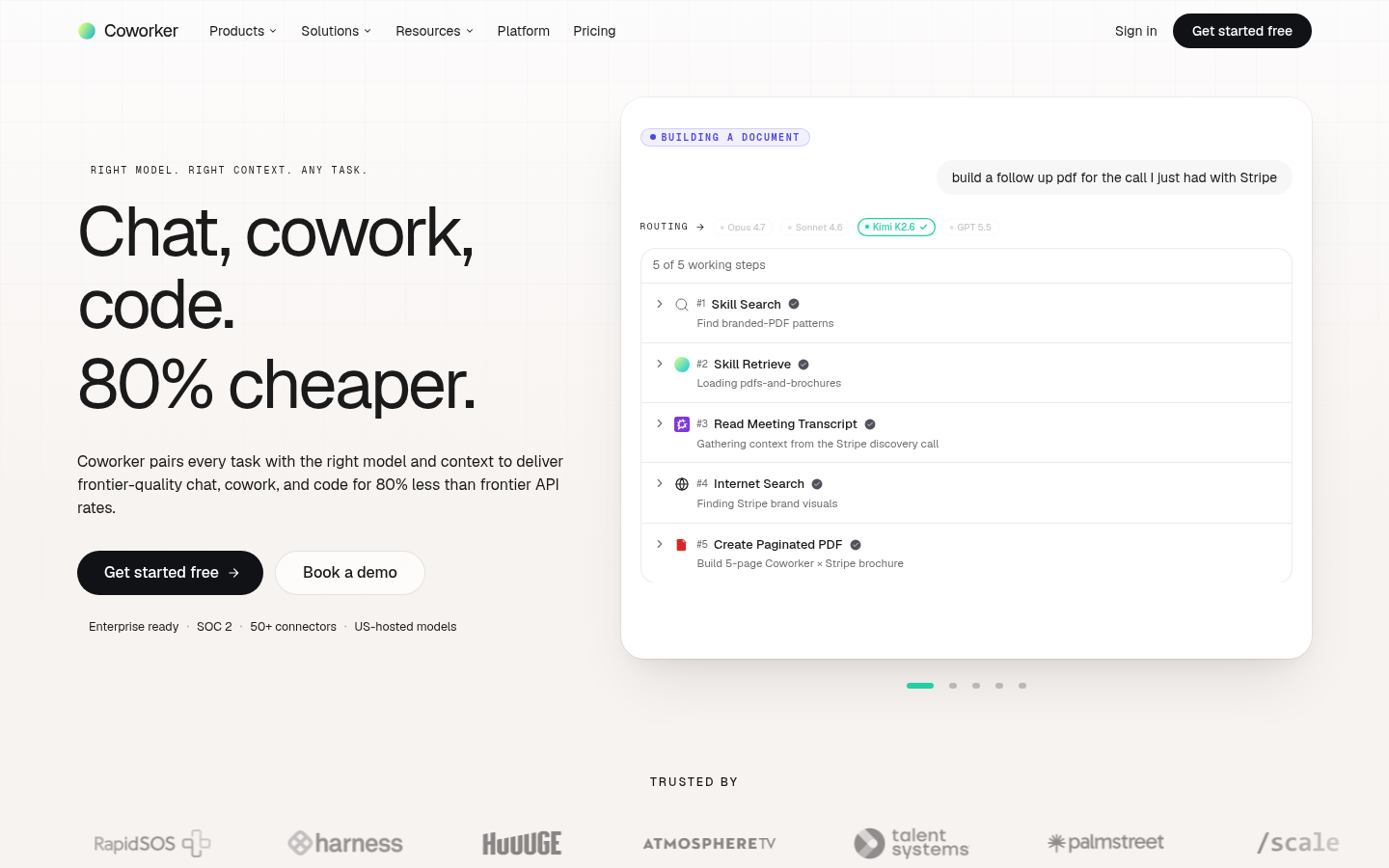
Screenshot archived from the listing page, for preview only.











