
Council Chat
Multi-model AI workspaceSeveral AI models working on one task
Highlights
What you can do with it
- Running SWOT and competitor analysis with several model perspectives
- Producing a month of copy, articles, and slogans plus matching visuals
- Researching a complex topic using the council plus live web search
How to use it
- 1 Go to aicouncilchat.com and create a free account
- 2 Start with the free basic council plan
- 3 Pick a model in the chat module and compare answers
- 4 Use the expert council for hard problems and the agent for long tasks
- 5 Upload documents, generate images or music, then export a presentation
Who it is for
Pros
- No API key needed to try several major models
- Consensus and debate modes expose disagreement between models
- Documents, images, music, and presentations live in one place
Limitations
- Model availability and pricing can change as providers update their lineups
- Running several models at once costs more, so free plans are limited
- A council agreeing on an answer is not the same as the answer being correct
What Council Chat is
Council Chat is a web-based AI workspace that brings several major models together in one place. You can chat with models from Anthropic, OpenAI, Google, xAI, Mistral, Perplexity, and TogetherAI without supplying an API key, and compare their answers next to each other. On top of single-model chat, a model council lets two to five models vote on the same question and shows the consensus along with the differences. An expert council has stronger models discuss a problem from multiple angles. There is also a document workspace for PDFs and spreadsheets, a creative studio for images, music, and voice, and the option to turn output into a presentation or a shareable mini-site. Plans start free and run up to $69 per month.
What you can do with it
- Chat with several major models and compare their answers directly
- Run a council of two to five models to see consensus and disagreement
- Hand a complex goal to an agent that plans, searches, and processes data
- Upload documents, generate visuals or audio, and export a presentation
Who it is for
- Decision-makers who want more than one model's view of a problem
- Content creators producing copy, images, and music in one workspace
- Researchers, students, and staff working from documents and reports
What to watch out for
Model lineups move. Providers retire, rename, and reprice models, so what is available on a free plan today may not be there next month, and the $69 ceiling can change too. A council reaching agreement is a useful indicator but not proof; models can share the same blind spot, so verify anything that matters. Running several models on one task also consumes more capacity than a single chat, which is why the free tier is limited. Check how your documents and outputs are handled before you upload anything confidential, even with EU storage claimed.
FAQ
Which models can I use?
Models from Anthropic, OpenAI, Google, xAI, Mistral, Perplexity, and TogetherAI are listed, and you can compare their responses.
Do I need an API key?
No. The workspace is designed to give access without one, though plans range from free to $69 per month.
What is a model council?
Two to five models answer the same question, vote, and the platform shows where they agree and where they differ.
Can it work with my documents?
Yes. You can upload PDFs, spreadsheets, and text files, and the AI extracts context from them for you to interact with.
Where is data stored?
The product describes EU data storage and data security as part of its positioning.
Why it is free
What the official page says: 免费
Free limits, trial length and features are decided by the official site and can change at any time.
Product preview
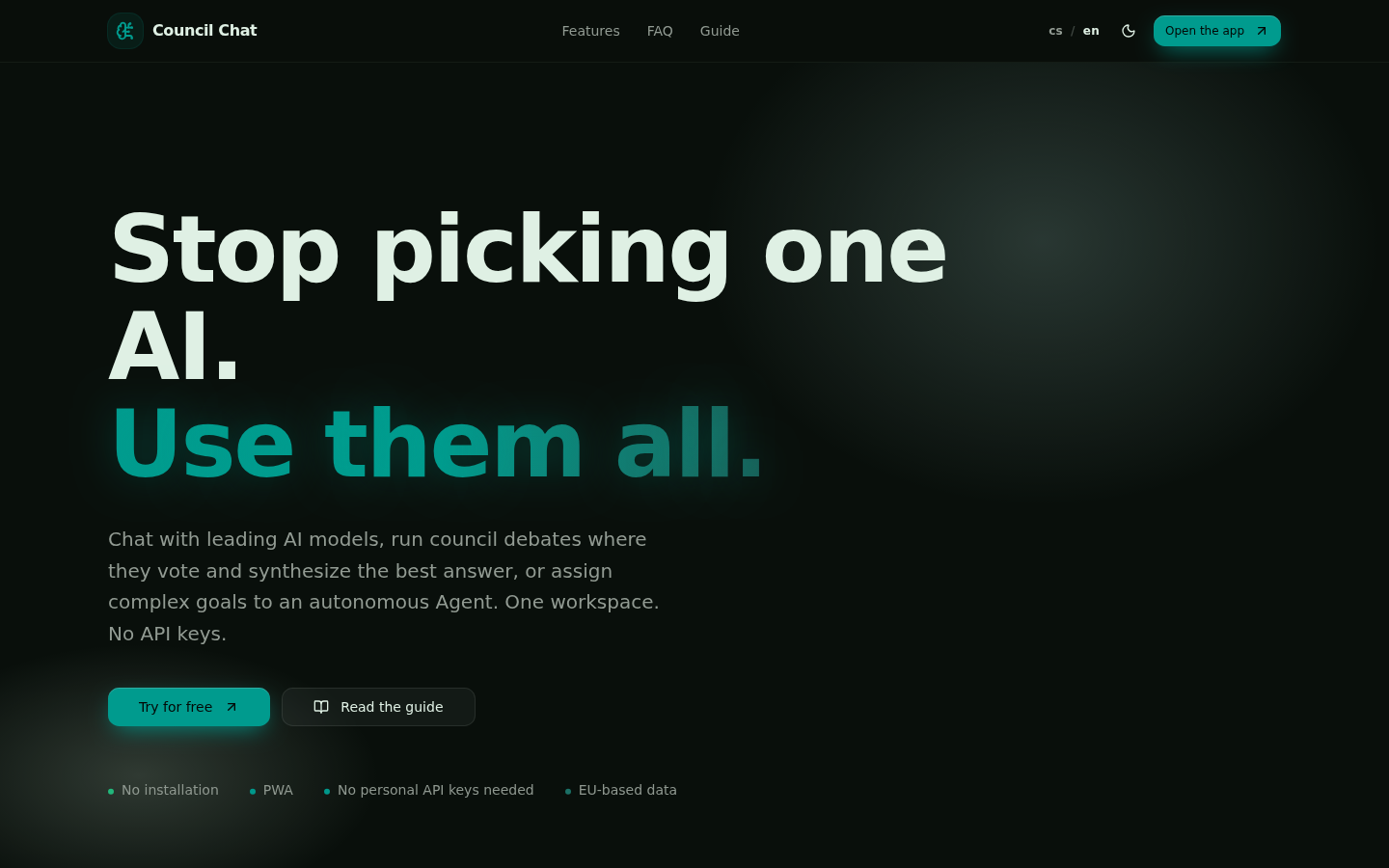
Screenshot archived from the listing page, for preview only.











