
CopySlides
Turn PDFs and screenshots into editable PPTPixel accurate conversion to PowerPoint
Highlights
What you can do with it
- Rebuilding a client deck that arrived as a PDF
- Reusing charts and figures from a report in a presentation
- Turning a recording of slides into an editable file
How to use it
- 1 Start the free trial at copyslides.com
- 2 Upload the PDF, screenshot, or video you need converted
- 3 Let the tool convert it into editable PowerPoint objects
- 4 Check fonts, colors, and layout, then edit as normal
Who it is for
Pros
- Output is editable instead of a flat image
- Layout, fonts, and colors are reproduced closely
- A free trial is available before paying
Limitations
- Complex files may still need cleanup after conversion
- Paid plans start at 9 dollars per month, and the trial length is not detailed in our source
- Conversion quality depends on the quality of the source file
- Video sources add another step of uncertainty
What CopySlides is
CopySlides is a productivity tool for people who work with slides all week. The problem it solves is dull and expensive: a client sends a deck as a PDF, or you have screenshots and a video of a presentation, and you need the content as editable PowerPoint objects. Rebuilding it by hand takes hours. CopySlides converts those sources directly, aiming for pixel accurate 1:1 conversion that reproduces fonts, colors, and shapes while keeping the original layout. That means the file you end up with is not a flat picture but something you can actually edit. A free trial is offered, and paid plans are listed from 9 dollars per month with a one-time lifetime option. It is positioned for professionals who need complete control over their presentation workflow.
What you can do with it
- Convert a PDF into editable PowerPoint objects
- Convert screenshots and video of slides into a deck
- Reproduce fonts, colors, and shapes from the source
- Keep the original layout instead of starting from a blank slide
Who it is for
- Consultants who receive and reuse client decks
- Sales teams that rebuild proposals and quotes from PDFs
- Anyone who reuses slides often and dislikes manual rebuilding
What to watch out for
Conversion quality depends on the source file. A clean PDF converts better than a scanned page or a low resolution screenshot, and video sources add another layer of uncertainty, so check the output carefully before you present it. Complex layouts may still need manual cleanup, because reproducing a design exactly is harder than reproducing its parts. Paid plans start at 9 dollars per month and the trial length is not detailed in the material we have, so read the pricing page before you commit. Finally, keep the original file, because you will want it if the conversion needs to be redone.
FAQ
What does CopySlides convert?
PDFs, screenshots, and videos into editable PowerPoint objects.
How accurate is the conversion?
The product states pixel accurate 1:1 conversion, reproducing fonts, colors, and shapes.
Is there a free trial?
Yes, a free trial is offered.
What does it cost?
Paid plans are listed from 9 dollars per month, with a one-time lifetime option on the pricing page.
Why it is free
What the official page says: 免费试用免费
Free limits, trial length and features are decided by the official site and can change at any time.
Product preview
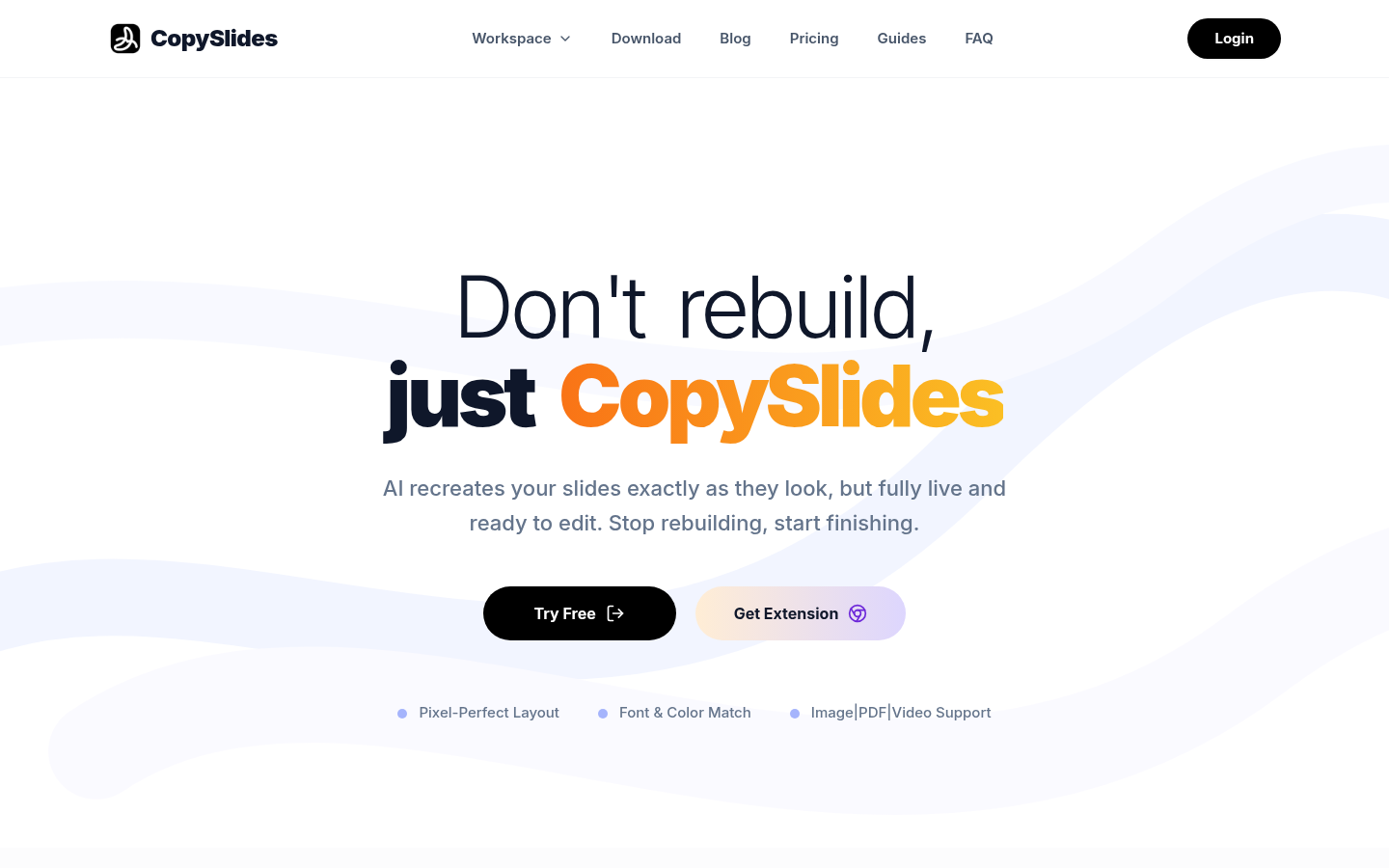
Screenshot archived from the listing page, for preview only.