
CoolAIid
AI interior design inspiration toolTry more than 20 styles on your room
Highlights
What you can do with it
- Testing a modern or rustic look before buying furniture
- Showing a client two directions for the same room
- Experimenting with a bathroom refresh on a photo
How to use it
- 1 Create a free account
- 2 Upload a photo of the room you are working on
- 3 Pick a style and place items in the space
- 4 Adjust details by drawing on the image
- 5 Save or share the result
Who it is for
Pros
- A free account lowers the entry barrier
- Inspiration and detailed control sit in one place
- Virtual placement helps preview real decisions
- Style and room coverage is broad
Limitations
- Renders are a guide, not a guarantee of the real result
- Free account limits are not detailed in the listing
- Site status was recorded as unavailable, so check the page before relying on it
- Photo quality affects how believable the output looks
What CoolAIid is
CoolAIid is an AI driven platform for interior design inspiration and editing. It is built for two audiences at once: people redecorating their own home who need ideas, and professional designers who need to show a client a direction quickly. The tool generates design possibilities for a space, and then goes further than a simple style filter by letting you control the render itself.
The listing states coverage of over 20 interior design styles and inspiration for various room types, including living rooms, bathrooms, and bedrooms, whether you prefer modern or rustic. Two capabilities stand out. The first is virtual placement, which lets you position items inside the room rather than only restyling what is already there. The second is a set of professional tools that let you draw on a photo and control rendering details directly, which is how a vague inspiration image becomes a decision you can act on. You can create a free account to explore.
What you can do with it
- Generate design inspiration across more than 20 styles
- Work on different room types from living room to bedroom and bathroom
- Use virtual placement to try items inside your own space
- Draw on a photo to control render details
- Compare modern and rustic directions side by side
Who it is for
- DIY homeowners planning a refresh on a budget
- Interior designers presenting options to clients
- Renters testing a layout before buying anything
- Anyone comparing styles for a single room
- Stylists building a quick mood board from a real photo
What to watch out for
A render is a guide, not a guarantee. Lighting, real product dimensions, and material texture in your actual room will differ from what the AI produces, so treat output as a direction to test rather than a purchase decision. The free account is a starting point and the listing does not detail its limits, so expect some features to sit behind a paid tier. Site status was recorded as unavailable, which means the page may not load reliably and you should confirm access before planning work around it. Photo quality also matters: a dark or cluttered source image produces a weaker result.
FAQ
Who is CoolAIid for?
It is aimed at DIY enthusiasts and professional interior designers alike.
How many styles does it cover?
The listing mentions over 20 interior design styles across various room types.
Can I control the details?
Yes. Professional tools let you draw on photos to control rendering details, and virtual placement lets you position items.
Is it free?
A free account is offered to start. Further limits are not detailed in the listing.
Why it is free
What the official page says: free account
Free limits, trial length and features are decided by the official site and can change at any time.
Product preview
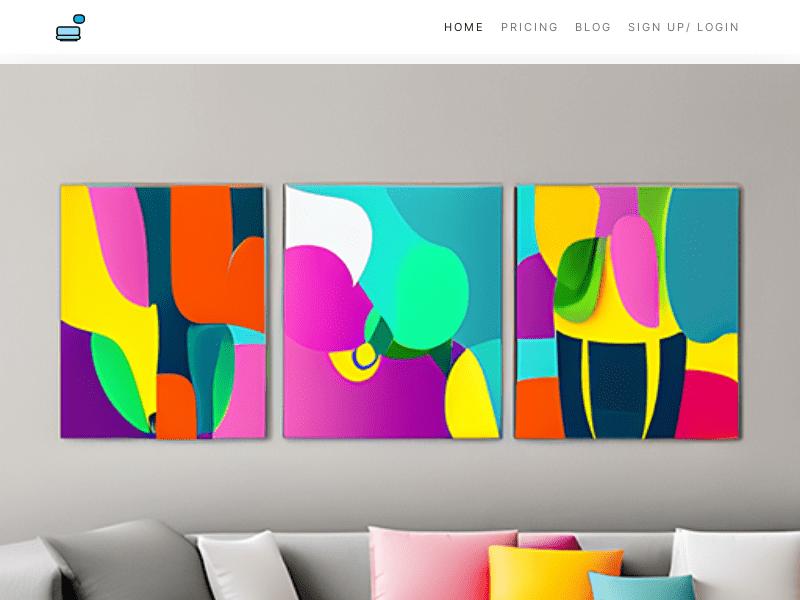
Screenshot archived from the listing page, for preview only.











