CookTok
Turn TikTok cooking videos into written recipesPaste a link, get ingredients and steps
Highlights
What you can do with it
- Turning a dish seen on TikTok into something cookable tonight
- Following step-by-step guidance as a beginner cook
- Pulling highlights and tips for food content work
How to use it
- 1 Open cooktok.ai
- 2 Copy the link of the TikTok video you want
- 3 Paste it into the site and click convert
- 4 Read the ingredient list, tips and steps
- 5 Cook it, then save the recipe if you want it again
Who it is for
Pros
- Removes the pause-and-rewind work of watching a cooking video
- Substitution suggestions help when you lack an ingredient
- Currently free with no cost to use the features
Limitations
- Free access can change without notice
- Conversion accuracy depends on how clear the source video is
- Tied to TikTok as a source, so other platforms are not covered
What CookTok is
CookTok is an online tool that converts cooking videos from TikTok into written recipes. The workflow is deliberately small: copy the link of a video you found interesting, paste it into the site, click convert, and read what comes back. What comes back is more than a transcript. You get a complete ingredient list including substitution suggestions, step-by-step cooking instructions, highlights of the key steps pulled from the video, and practical tips for avoiding common mistakes. Recipes can be saved for later, and there are popular categories to browse if you are looking for something new rather than something specific. A link back to the original video is included. The service is currently offered for free.
What you can do with it
- Convert a TikTok cooking video link into a full recipe
- Get an ingredient list with substitution suggestions
- Follow step-by-step instructions and video highlights
- Save recipes and browse popular categories
Who it is for
- Busy people who want to cook something they saw online tonight
- Beginner cooks who need instructions broken into clear steps
- Food lovers building a collection of dishes to try
What to watch out for
Free access can change without notice, and a free tool that depends on scraping video content is exactly the kind of service that can disappear or start charging. Conversion accuracy depends entirely on how clearly the original video communicates: a fast, silent or badly lit clip will produce a vague recipe, and quantities in particular are often approximate. The tool is tied to TikTok, so videos on other platforms are out of scope. Check the original video before you start cooking if a step looks ambiguous, and use your own judgement on seasoning and timing.
FAQ
Is CookTok free?
The site currently offers its services for free, with all features available at no cost.
What do I get from a video link?
An ingredient list with substitutions, step-by-step instructions, video highlights and cooking tips.
Can I save recipes?
Yes, there is a save feature so you can find a recipe again later.
Why it is free
What the official page says: for free
Free limits, trial length and features are decided by the official site and can change at any time.
Product preview
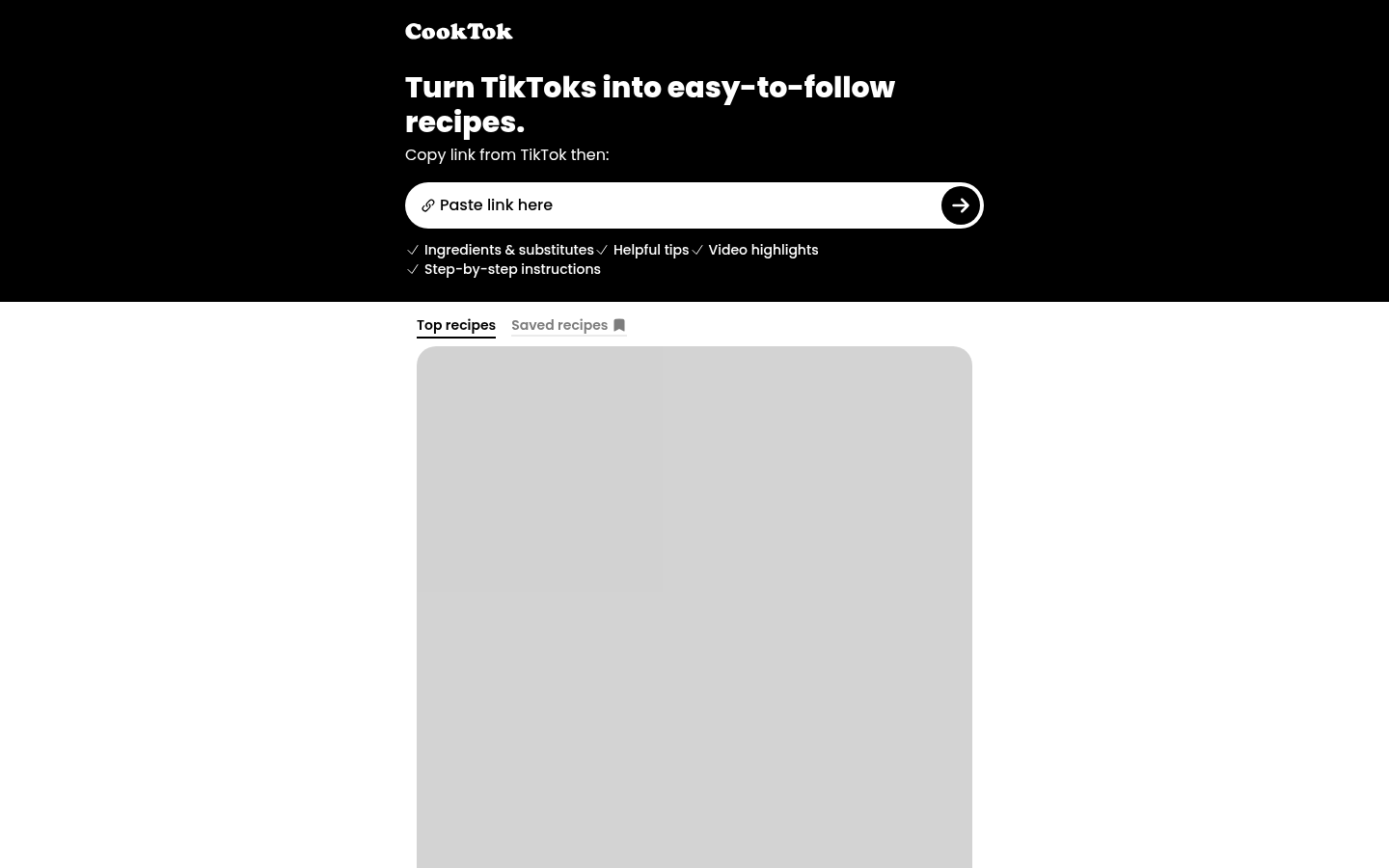
Screenshot archived from the listing page, for preview only.











