
Convertfiles.ai
Free online image format converter with extra toolsConvert images fast without installing software
Highlights
What you can do with it
- Convert photos into the right format before uploading to a website
- Compress images to save storage space and speed up pages
- Remove backgrounds from product photos for listings
How to use it
- 1 Open the ConvertFiles.ai website
- 2 Upload the image file you want to convert
- 3 Choose the target format
- 4 Start the conversion and download the result
Who it is for
Pros
- Free for personal and commercial use
- No software installation required
- Useful extra tools beyond conversion
Limitations
- Free terms and processing limits can change, so check the site for large batches
- Speed and quality depend on file size and your connection
- Tools like background removal produce results that vary with the source photo
- Only process images you have the rights to modify
What Convertfiles.ai is
ConvertFiles.ai is a free online image conversion tool. It converts image files between formats such as PNG, JPEG, and WEBP, aiming to keep quality intact while working quickly. There is no software to install, the interface is simple, and the site supports mobile devices, so you can convert files from a phone or a desktop. Beyond conversion, it offers other utilities including image enlargement, watermark removal, image compression, and smart background removal. It is free to use for both personal and commercial purposes, which suits anyone who regularly needs to change image formats.
What you can do with it
- Convert images between PNG, JPEG, WEBP, and more
- Compress files and enlarge images as needed
- Remove backgrounds and watermarks with helper tools
- Use the service on desktop or mobile without installing anything
Who it is for
- Website owners preparing images for upload
- Online sellers editing product photos
- Anyone who handles image files and needs quick format changes
What to watch out for
The service is free to use, but free terms and processing limits can change, so check the site before relying on it for large batches. Conversion speed and quality depend on file size and your connection, and very large images may take longer. Extra tools like background removal produce results that vary with the source photo, so review outputs before publishing. As with watermark tools, only process images you have the rights to modify. Free tiers and usage limits can change, so check the current rules on the official page before relying on it long term. Processing speed depends on file size and network conditions, so retry later if a task stalls during peak hours.
FAQ
Is ConvertFiles.ai free?
Yes. It is free to use for personal and commercial purposes.
Which formats does it support?
It supports formats such as PNG, JPEG, and WEBP, among others.
What other tools are available?
It also offers image enlargement, watermark removal, image compression, and smart background removal.
Why it is free
What the official page says: free to use
Free limits, trial length and features are decided by the official site and can change at any time.
Product preview
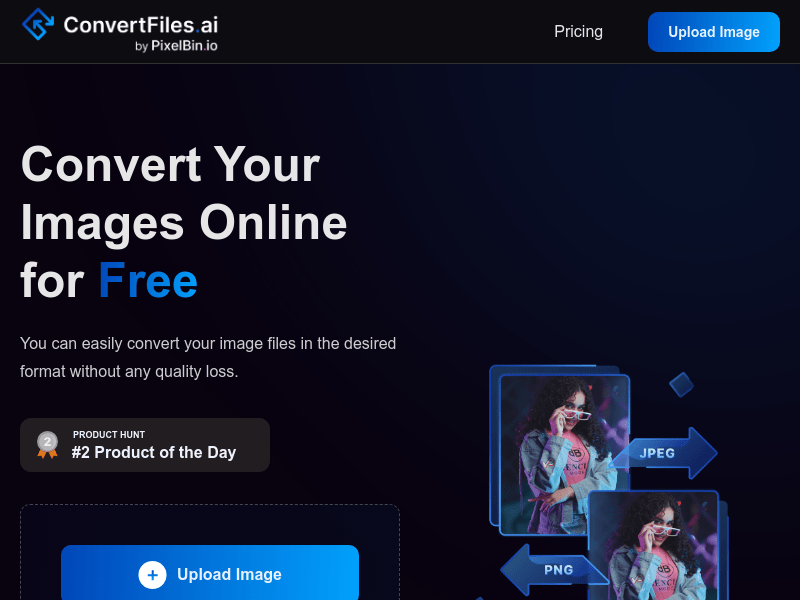
Screenshot archived from the listing page, for preview only.











