
Conch
AI writing assistant with humanized text outputWrite faster with AI, citations, and summaries
Highlights
What you can do with it
- Draft and complete text faster with AI sentence suggestions.
- Summarize websites and files to gather information quickly.
- Generate citations for sources you reference in writing.
How to use it
- 1 Install the Chrome extension or open Conch in your browser.
- 2 Start a document and use AI text generation or sentence completion as you write.
- 3 Upload files or paste links to summarize and chat with them.
- 4 Generate citations and apply templates to speed up formatting.
- 5 Upgrade to a premium plan if you need a higher word limit.
Who it is for
Pros
- Bundles writing, summarizing, and citation tools in one place.
- Free plan available to try the core features.
- Chrome extension makes it quick to use while browsing.
Limitations
- Using it to bypass school detectors like Turnitin may break academic rules, and the consequences are the user's responsibility.
- Higher word limits and features sit behind the paid Pro and Limitless plans.
- The detection-bypass claim may not hold as detectors update, and free access can change.
What Conch is
Conch is a writing assistant that brings together personalized AI text generation, citation creation, file conversation, website summarization, automatic sentence completion, and templates. The goal is to help you write faster, and there is a Chrome extension so you can use it while browsing. A free plan lets you try the core features, while premium plans called Classic, Pro, and Limitless add higher word limits and more tools. It is aimed at people who want one place to draft, research, and cite. The service also claims its AI output can bypass detectors like GPTZero, Turnitin, and Originality, which is a serious academic integrity concern. Using it to evade school checks may break the rules, and any consequences are the user's responsibility.
What you can do with it
- Draft and complete text faster with AI sentence suggestions
- Summarize websites and chat with uploaded files
- Generate citations and apply templates to speed up formatting
- Get quick answers to questions while you write, without leaving the page
Who it is for
- Students and writers who produce a lot of text and need faster drafting
- Researchers who summarize literature and gather information quickly
- Writers who want help with citations, templates, and automatic sentence completion
What to watch out for
The detection-bypass claim is the biggest concern: using Conch to evade tools like Turnitin, GPTZero, or Originality may violate school or platform rules about AI use, and any consequences are the user's responsibility. Treat that feature with real caution and follow your institution's rules. If your school prohibits AI-assisted writing, do not rely on it for graded work. Even setting that aside, no bypass is guaranteed to hold as detectors update. The strongest word limits and features sit behind paid plans, and free access and limits can change over time. For everyday drafting, summarizing, and citing, the tool is straightforward, but plan around the plan limits.
FAQ
Is Conch free?
There is a free plan, and premium plans (Classic, Pro, Limitless) add higher word limits and more features.
What tools does it include?
It offers AI text generation, sentence completion, citation creation, file conversation, website summarization, and templates.
Can I use it to bypass Turnitin?
The service claims it can bypass some detectors, but using it to evade school checks may violate academic rules, and any consequences are your responsibility.
Why it is free
What the official page says: 免费计划免费
Free limits, trial length and features are decided by the official site and can change at any time.
Product preview
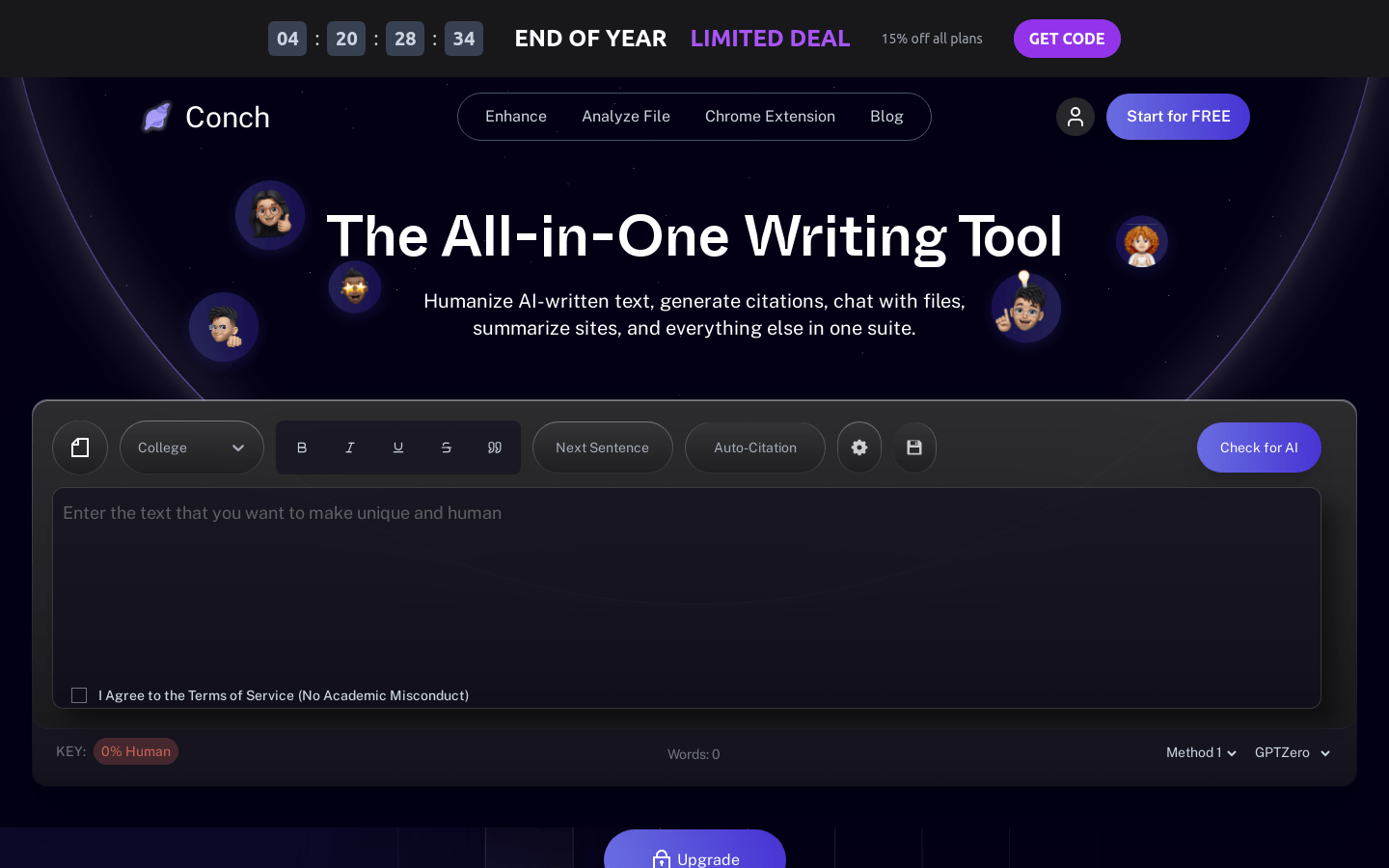
Screenshot archived from the listing page, for preview only.











