
Comicory
AI comic generator from your storyTurn a story into a comic book
Highlights
What you can do with it
- Turn a cyberpunk story into a comic book.
- Make a promotional comic for a product launch.
- Create a personalised birthday comic for a child.
How to use it
- 1 Register and collect the 10 starting credits.
- 2 Enter your story, pick an example, or use a template.
- 3 Choose one of the 16 art styles.
- 4 Set panel count and layout.
- 5 Edit the script, generate, then export in your chosen format.
Who it is for
Pros
- Free starting credits for a first comic.
- Character consistency across panels.
- Many export formats for different uses.
- Editable before generation saves credits.
Limitations
- Credits run out fast beyond the first comic.
- Panel composition sometimes needs regeneration.
- Style choice strongly affects the final look.
- Prices and credit rules can change.
What Comicory is
Comicory is an online AI comic generator. You give it a story, and it writes the script, casts the characters and draws each panel, turning text into a multi panel comic, comic book or strip. Character consistency is handled with reference portraits: each character gets a reference image, and every panel is drawn from it so faces, hair and clothing stay recognisable. There are 16 art styles, including comics, anime, shonen manga, gekiga, Korean webtoons, Western comics and watercolor. Before generation you can edit the script and rewrite any panel prompt, and afterwards you can regenerate individual panels you dislike. Exports cover multi page PDF, high resolution page PNG, long scrolling PNG and a ZIP of separate panels. New users get 10 free credits, with more credits from $4.99 and a monthly plan from $9.99.
What you can do with it
- Turn a written story into a drawn comic.
- Keep characters visually consistent across pages.
- Switch between 16 different art styles.
- Export as PDF, PNG, long image or individual panels.
Who it is for
- Comic lovers who have stories but cannot draw.
- Writers and creators testing visual storytelling.
- Businesses and educators making promotional or teaching comics.
What to watch out for
The 10 free credits cover roughly one comic, so anything longer becomes a paid exercise, and regenerating panels burns credits quickly. Panel composition occasionally misses the mark and needs a retry. Art style changes the result dramatically, so test a couple before committing to a long project. Prices and credit rules are current terms and can change. When quality matters, export a small draft first to confirm the result before producing the final file.
FAQ
How does it keep characters consistent?
It generates a reference portrait for each character and draws every panel from that reference.
How many art styles are there?
Sixteen, including comics, anime, shonen manga, gekiga, webtoons, Western comics and watercolor.
Is there a free trial?
New users get 10 starting credits, enough for a first comic.
What does it cost after that?
Additional credits start at $4.99 and a monthly subscription starts at $9.99.
Why it is free
What the official page says: free trial
Free limits, trial length and features are decided by the official site and can change at any time.
Product preview
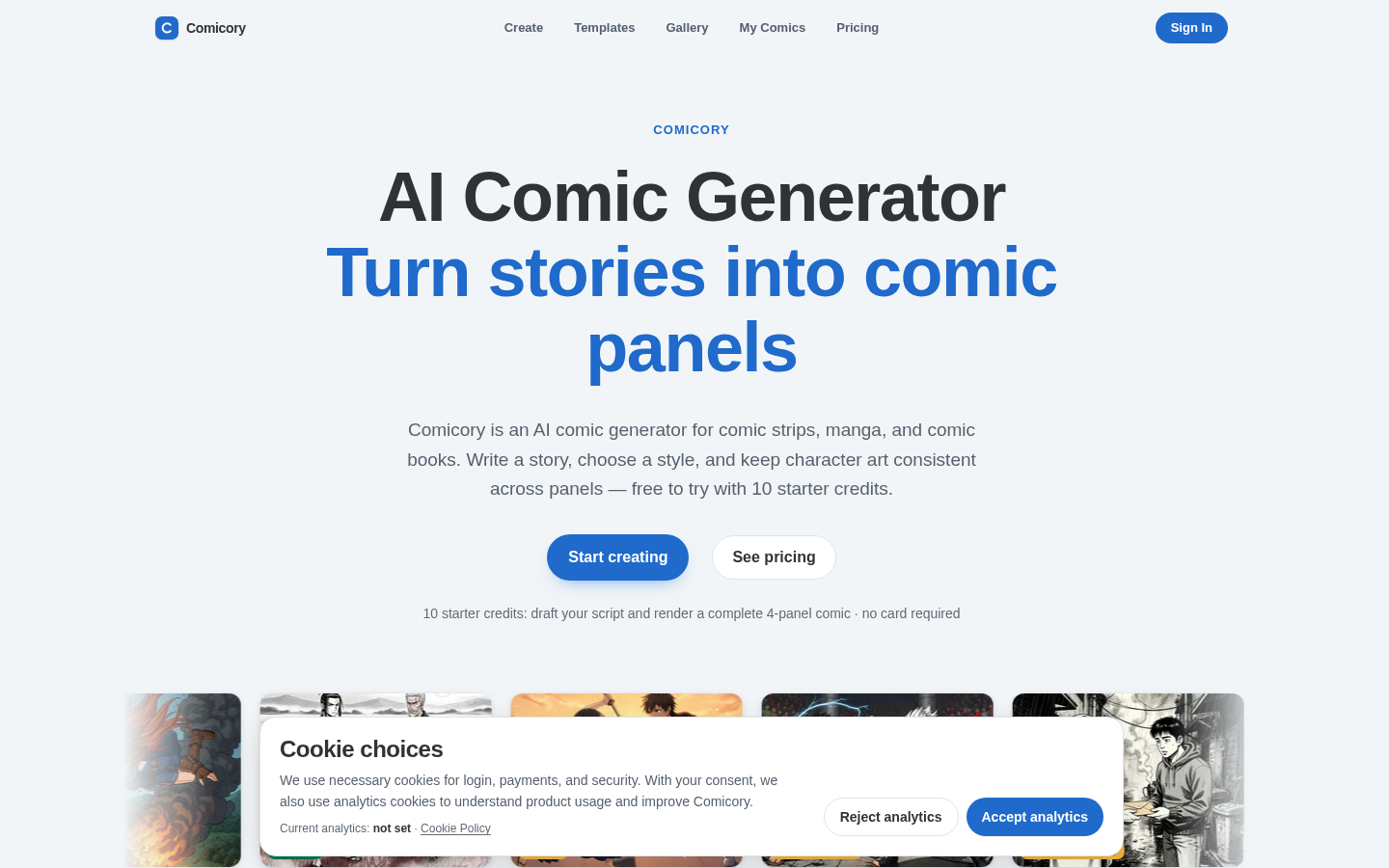
Screenshot archived from the listing page, for preview only.











