ComicInk
AI comic maker from your storiesTurn stories into comics in 12 art styles
Highlights
What you can do with it
- Turning a short story into a comic to share online
- Producing a sample chapter to pitch a comic idea
- Creating personal comics without drawing them by hand
How to use it
- 1 Open comicink.ai and claim the 100 free credits for new users
- 2 Write or paste the story you want adapted
- 3 Pick one of the 12 art styles
- 4 Generate the comic pages and review the result
- 5 Adjust the story or style where characters drift
Who it is for
Pros
- New users get 100 free credits to start with
- No drawing ability is needed to produce pages
- 12 styles give the same story different looks
- Multiple languages are supported
Limitations
- Credits run out and extra credits cost money, so free rules may change
- Character consistency needs checking page by page
- Panel layout control is limited compared with drawing it yourself
- Story quality still comes from you, not the tool
What ComicInk is
ComicInk is an AI comic creation platform. Its purpose is to lower the barrier to making comics: you bring a story, and the platform turns it into comic pages without requiring any drawing ability. It offers 12 art styles, so the same story can look playful, dramatic, or stripped down depending on what you pick. Character consistency across pages is listed as a feature, which matters because comics fall apart visually when a character changes face between panels. Multiple languages are supported, so the story does not have to be written in English to work. New users get 100 free credits to generate images, and more credits can be purchased once those run out. It is aimed at professional creators and amateur enthusiasts alike.
What you can do with it
- Turn a written story into comic pages
- Choose from 12 art styles for the same story
- Keep characters visually consistent across pages
- Work in more than one language
Who it is for
- Writers who want to see their story rendered as a comic
- Hobbyists and amateur creators without drawing skills
- Indie creators testing a concept before paying for art
What to watch out for
The 100 free credits are a starting allowance, not an unlimited plan, and extra credits cost money, so the free rules may change. Character consistency is a feature but not a guarantee: review the pages and adjust the story or the style where a character drifts. Panel layout control is also limited compared with drawing the page yourself, so if you need exact composition, expect to work around the generator. Most importantly, the tool does not write the story for you, and a comic is only as good as the narrative underneath the art.
FAQ
Is ComicInk free?
New users receive 100 free credits to generate images. More credits can be purchased after that.
How many art styles are there?
12 art styles are listed.
Do I need to be able to draw?
No. It is built for people without drawing skills.
Does it keep characters consistent?
Character consistency is listed as a feature, though you should still review the pages.
Why it is free
What the official page says: 免费试用免费
Free limits, trial length and features are decided by the official site and can change at any time.
Product preview
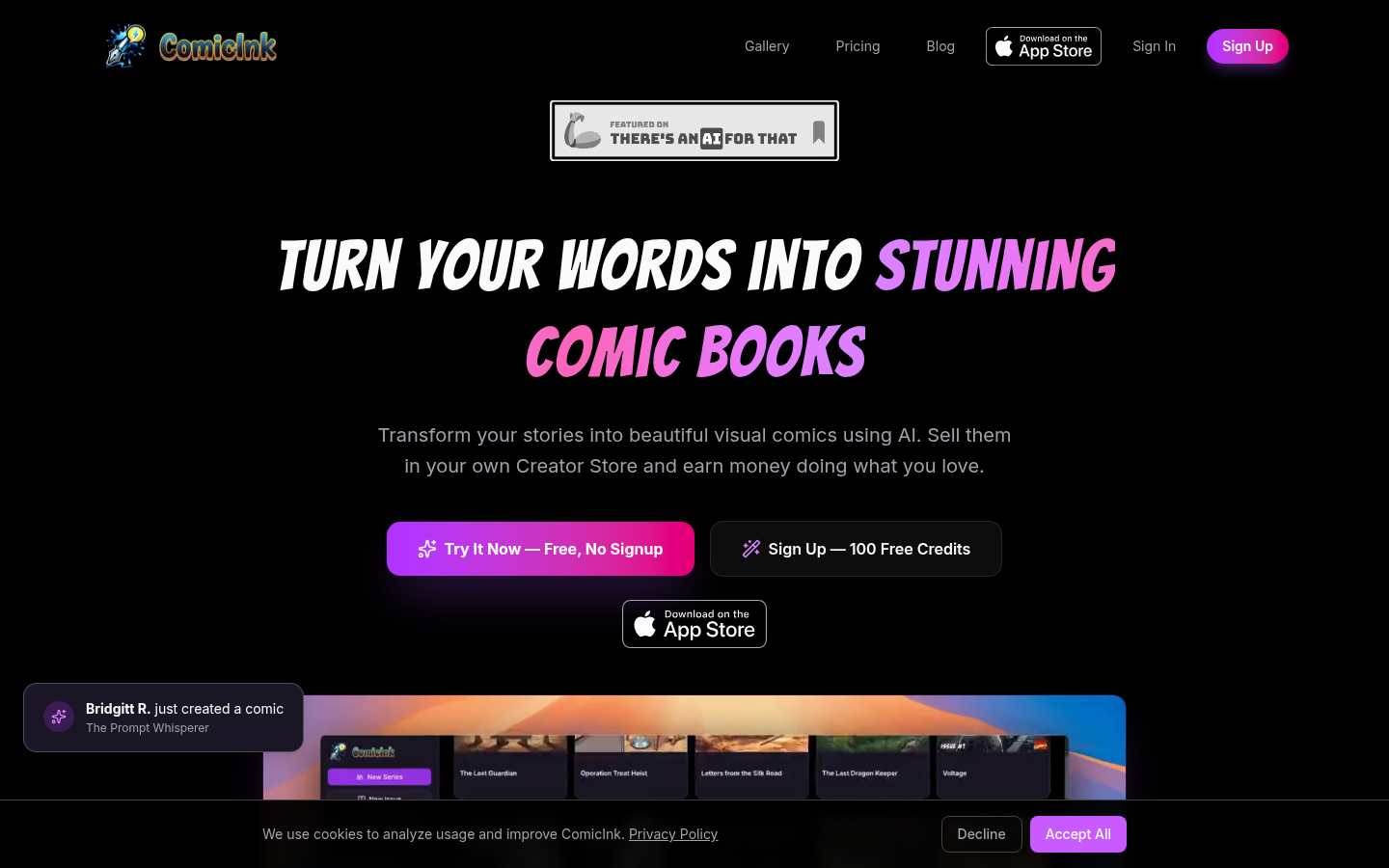
Screenshot archived from the listing page, for preview only.