
Comic Factory 1
Story to comic generatorPaste a story, get a comic
Highlights
What you can do with it
- Turn a short sci fi story into a six page comic.
- Make a four panel strip comic for social media.
- Turn a fable into a one page classroom worksheet.
How to use it
- 1 Open the Comic Factory site and start a comic.
- 2 Paste your story, scene, or chapter text.
- 3 Pick a comic style from the gallery.
- 4 Generate, preview, and adjust panels as needed.
- 5 Export the pages in the layout you want.
Who it is for
Pros
- Story to comic pipeline needs no prompt writing.
- Keeps character faces and clothing consistent.
- Several styles and layouts for different channels.
- Free trial runs fully in the browser.
Limitations
- A free trial is offered, but continued use needs a subscription.
- Pricing and trial terms can change over time.
- Character consistency is strong but not always perfect.
- It is a newer tool, so features and output quality may shift.
What Comic Factory 1 is
Comic Factory is an online AI comic generator. Instead of writing prompts frame by frame, you paste a story, scene, or chapter into the text box and the tool does the rest. It parses the narrative, pulls out characters, scenes, actions, and dialogue, and builds a visual reference for each major character so the same face, clothing, and hairstyle hold across different panels and pages. It then lays the content into multi panel comic pages with speech bubbles. It offers several built in comic styles, such as American modern, Japanese, French clear line, retro, sci fi, and 3D rendering, plus flexible layouts for print, social strips, and vertical reading. It runs in the browser with no install, and new users can try it for free.
What you can do with it
- Turn a pasted story into laid out, multi panel comic pages.
- Keep characters consistent across panels and pages.
- Switch between comic styles and panel layouts.
- Export finished pages for social media, pitch decks, or classroom handouts.
Who it is for
- Writers and novelists who want to visualize their stories.
- Original character creators placing characters into plots.
- Social media managers who post short or strip comics.
- Educators turning stories and lessons into comic handouts.
What to watch out for
Comic Factory offers a free trial, but continued use needs a subscription, and pricing and trial terms can change over time. Character consistency is a core feature but is not always perfect, so check faces and outfits across pages and regenerate panels when needed. It is a newer tool, so features, styles, and output quality may shift as it develops. Because output is AI generated, review pages for accuracy and tone before you publish or print them.
FAQ
Do I need to write prompts?
No. You paste the story text and the tool parses characters, scenes, and dialogue for you.
Will characters look the same across pages?
It builds a visual reference for each character and applies it across panels to keep them consistent.
Is there a free trial?
Yes. New users can generate comics for free to test the core features.
What styles are available?
It includes American modern, Japanese, French clear line, retro, sci fi, 3D rendering, and more.
Why it is free
What the official page says: for freefree trial
Free limits, trial length and features are decided by the official site and can change at any time.
Product preview
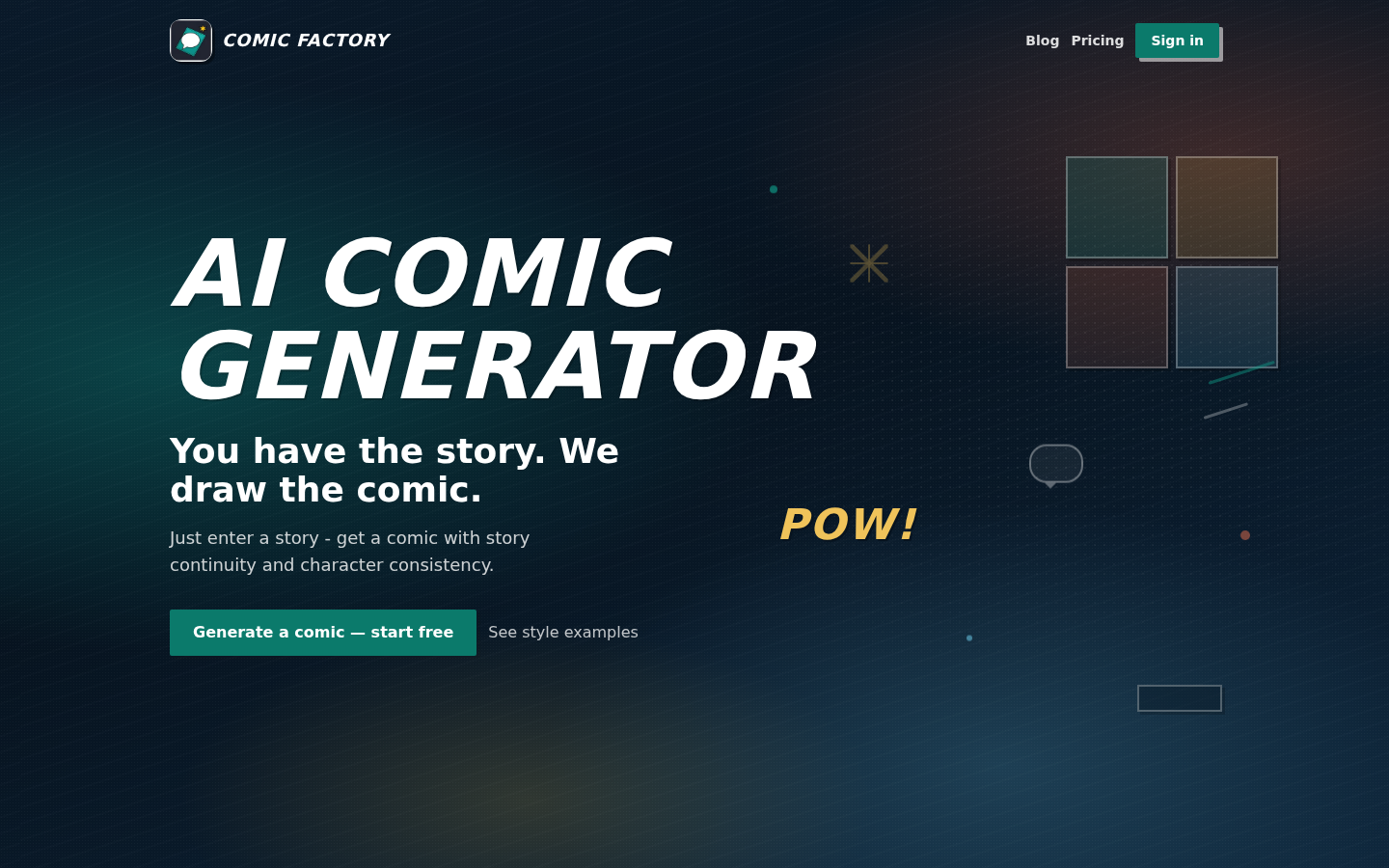
Screenshot archived from the listing page, for preview only.











