
ColourGPT
AI color palette generatorGenerate, preview, and copy color palettes
Highlights
What you can do with it
- Generate a color scheme for a website design
- Find color inspiration for an illustration
- Preview and copy palettes for an advertisement
How to use it
- 1 Open ColourGPT
- 2 Describe the palette or mood you want
- 3 Preview the generated color options
- 4 Copy the palette with one click
Who it is for
Pros
- Fast palette generation and preview
- One-click copy into your tools
- Free basic features
Limitations
- Advanced features need a paid subscription
- As an AI tool, suggestions may need manual tuning to fit a brand
- Free access rules can change over time
What ColourGPT is
ColourGPT is a color palette tool built on ChatGPT. It helps designers and creatives generate, preview, and copy color schemes with intelligent matching. You describe the mood, project, or style you have in mind, and it returns palettes you can preview and copy straight into your work with one click. The basic features are free to use, and a subscription unlocks more advanced options. It is aimed at anyone who needs quick color inspiration for web design, illustration, or advertising, giving both ideas and a fast way to apply them.
What you can do with it
- Generate color palettes with intelligent matching
- Preview palettes before you use them
- Copy a palette with one click into your design tools
- Find color inspiration for different projects
Who it is for
- Designers working on web or UI projects
- Illustrators looking for color inspiration
- Advertising and brand creatives planning campaigns
- Anyone who wants color ideas without building palettes by hand
What to watch out for
The basic features are free, but advanced options need a paid subscription, and those terms can change. As an AI tool, the palettes are a starting point and may need manual tuning to fit a specific brand or accessibility needs, so do not treat them as final. Because it leans on ChatGPT, the quality and style of suggestions can vary, and free access rules may change over time, so keep a backup of any palette you rely on. Generated suggestions are for reference only, so verify anything that affects professional judgment or important data. Start with a small sample to confirm the output meets your expectations before processing the full batch.
FAQ
Is ColourGPT free?
The basic features are free, and a subscription unlocks more advanced options.
What can I do with it?
You can generate, preview, and copy color palettes for design work.
Who is it for?
Designers and creative people who need color ideas quickly.
Why it is free
What the official page says: for free
Free limits, trial length and features are decided by the official site and can change at any time.
Product preview
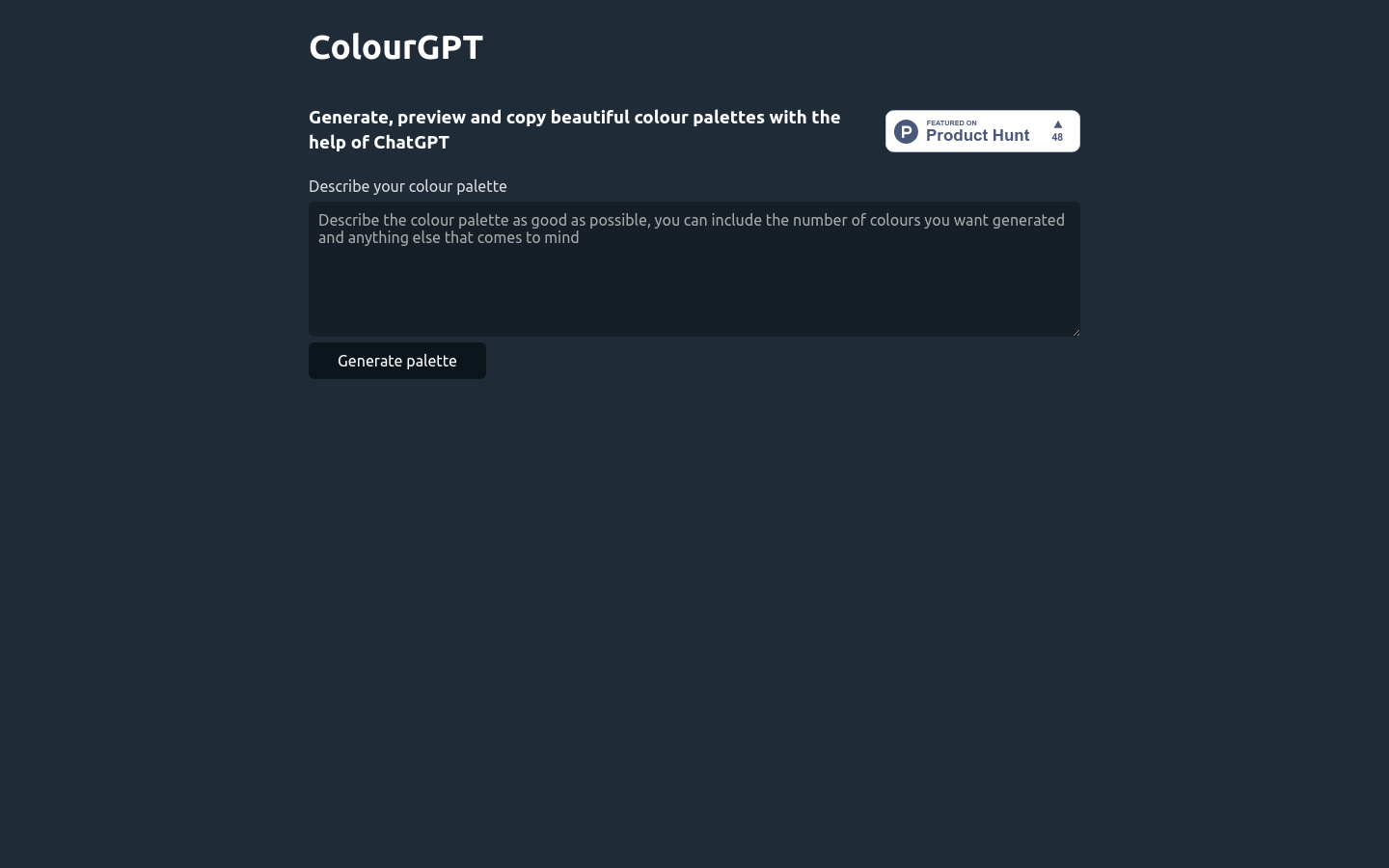
Screenshot archived from the listing page, for preview only.











