
Coloring.app
AI coloring pages from photos or promptsMake custom coloring pages in seconds.
Highlights
What you can do with it
- Turn a family photo into a coloring page
- Print pages for a long car trip
- Make a personalized coloring book gift
How to use it
- 1 Open coloring.app in your browser.
- 2 Upload a photo, describe a scene, or pick a page.
- 3 Generate the page and adjust if needed.
- 4 Print it, or color online and download.
Who it is for
Pros
- Large library of free pages
- Photo-to-page conversion
- Print or digital coloring
Limitations
- Free access can change at any time
- AI line art sometimes needs cleanup before printing
- Print quality depends on your printer
What Coloring.app is
Coloring.app is an online platform that uses AI to generate personalized coloring pages. You can upload a photo and have it converted into line art, describe a scene in words, or follow a guided process to create something custom. Beyond generating new pages, the site offers more than 10,000 free pages to browse, an online coloring tool, and the ability to assemble custom coloring books. The listing describes it as free to use and positions it for children and adults who color for fun, creativity, or relaxation.
What you can do with it
- Generate AI coloring pages from photos or text prompts.
- Browse and use more than 10,000 existing free pages.
- Color online in the browser and download your artwork.
- Print pages or build custom coloring books.
Who it is for
- Parents who need a quick activity for kids.
- Adults who color to relax and unwind.
- Anyone making a personalized gift from a photo.
What to watch out for
Free access can change at any time, so save pages you plan to reuse rather than assuming the library stays the same. AI-generated line art sometimes needs cleanup before printing, especially around fine details, so preview before you commit paper and ink. Print quality depends on your printer and paper choice, so a test print is worth the effort for anything you plan to give away. For team use, agree on naming and editing conventions in advance to avoid version conflicts or duplicated work. Name and archive exported files consistently so you can find and reuse them, and keep a backup copy of key data. Features and interface details may change between versions, so review the latest notes on the page before you start.
FAQ
Is Coloring.app free?
The listing describes it as free to use, with over 10,000 free pages.
Can I use my own photos?
Yes, it converts photos into coloring pages.
Can I print the pages?
Yes, you can print AI-generated pages or color online and download.
Why it is free
What the official page says: for free
Free limits, trial length and features are decided by the official site and can change at any time.
Product preview
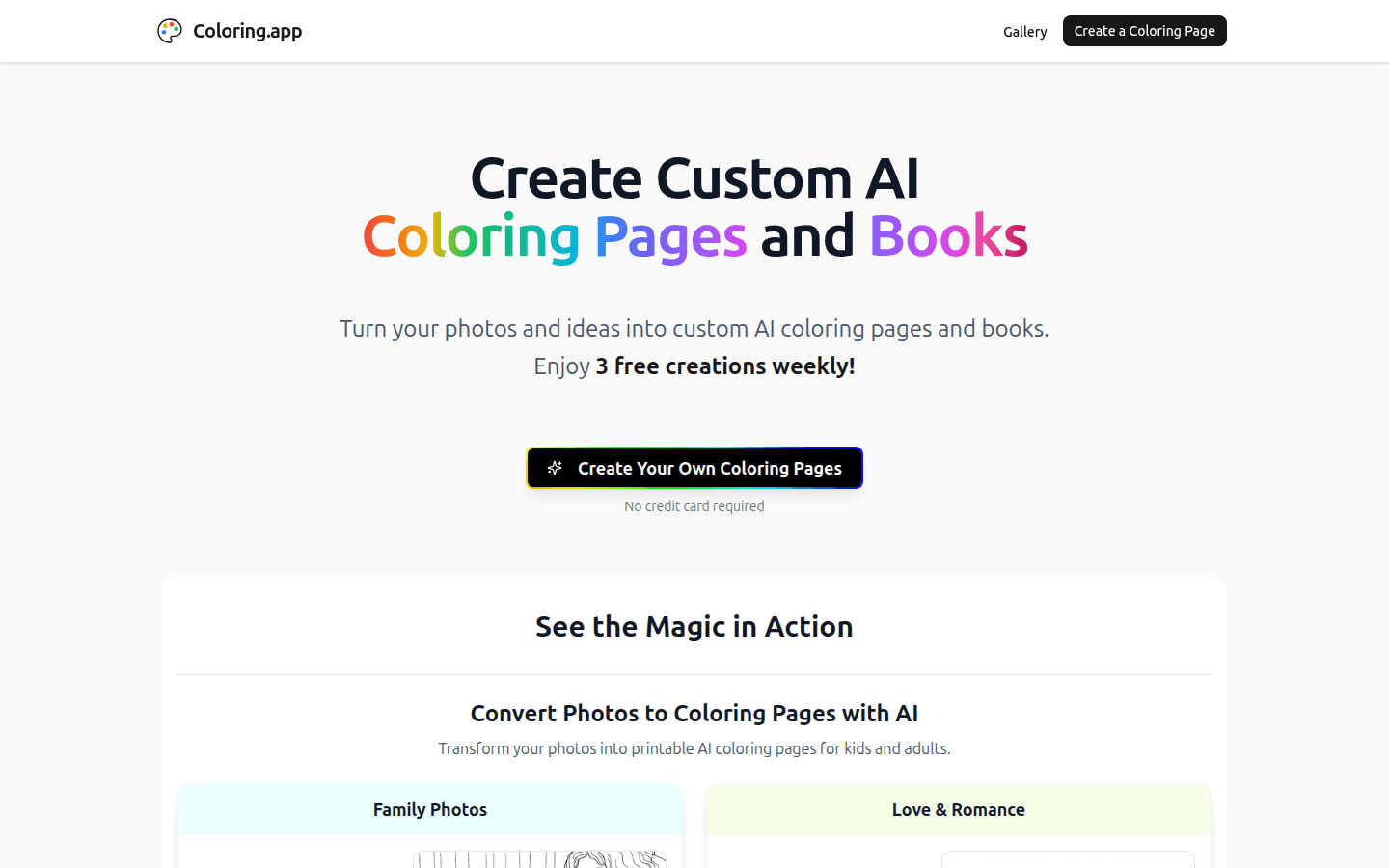
Screenshot archived from the listing page, for preview only.











