
Codewiki
Tracking site for CodeWiki and Gemini CLIFollow Google's Code Wiki and Gemini CLI in one place
Highlights
What you can do with it
- Keep up with CodeWiki updates
- Check what is planned for the Gemini CLI
- Find CodeWiki resources while coding
How to use it
- 1 Open codewiki.wiki
- 2 Browse the tracked CodeWiki and Gemini CLI pages
- 3 Read the latest entries before you start a build
- 4 Bookmark pages you want to revisit
Who it is for
Pros
- Free and open in the browser
- Focuses on one narrow topic rather than general news
- Brings CodeWiki and Gemini CLI updates into one place
Limitations
- Scope is narrow; it only covers CodeWiki and the Gemini CLI
- It reports on tools owned by Google, so upstream changes affect what is shown
- Free access and update frequency are not guaranteed
What Codewiki is
Codewiki, described as the CodeWiki Intelligence Hub, is an information tracking site for programmers. It follows the Code Wiki project driven by Google Gemini and the Gemini CLI roadmap, collecting updates about both so developers can see what is changing in one place. Instead of checking several sources separately, you can open the site and read the latest entries on these tools. It is free to use and aimed at people who build with Google's coding tooling. The focus is deliberately narrow, which means it goes deeper on its topic than a general news feed would, and it positions itself as a hub for CodeWiki information rather than a broad technology magazine.
What you can do with it
- Follow updates to the Gemini-driven Code Wiki
- Track the Gemini CLI roadmap
- Find CodeWiki-related information in one place
- Check the latest entries before starting a build
Who it is for
- Developers working with Google Gemini tooling
- Programmers who follow command line tool roadmaps
- Anyone tracking CodeWiki for an active project
What to watch out for
The scope is narrow, so the site only covers CodeWiki and the Gemini CLI; anything outside that is out of range. It reports on tools owned by Google, so upstream changes decide what shows up and how quickly. Free access and update frequency are not guaranteed, and a tracker is only as current as its last post, so check the official sources for anything time sensitive. Treat it as a convenience layer on top of the primary documentation rather than a replacement for it. For best results, start with a small test file and review the output carefully before working on anything important.
FAQ
What does Codewiki track?
The Code Wiki project driven by Google Gemini and the Gemini CLI roadmap.
Is it free?
Yes, the listing says the website is free to use.
Who is it for?
Developers who work with Google's coding tools and follow tool roadmaps.
Why it is free
What the official page says: 免费使用免费
Free limits, trial length and features are decided by the official site and can change at any time.
Product preview
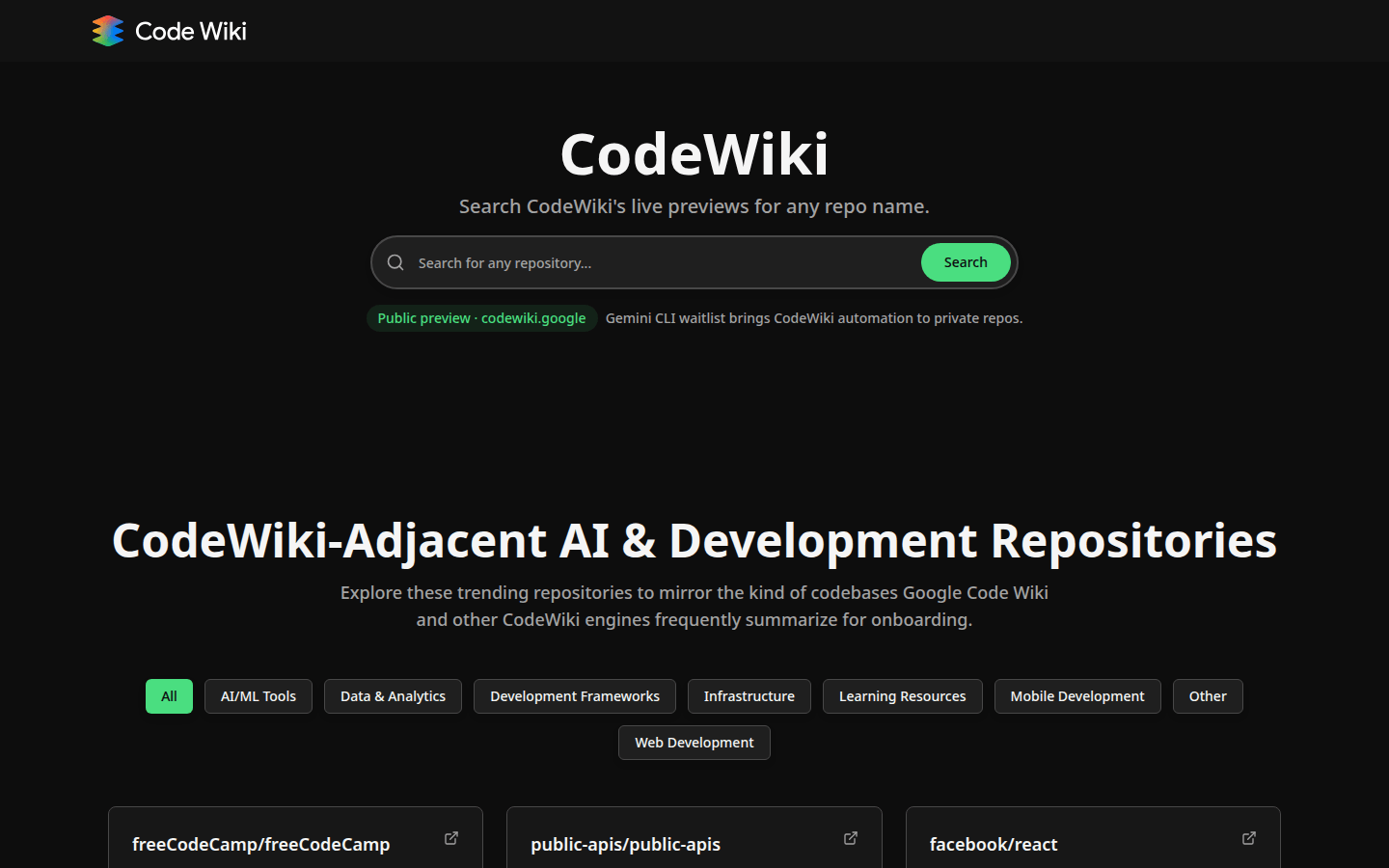
Screenshot archived from the listing page, for preview only.