Clusy
Agent-native notebook for ML and data scienceDescribe the result, the agent builds the workflow
Highlights
What you can do with it
- Researchers run a full ML workflow from dataset discovery to experiments
- Data teams do post-training on open-source models faster
- Developers validate ideas and research markets quickly
How to use it
- 1 Visit the Clusy site and start with the free plan, no credit card needed
- 2 Register and enter the platform interface
- 3 Upload files, pull public datasets, or connect Databricks or Snowflake
- 4 Describe the desired result and let the agent plan and run cells
- 5 Review, edit, and rerun results, then branch experiments for comparison
Who it is for
Pros
- Agent writes and runs cells while you keep code-level control
- Branching makes experiment comparison simple
- Free plan works on CPU without a card
Limitations
- The free plan is CPU-only, so heavy training needs paid GPU tiers
- Agent output must be checked; it is assistance, not proof
- Cloud compute and credits add cost as workloads grow
What Clusy is
Clusy is an agent-native notebook platform for machine learning and data science. Instead of writing every cell by hand, you describe the result you want in natural language and the agent plans the work, writes and runs notebook cells in a cloud sandbox, and returns output you can inspect, edit, and rerun. The free plan includes the Auto model and runs on CPU with no credit card, while paid plans add more models and GPU resources.
What you can do with it
- Build and run ML and data science workflows from a text brief
- Branch notebooks to compare experiment versions side by side
- Choose models by plan, from the free Auto model to open-source options
- Connect data from uploads, Hugging Face, Databricks, or Snowflake
Who it is for
- Researchers who want faster experiment cycles
- Data teams handling complex modeling and analysis tasks
- Developers prototyping and debugging models
What to watch out for
The free plan runs on CPU only, so real training work needs a paid GPU plan and its quota. Agent-written code still needs review; treat it as a fast first draft, not verified truth. Cloud compute and credit usage grow with workload size, so watch consumption on bigger projects. Run one full task end to end first, then expand once you are comfortable with the workflow and the result quality. Behavior may vary across browsers and devices, so test before production use and consult the help docs if errors appear. Save a backup of the original file before large batch jobs, and keep an exported copy of key results in case the page or service becomes temporarily unavailable.
FAQ
Is there a free plan?
Yes. The free plan includes the Auto model and a CPU sandbox, with no credit card required.
What do the paid plans cost?
Plus is $30 per month, Pro is $90 per month, and Max is $200 per month, with usage-based quotas and pay-as-you-go options.
Can I use my own data?
Yes. You can upload files, pull public datasets like Hugging Face, or connect Databricks and Snowflake warehouses.
Why it is free
What the official page says: free plan
Free limits, trial length and features are decided by the official site and can change at any time.
Product preview
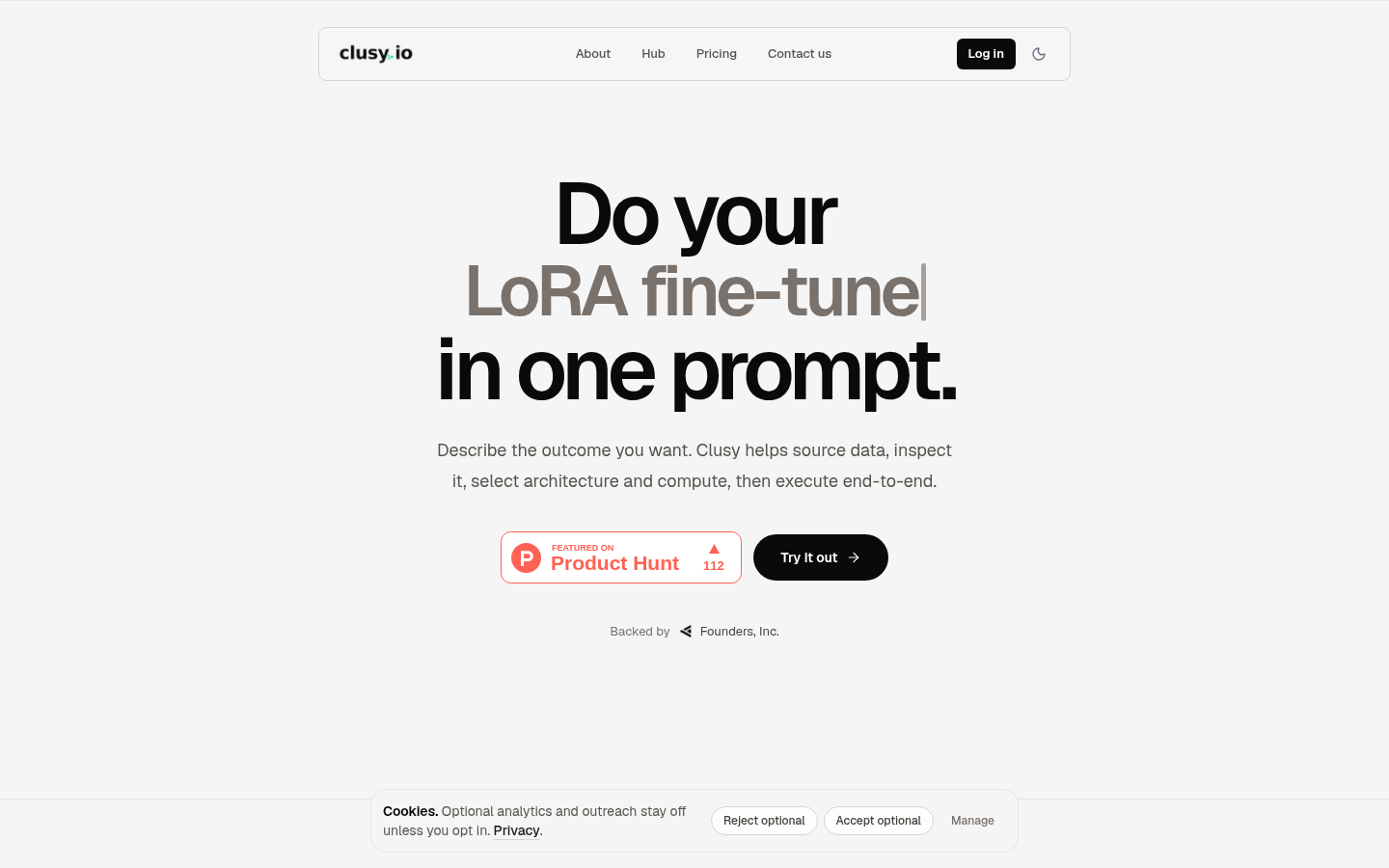
Screenshot archived from the listing page, for preview only.