
Clura
AI web scraper with CSV export in the browserScrape any page, organize the data, export CSV
Highlights
What you can do with it
- Build prospect lists from LinkedIn and company sites
- Track competitor pricing and new product releases
- Pull marketplace data from Amazon style listings
How to use it
- 1 Install the Clura extension from clura.ai
- 2 Open the page you want and click the extension icon
- 3 Choose a template or set your own scraping rules
- 4 Run the scrape and review the organized result
- 5 Export the data as CSV
Who it is for
Pros
- No manual copy and paste, results in minutes
- Free version covers 300 rows a month for testing
- Chrome extension setup, no server needed
Limitations
- Free tier is small at 300 rows per month
- Scraping depends on target site structure, which can break
- Check each site's terms before you scrape at volume
What Clura is
Clura is an AI web scraper delivered as a Chrome extension. It extracts data from any website, organizes it automatically and exports it to CSV in one click, so you avoid manual copy and paste. An AI agent can run repetitive collection jobs while you focus on analysis. The free version is aimed at beginners and handles 300 rows per month, and the Grow plan is 15 dollars per month for 1,000 rows, no agent restrictions and email support. The team says about 1,000 users rely on it.
What you can do with it
- Scrape a page in the browser in a few minutes
- Clean and organize the captured rows automatically
- Export to CSV for Excel, Sheets or a database
- Monitor competitor pricing, hiring patterns and releases
Who it is for
- Sales and business development teams building prospect lists
- Recruiters and HR agencies sourcing candidates
- Market analysts and e-commerce sellers tracking listings
What to watch out for
The free plan is small, at 300 rows per month, so real research work pushes most people to Grow quickly. Scraping relies on page structure, and sites change layouts without notice, which can break a rule set. Platform rules also matter: heavy automated collection may conflict with the terms of the site you visit, and the risk sits with you. Check the target site's terms and keep volume reasonable. Run one full task end to end first, then expand once you are comfortable with the workflow and the result quality. Behavior may vary across browsers and devices, so test before production use and consult the help docs if errors appear.
FAQ
Is there a free version?
Yes. The free plan is designed for beginners and handles 300 rows per month.
What does the paid plan add?
The Grow plan is 15 dollars per month, raises the limit to 1,000 rows, removes agent restrictions and adds email support.
Which sites can it scrape?
The tool lists LinkedIn, GitHub and Amazon among supported platforms, and it can also monitor competitor pricing and product releases.
Why it is free
What the official page says: free version
Free limits, trial length and features are decided by the official site and can change at any time.
Product preview
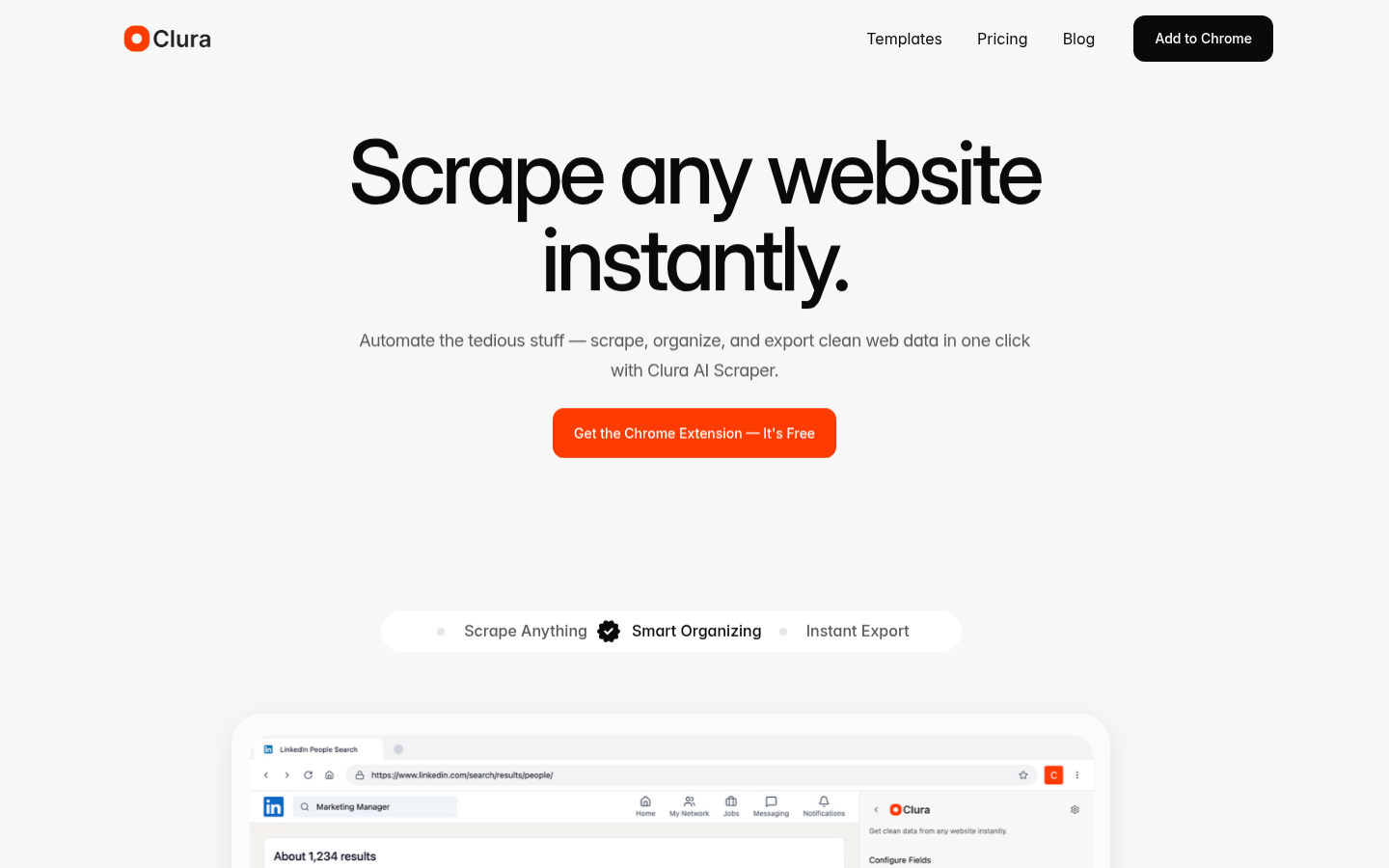
Screenshot archived from the listing page, for preview only.











