
Clonesite AI
AI website cloning toolRebuild a live site as React and Tailwind
Highlights
What you can do with it
- Clone a reference site and rebrand it for your own service
- Use a cloned layout as a starting point for a studio showcase site
- Rebuild an internal knowledge site with your own content
How to use it
- 1 Open clonesite.ai and click Start a clone
- 2 Paste the URL of the site you want to rebuild
- 3 Wait while it reads the HTML, CSS, fonts and breakpoints
- 4 Preview for free in the browser and edit colors, copy and logos
- 5 Spend points to export the watermark-free production code
- 6 Deploy the exported code to your hosting
Who it is for
Pros
- Works from the real DOM, so spacing and breakpoints carry over
- Free preview means you see the result before paying
- No subscription, and points do not expire
- Editable React and Tailwind output is practical to work with
Limitations
- Cloning a site you do not own may breach copyright and terms of service; that risk is yours
- Pay-per-use still costs money once you pass the free preview
- Complex, dynamic or app-like sites may not translate cleanly to static code
What Clonesite AI is
Clonesite AI is an AI website cloning tool built by Stack Craft LLC. You give it a URL and it reads the live HTML, CSS, fonts and responsive breakpoints, then reconstructs the site as editable React and Tailwind code, including multiple pages where the site has them. That distinction matters: rather than guessing from a screenshot, it extracts the real structure, so spacing, type and breakpoints carry across. The browser preview is free and editable in real time, so you can swap colors, copy and logos before you spend anything. Once you are happy, you use points to export clean, watermark-free production code. It is pay-per-use with no subscription, points never expire, cloning starts as low as $2, and a full refund is available if you are not satisfied.
What you can do with it
- Rebuild a live website as editable React and Tailwind code
- Clone multiple pages from a single URL
- Preview and edit the result in the browser for free before exporting
- Replace brand elements such as colors, copy and logos
- Export watermark-free code and deploy it to your own hosting
Who it is for
- Developers who need a working layout fast instead of building from zero
- Entrepreneurs prototyping a site from a reference they like
- Small teams without the budget for a fully custom build
- Anyone who wants a code starting point rather than a design file
What to watch out for
Cloning is a legal grey area that depends entirely on the source site and your use. Rebuilding a layout can be defensible; copying someone's text, images, logo or distinctive design is not, and that decision and its consequences are yours, not the vendor's. The preview is free but export costs points, so the free tier is an evaluation, not unlimited output. And complex, dynamic or app-like sites often do not translate cleanly into static React and Tailwind, so expect to do real cleanup work on anything beyond a marketing page.
FAQ
Is the preview free?
Yes. You can preview the cloned site in the browser for free and edit it in real time before paying to export.
What code do I get?
Editable React and Tailwind code, watermark-free once exported, including multiple pages where applicable.
How does pricing work?
It is pay-per-use with no subscription. Cloning starts as low as $2, points never expire, and a full refund is offered if you are not satisfied.
Is cloning a website legal?
That depends on the site and your use. Copying a site's design, text or assets you do not own may breach copyright or terms of service, and the responsibility sits with you.
Why it is free
What the official page says: 免费
Free limits, trial length and features are decided by the official site and can change at any time.
Product preview
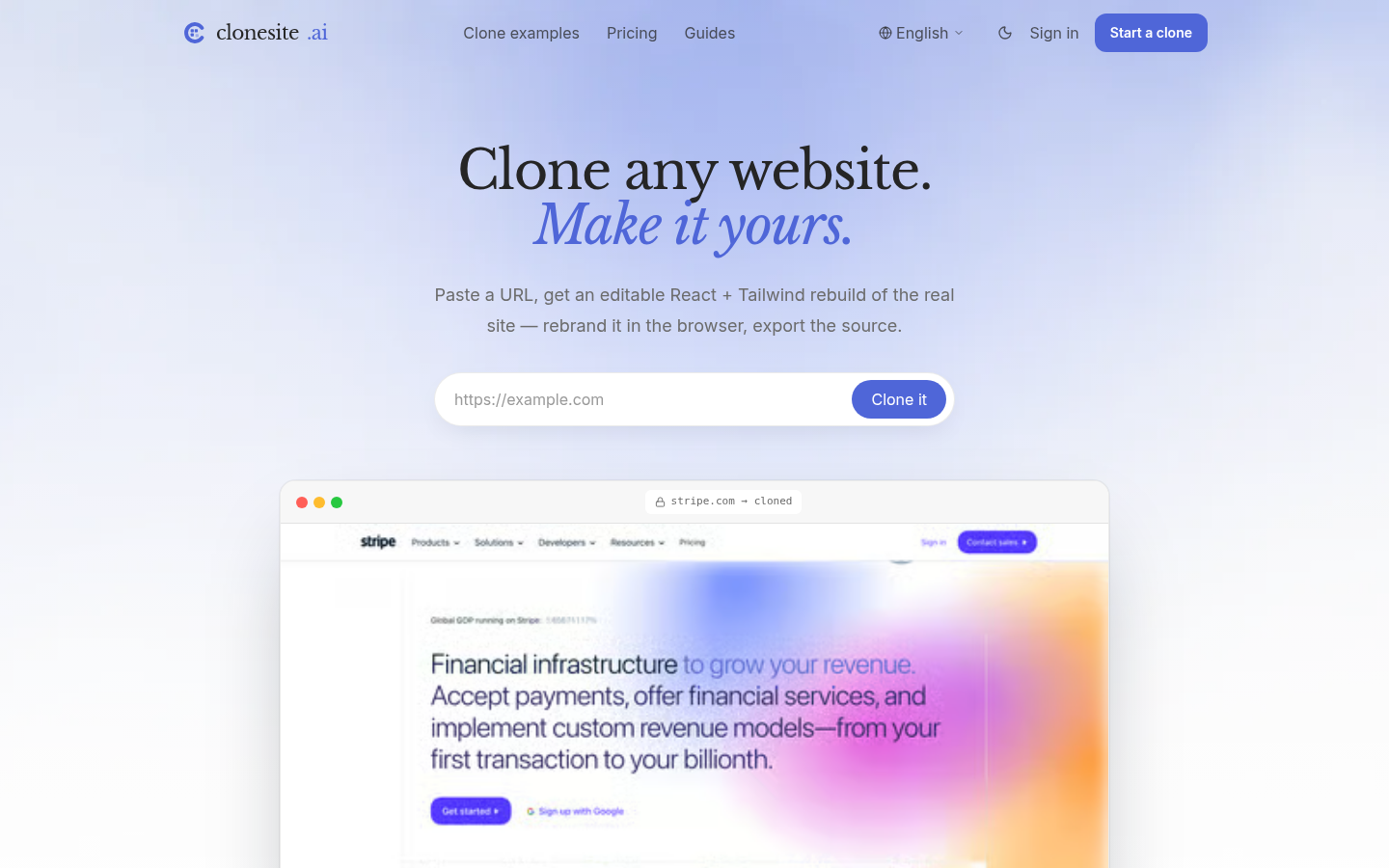
Screenshot archived from the listing page, for preview only.











