
CloneAI
AI app that turns photos and clips into videosAnimate a photo into something you can share
Highlights
What you can do with it
- A creator turns a selfie into an animated clip for a short video
- A brand turns product footage into a styled ad for Reels
- A family photo becomes a hug animation to share with relatives
How to use it
- 1 Download and install the CloneAI app on iOS or Android
- 2 Register and log in, noting that advanced features need a subscription
- 3 Import the photo or video you want to process
- 4 Pick a style or animation template such as hug, future baby or watercolour
- 5 Render the video, preview it, then export or share it
Who it is for
Pros
- Basic functions can be used for free
- Low operational threshold, no editing skills needed
- Fast rendering and direct social export
Limitations
- Advanced features, longer videos and more styles need payment
- Animating photos of other people requires their permission
- Style results vary, and some clips will need several attempts
What CloneAI is
CloneAI is an app that uses AI to turn your own photos or video clips into creative video content. It is built for the short video and social media habit, where people want content that is quick to make, personalised and easy to share. You import a photo or a clip, choose from several visual styles including realistic, 3D, watercolour and anime, and the app renders a video you can export straight to a platform. Beyond styling, it can generate animated scenes with emotion or humour, such as a hug, a kiss or a future baby effect. Basic functions are free, and advanced features, longer videos and more styles sit behind a subscription.
What you can do with it
- Import your own photos or video clips as source material
- Apply visual styles such as realistic, 3D, watercolour or anime
- Generate animated scenes such as hug or future baby effects
- Render and export a video in one step
- Share directly to short video platforms and Reels
Who it is for
- Social media creators posting short video content regularly
- Brand marketers making quick stylised ads
- People who want a playful animation from a family photo
- Casual users who want a result without learning an editor
What to watch out for
Basic functions are free, but advanced features, longer videos and additional styles need payment or credits, so the free tier is a sample rather than a full tool. If you animate a photo of another person, get their permission first, because generating a likeness or an imagined scene of someone without consent can cause real harm and may breach platform rules. Output varies with the source image, and a poor input photo produces a poor clip. Because generated video can be convincing, label it clearly when you post rather than passing it off as filmed footage.
FAQ
Is CloneAI free?
Basic functions can be used for free. Advanced features, longer videos and more styles require a subscription or credits.
What can I make with it?
You can apply visual styles to photos or videos and generate animated scenes such as a hug, a kiss or a future baby effect.
Where is the output meant to go?
It is designed for short video platforms such as TikTok and Instagram Reels, with templates and trending styles.
Why it is free
What the official page says: free trial
Free limits, trial length and features are decided by the official site and can change at any time.
Product preview
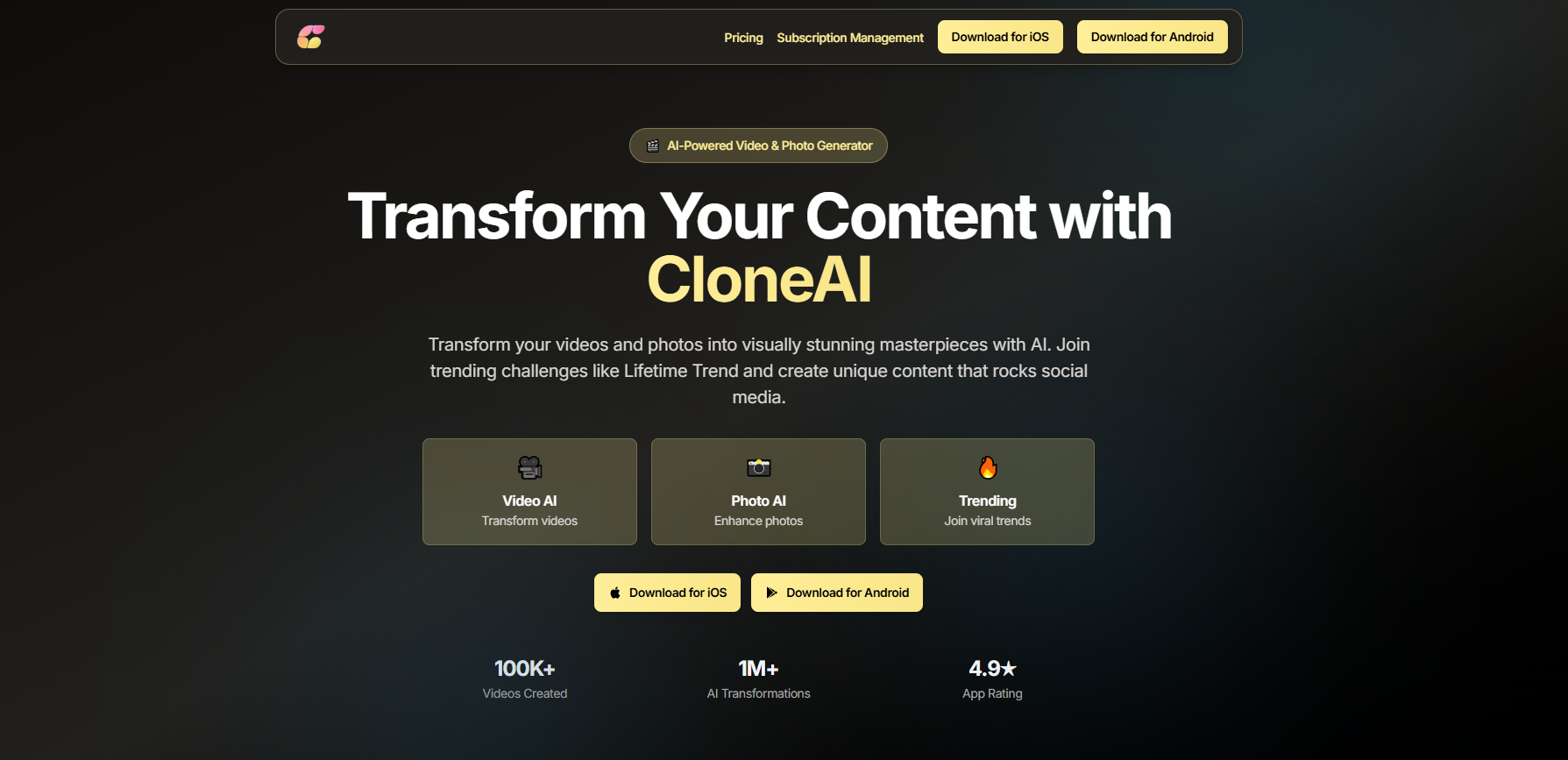
Screenshot archived from the listing page, for preview only.











