
Clipwing
Long video to short clip toolClip, caption, and publish faster
Highlights
What you can do with it
- Turn a long recording into a short social clip
- Add subtitles to a highlight reel
- Resize a video for a different platform
How to use it
- 1 Upload your video to Clipwing
- 2 Retrieve the transcript
- 3 Select the segments you want to keep
- 4 Add subtitles and audio tracks
- 5 Export the short clip
Who it is for
Pros
- Turns long video into short clips quickly
- Automatic transcript and subtitle support
- Speaker focus and resizing tools
- Free tools available
Limitations
- Free tools are more limited than paid plans
- Plan terms and pricing can change
- Transcript accuracy depends on audio quality
- Export limits may apply on free tools
What Clipwing is
Clipwing is an online video editing tool that helps you turn long videos into short clips, boosting your watch time and expanding your audience. The workflow is simple: upload your video, retrieve the transcript, select the segments you want, and add stylish subtitles to create the perfect short clip. It can automatically focus on multiple speakers, adjust video size, and add audio tracks. Clipwing offers both free tools and paid plans to cater to different video creation needs.
What you can do with it
- Clip long videos into short clips
- Add stylish subtitles
- Auto-focus on multiple speakers
- Adjust video size for different platforms
- Add audio tracks to your clips
Who it is for
- Social media creators repurposing long video
- Podcasters making short highlight clips
- Marketers producing short promotional clips
- Anyone who wants short video without a full editor
What to watch out for
Free tools are more limited than paid plans, and plan terms and pricing can change, so check what the free tier includes. Transcript accuracy depends on audio quality, so noisy recordings may need manual fixes. Export limits may apply on free tools, which can cap how many clips you make. Because it runs online, large uploads can take time and availability can vary. Processing speed depends on file size and network conditions, so retry later if a task stalls during peak hours. Run one full task end to end first, then expand once you are comfortable with the workflow and the result quality. Save a backup of the original file before large batch jobs, and keep an exported copy of key results in case the page or service becomes temporarily unavailable.
FAQ
Is there a free option?
Yes, it offers free tools and paid plans.
What does it do?
It clips long videos into short clips with subtitles.
Does it transcribe video?
Yes, you retrieve the transcript and select segments.
Who is it for?
Social media creators and anyone repurposing long video.
Why it is free
What the official page says: 免费
Free limits, trial length and features are decided by the official site and can change at any time.
Product preview
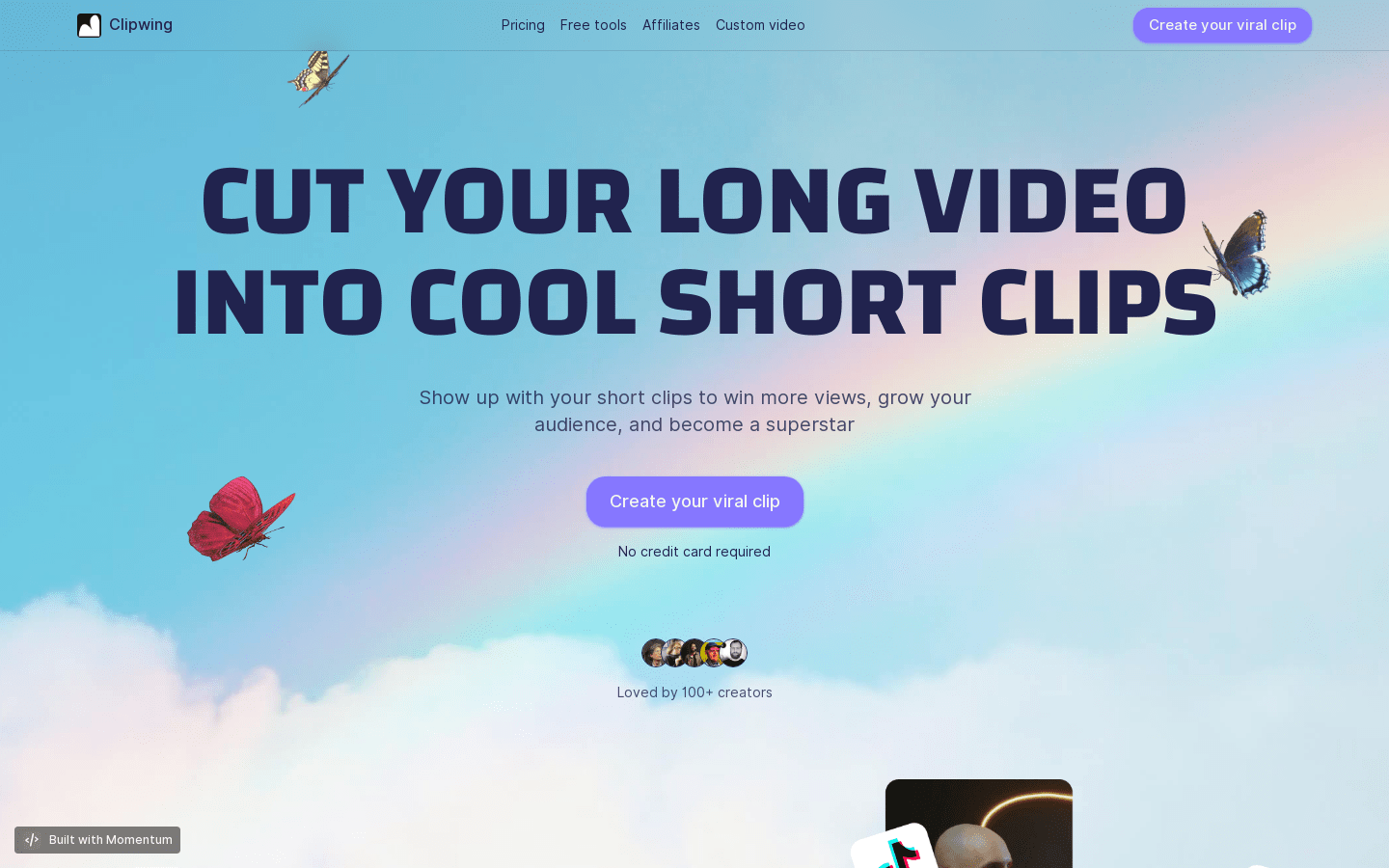
Screenshot archived from the listing page, for preview only.











